Cloudflare
If you are using Cloudflare as a proxy service make sure the following setting is either at default or reflects this, If you use it as DNS only you do not need to worry about any of this.
By default the following setting is "auto" so you should not have to change it.
Make sure the following line : https://github.com/C0nw0nk/Nginx-Lua-Anti-DDoS/blob/master/lua/anti_ddos_challenge.lua#L531
Is set as this :
localized.remote_addr = "auto"
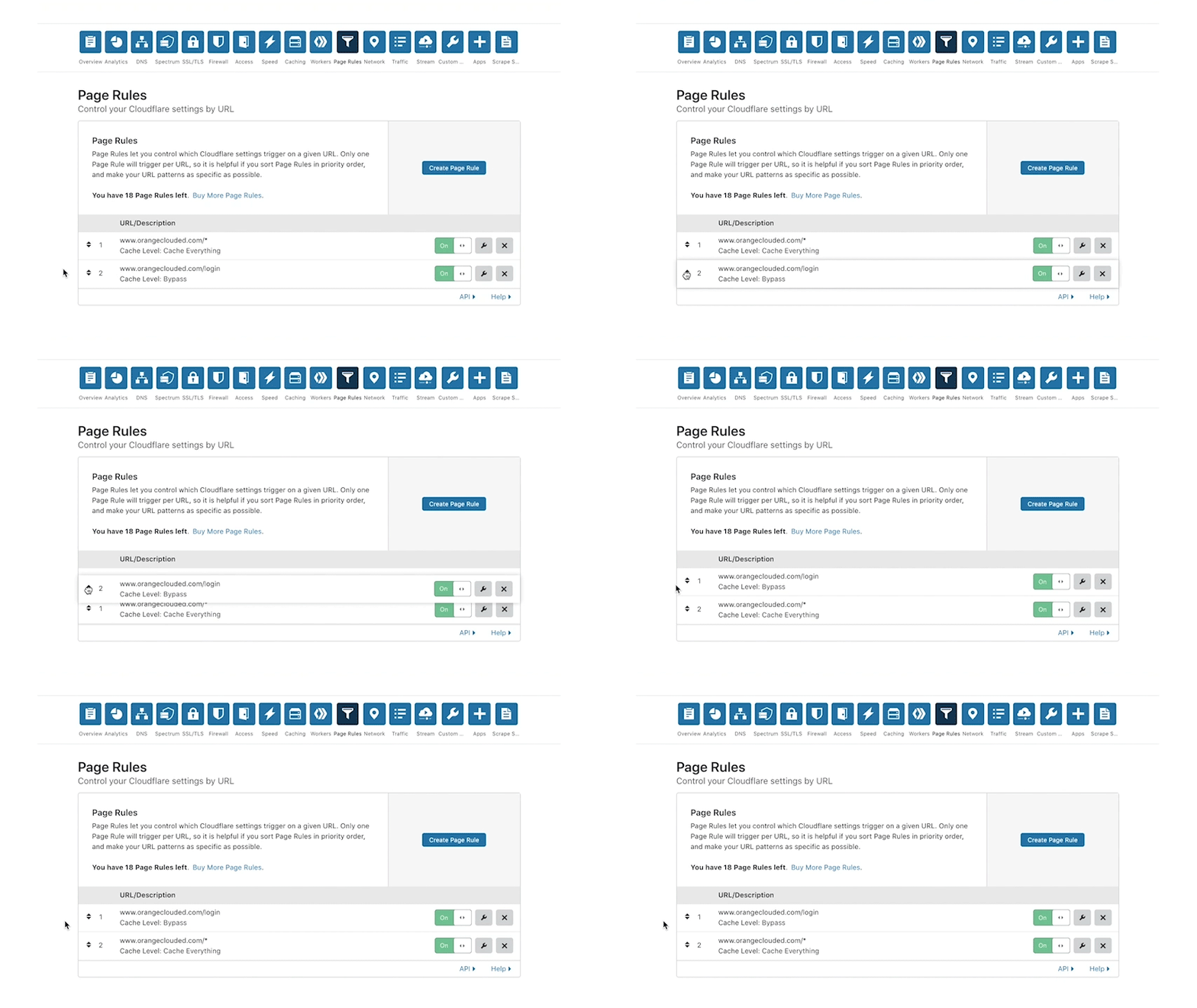
So Cloudflare allows you to Cache pages on their CDN the header status in requests will say
CF-Cache-Status : HIT
If you use page rules to Cache pages of your site make sure this setting localized.javascript_REQUEST_TYPE is set to value 2. By default it should be 2.
https://github.com/C0nw0nk/Nginx-Lua-Anti-DDoS/blob/master/lua/anti_ddos_challenge.lua#L548
--[[
The type of javascript based pingback authentication method to use if it should be GET or POST or can switch between both making it as dynamic as possible.
1 = GET
2 = POST
3 = DYNAMIC
]]
localized.javascript_REQUEST_TYPE = 2 --Default 2
Because Cloudflare caches GET requests it will cache the Anti-DDoS page output instead of what you intend to be Cached so to fix it we make it a POST request since Cloudflare does not Cache those.