



This example demonstrates how to display an image within the Product Name column's header.
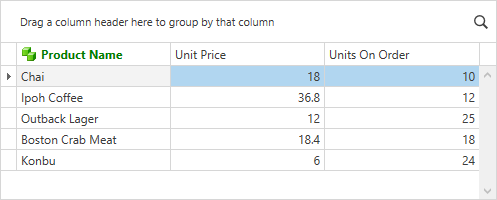
- Window1.xaml (VB: Window1.xaml)
- Header Content Customization
- Appearance Customization
- BaseColumn.HeaderTemplate
- DataViewBase.ColumnHeaderTemplate
- WPF Data Grid - Display an Icon in an Unbound Column Based on the Value in a Bound Column
- WPF Data Grid - Display a Check Box in a Column Header


(you will be redirected to DevExpress.com to submit your response)