A desktop app for viewing large JSON files.

&replace=%241&label=Fyne&cacheSeconds=https%3A%2F%2Fgithub.com%2Ffyne-io%2Ffyne)




Janice is a desktop app for viewing large JSON files. It's key features are:
- Browse through a JSON document in classic tree structure
- JSON files can be opened via file dialog, from clipboard, dropped on the window or given as command line argument
- Supports viewing very large JSON files (>100MB, >10M elements)
- Search for keys and values in the document. Supports wildcards.
- Export parts of a JSON file into a new file or to clipboard
- Copy values to clipboard
- Single executable file, no installation required
- Desktop app that runs on Windows, Linux and macOS
- Automatic dark and light theme
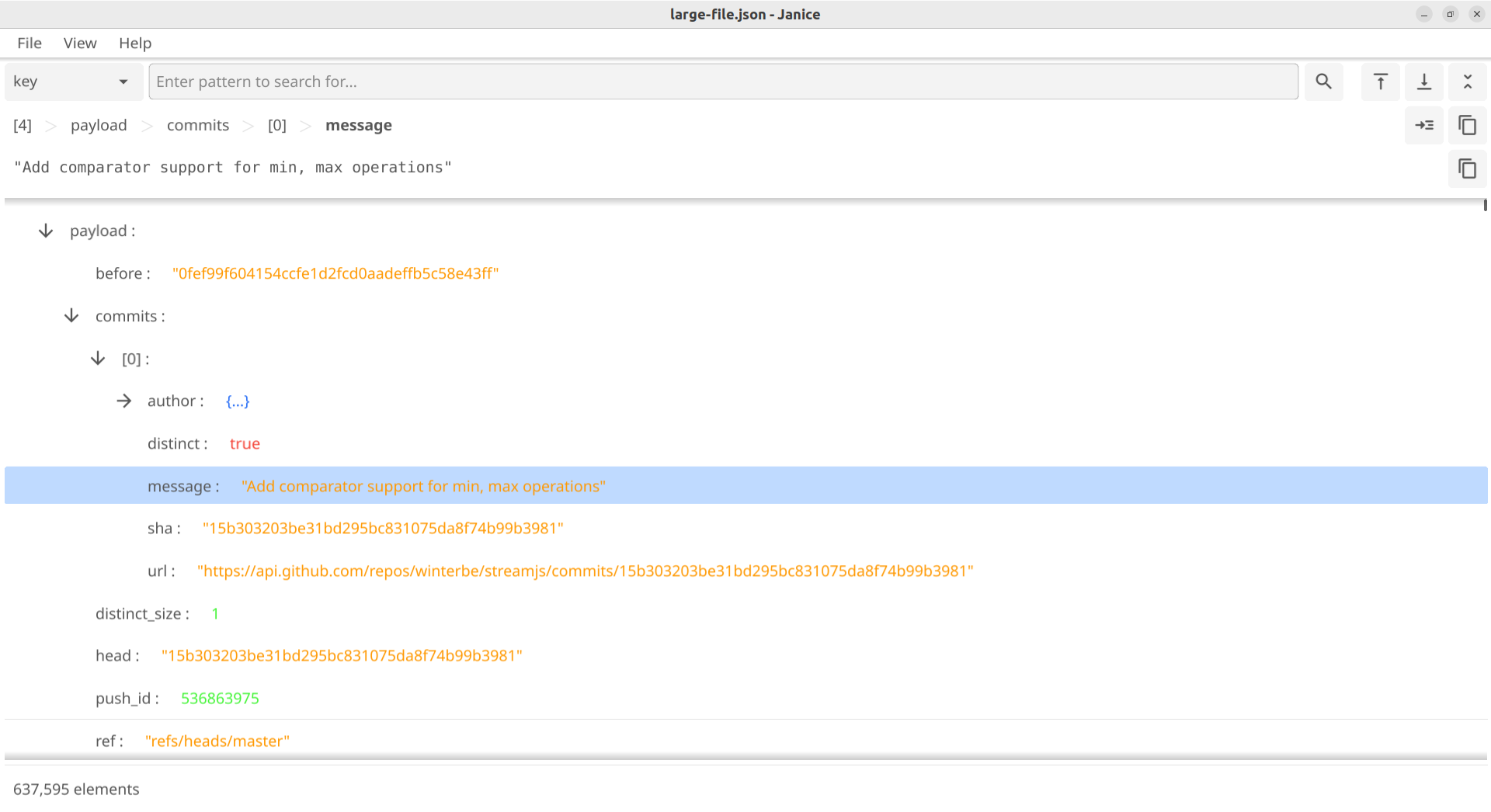
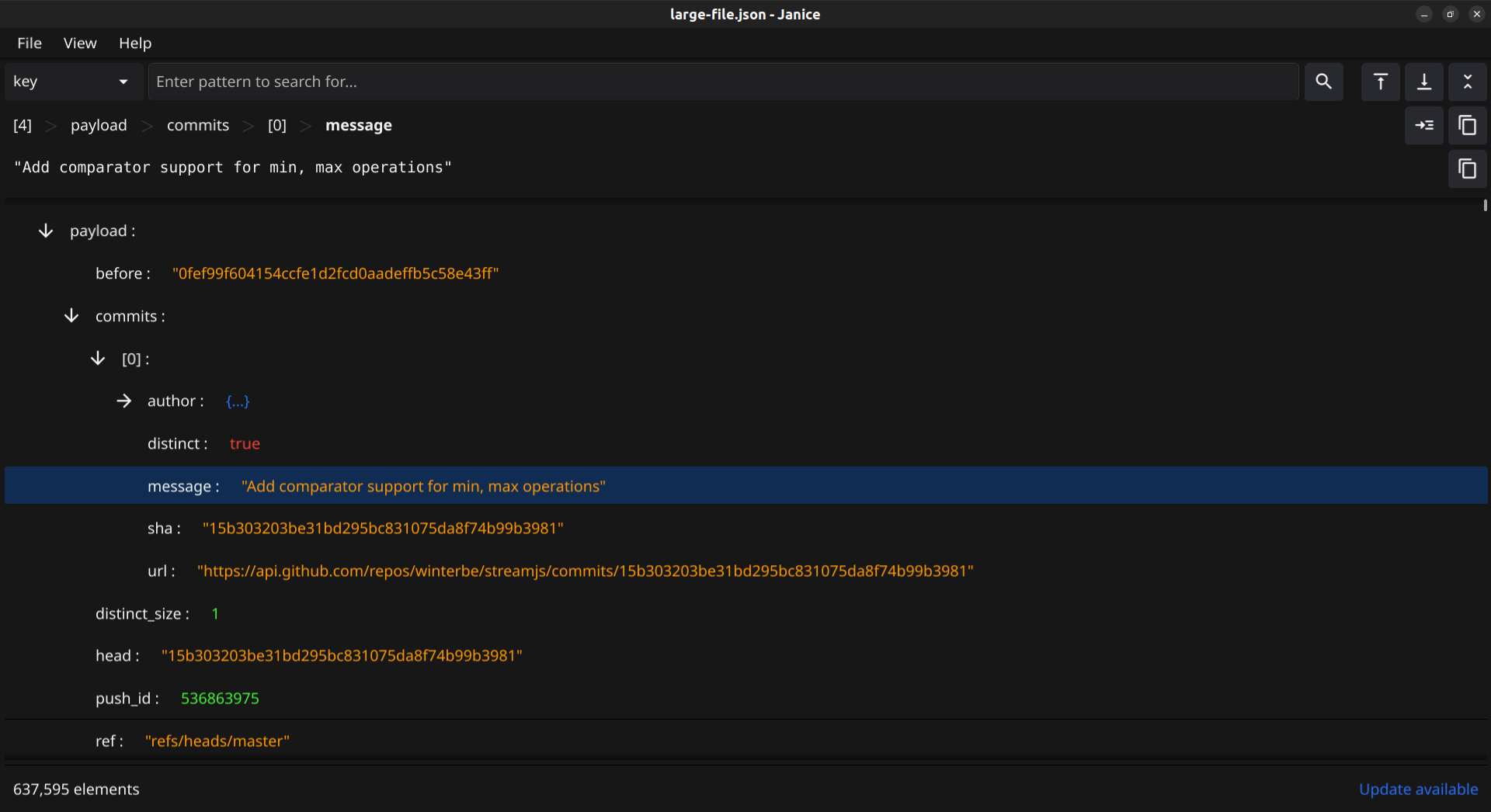

To run Janice just download and unzip the latest release to your computer. Janice ships as a single executable file that can be run directly. You find the latest packages for download on the releases page.
We are providing two variants for installing on Linux desktop:
- AppImage: The AppImage variant allows you to run the app directly from the executable without requiring installation or root access
- Tarball: The tar file requires installation, but also allows you to integrate the app into your desktop environment. The tarball also has wider compatibility among different Linux versions.
Note
The app is shipped in the AppImage format, so it can be used without requiring installation and run on many different Linux distributions.
- Download the latest AppImage file from the releases page and make it executable.
- Execute it to start the app.
Tip
Should you get the following error: AppImages require FUSE to run., you need to first install FUSE on your system. Thi s is a library required by all AppImages to function. Please see this page for details.
- Download the latest tar file from the releases page
- Decompress the tar file, for example with:
tar xf janice-0.12.3-linux-amd64.tar.xz - Run
make user-installto install the app for the current user or runsudo make installto install the app on the system
You should now have a shortcut in your desktop environment's launcher for starting the app.
To uninstall the app again run either: make user-uninstall or sudo make uninstall depending on how you installed it.
- Download the windows zip file from the latest release on Github.
- Unzip the file into a directory of your choice and run the .exe file to start the app.
Tip
Windows defender (and similar programs) may report Janice incorrectly as containing a trojan. This is usually a false positive and caused by a known issue with programs build with the Go programming language. Each Janice release is build from scratch on a fresh Windows container on Github, so it is highly unlikely to be infected. If this happens to you, please exclude Janice's executable from Windows defender (or similar programs) to proceed.
- Download the darwin zip file from the latest release on Github for your respective platform (arm or intel).
- Unzip the file into a directory of your choice
- Run the .app file to start the app.
Tip
MacOS may report this app incorrectly as "damaged", because it is not signed with an Apple certificate. You can remove this error by opening a terminal and running the following command. For more information please see Fyne Troubleshooting:
sudo xattr -r -d com.apple.quarantine Janice.app
If your system is configured to build Fyne apps, you can build and run this app directly from the repository with the following command:
go run github.com/ErikKalkoken/janice@latestFor more information on how to configure your system for Fyne please see: Getting Started.
The largest JSON file you can load on your computer depends mainly on how much RAM you have and on the particular JSON file. The main driver for memory consumption is the number of elements in a JSON document.
For comparison we did a load test on one of our developer notebooks. It has 8 GB RAM and runs Ubuntu 22.04 LTS. We were able to load a JSON files successfully with up to 45 million elements. The size of our test file was about 2.5 GB.
Yes. The JSON document is rendered as tree and keys are shown in alphabetical order.