A high-performance local web gallery generator for your BoothDownloader library. Organize, search, and preview your VRChat assets and Booth items with a modern, responsive interface.
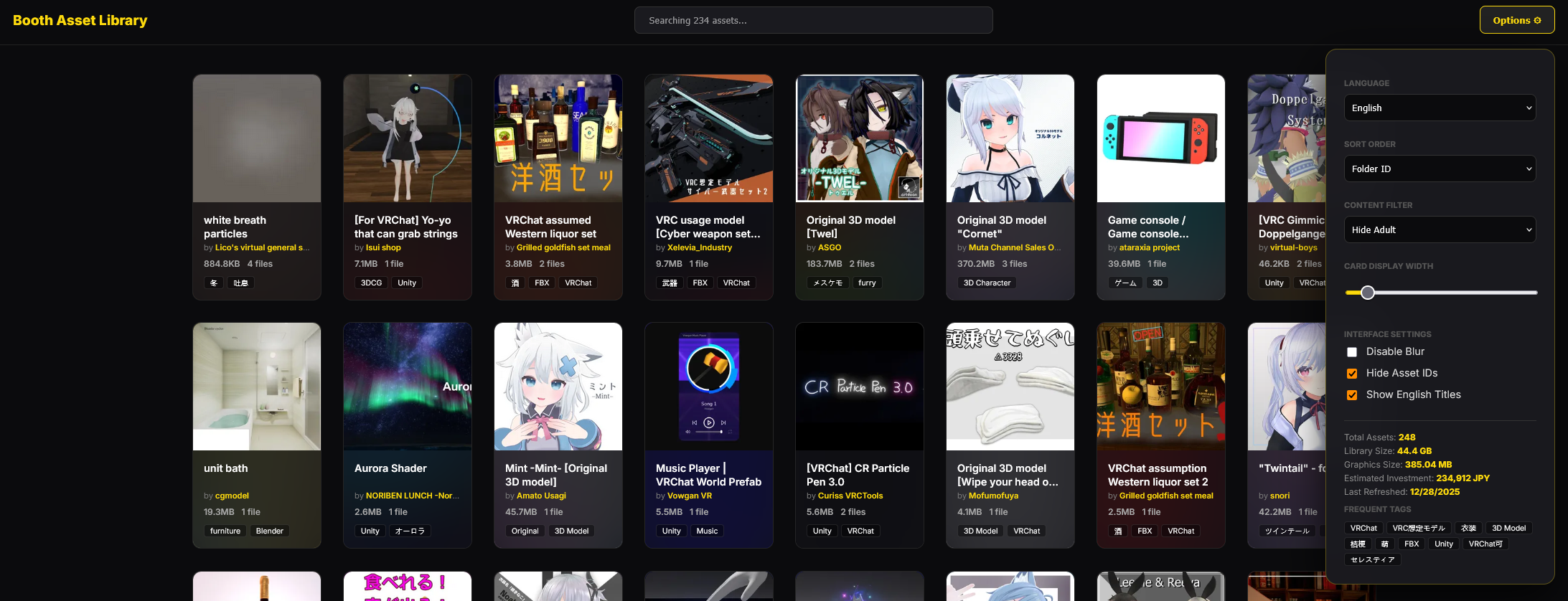
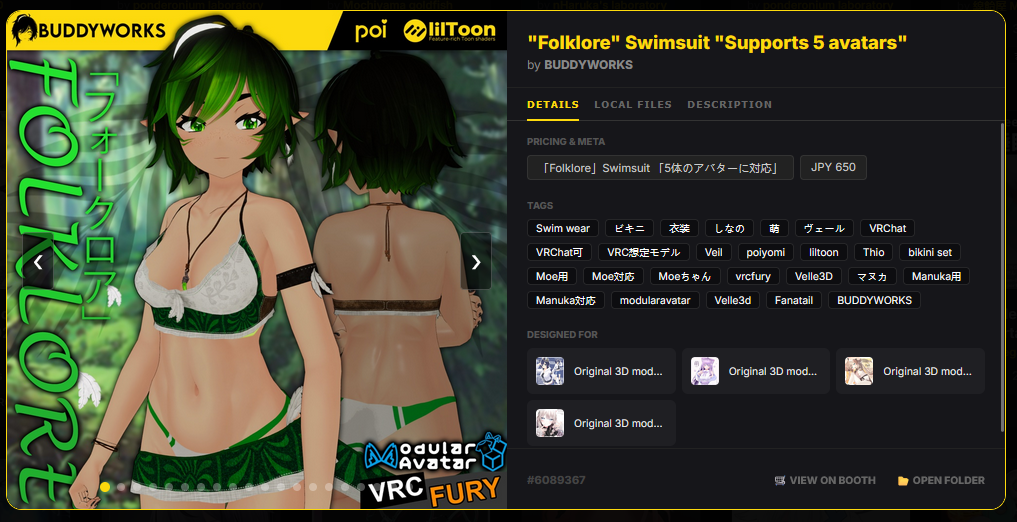
- Smart Asset Relationships: Automatically links clothing and accessories to their base avatars by parsing names, tags, and descriptions.
- Translation: Translates Japanese titles, authors,tags and descriptions to English (cached locally).
- Smart Filtering: Built-in NSFW/Adult content filter and tag-based searching.
- VRChat Integration: Detects and links public VRChat Avatars (
avtr_) and Worlds (wrld_) directly from item descriptions. - Asset Optimization: Generates WebP thumbnails for lightning-fast loading.
- Detailed Stats: Track total library size, image storage, and estimated amount spent on booth.
- Multilingual UI: Support for English, Japanese, Korean, Chinese, German, French, and more.
The script features an cross-referencing system:
- Base Avatars: Automatically identified when items are placed in the "3D Characters" category.
- Compatibility Detection: Accessories, hair, and clothing are scanned for avatar names in their metadata.
- Bidirectional Links: In the item details modal, avatars will show "Compatible Assets," while clothes will show "Designed For" links to the respective avatars.
- Filter Aware: Related assets respect your current Adult Content filter settings.
- Install Python 3.
- Install dependencies:
pip install deep-translator Pillow
- Critical: Ensure
AutoZipis set tofalsein yourBDConfig.json(BoothDownloader must keep folders extracted). - Place
library_parser.pyin the same directory as yourBoothDownloaderOutfolder. - Run the script:
python library_parser.py
- Open
asset_library.htmlin your browser.
The following variables can be adjusted at the top of the script:
ROOT_FOLDER: Location of your assets (default:BoothDownloaderOut).MAX_WORKERS: Number of parallel threads for translation (default:5).OPTIMIZE_THUMBNAILS: Set toFalseto skip WebP generation.SKIP_TRANSLATION: Set toFalseto skip generating translations for names and descriptions.
- USE LOCALLY ONLY: This tool is designed for private library management.
- NO DOWNLOADER: This script cannot download assets. It only parses items you already legally own and have downloaded via BoothDownloader.
- Liability: I am not responsible for any misuse or data issues.
Feel free to submit Pull Requests for translations, UI improvements or bug fixes. Please maintain the existing color palette (Inter font, dark aesthetic, yellow accents).
Database entries: 1667 items
Initial build /w translations: around 20 minutes (6506 short terms, 1544 descriptions)
Subsequent cached build: 2.4s (NVME SSD, important)
What kind of storage this lives on matters a lot, an NVME will net you best results.
Having it on an HDD network storage drive usually slows generation down by 3-4x.
Effective performance using the page didn't noticable change, but faster storage will make item loading faster.