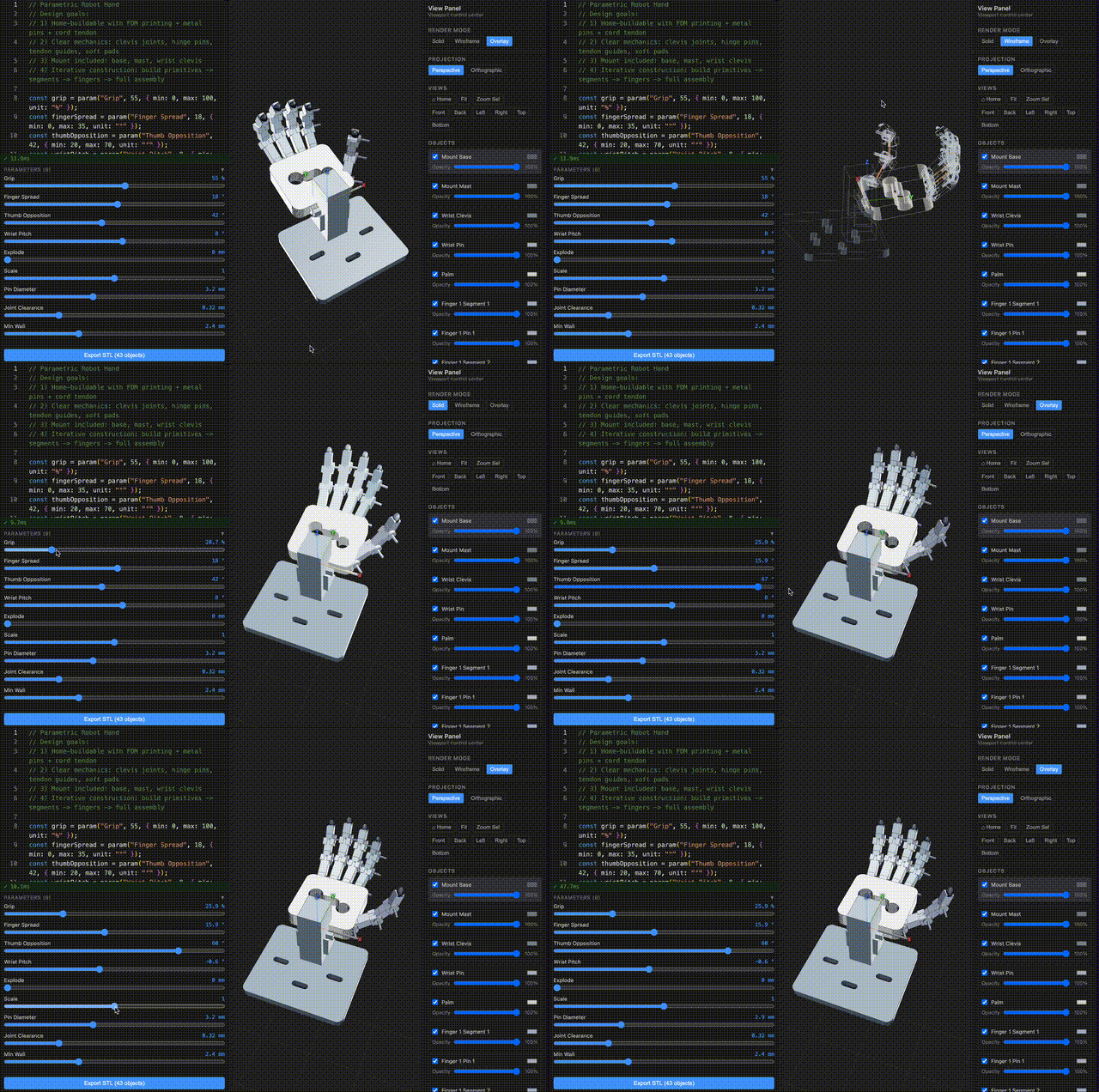
Code-first parametric CAD for the browser and CLI.
ForgeCAD combines a JavaScript/TypeScript modeling API, live parameters, constraints, and assembly tooling on top of the Manifold WASM geometry kernel.
TypeScript is the file format. The browser is the CAD system.
API Reference • CLI Docs • Vision • Examples
npm install
npm run dev
Then open http://localhost:5173.
npm run dev opens the ./examples project by default, so you can edit and save files immediately.
Most geometry kernels are powerful but low-level. ForgeCAD adds the missing CAD layer:
- Constraint-driven sketch workflows
- Named entities and topology-aware operations
- Parametric design via
param(...)sliders - Multi-file composition with
importPart(...)andimportSketch(...) - Assembly + mechanism modeling with joints, sweeps, and collision checks
- Script-authored BOM + dimension annotations for report export
The result is a CAD workflow that is version-control friendly, AI-editable, and still practical for real mechanical modeling.
ForgeCAD is built to work cleanly with coding agents. Your CAD models are plain code, and the repository already includes the context agents need to be useful immediately:
docs/permanent/explains the modeling API and workflowsexamples/api/provides concrete model patterns to copy and adapt- browser + CLI run the same engine, so AI-generated scripts behave consistently
When an AI model is asked to generate ForgeCAD models, require this workflow:
- Read all files in
docs/permanent/API/first. - Read all files in
examples/api/next. - Only then generate or modify
.forge.js/.sketch.jsmodels.
Use this instruction in prompts to avoid missing API capabilities or producing invalid model code:
Before generating any ForgeCAD model code, read every file in docs/permanent/API/ and examples/api/ for full context. Then generate a runnable model using only documented ForgeCAD APIs and patterns from those files.
Example AI workflows:
aider --read docs/permanent/ --read examples/api/ --model openrouter/google/gemini-3-flash-preview --reasoning-effort xhigh
kiro-cli chat
codex
This lets you iterate with AI on real .forge.js model files without custom glue code or one-off prompt scaffolding.
Latest benchmark iterations from ForgeCADBenchmark/results/* (version_{n}.forge.js with highest n per run folder).
| model name | prompt | GIF |
|---|---|---|
3dprinter-gpt52codex2026-02-13 14-36-06 • v2 |
Make a detailed home 3D printer, showing the internal details of how it should work. Add some params for controlling positions, etc. | 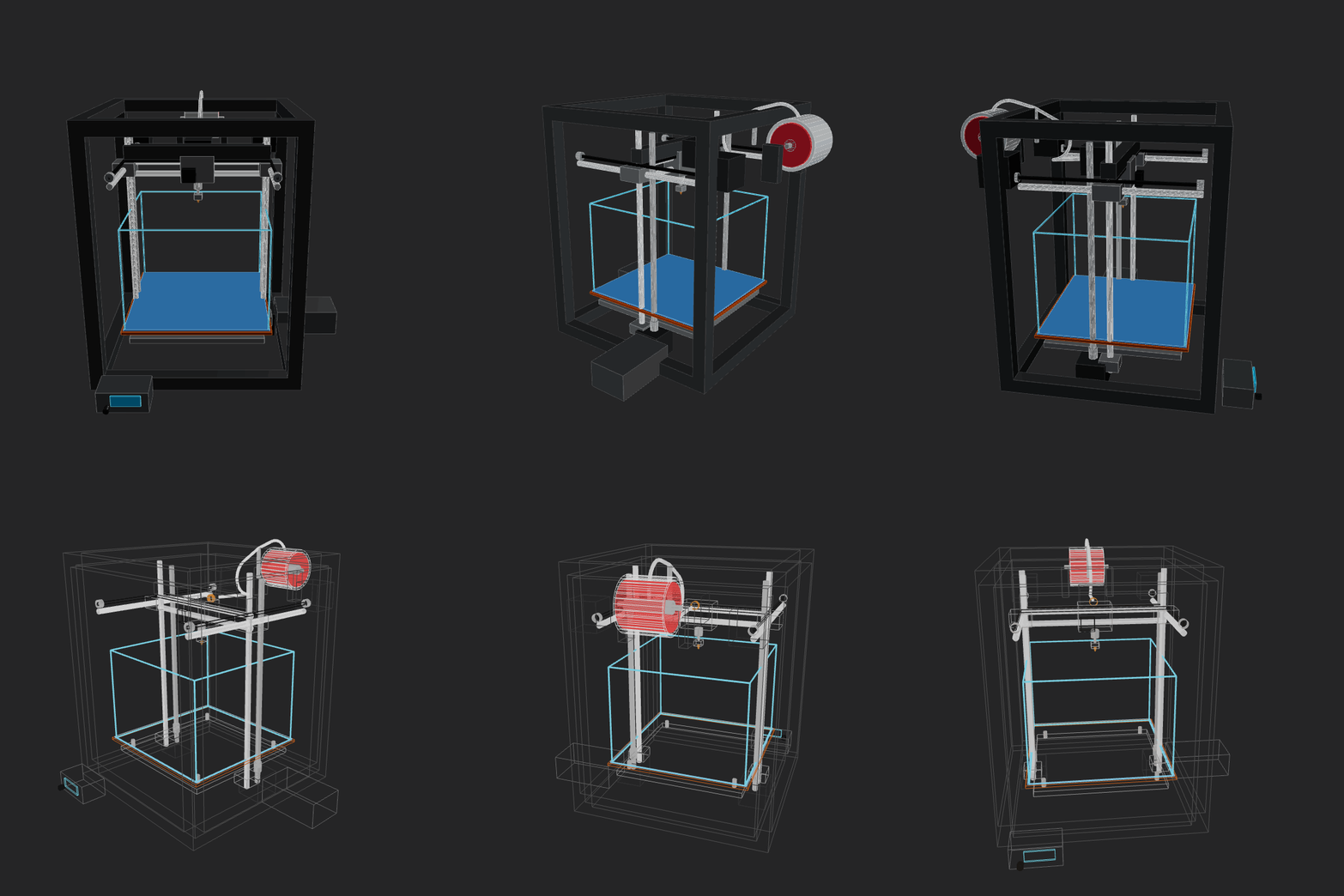 |
amazon-nova-2-lite-v12026-02-13 00-15-44 • v1 |
Make a home AC unit, showing both pieces on different sides of the wall (inside and outside). The external piece should have a fan positioned on its external face vertically. Implement whatever features/methods you are missing in the script itself for your convenience. Use the simpler primitives when unsure. | 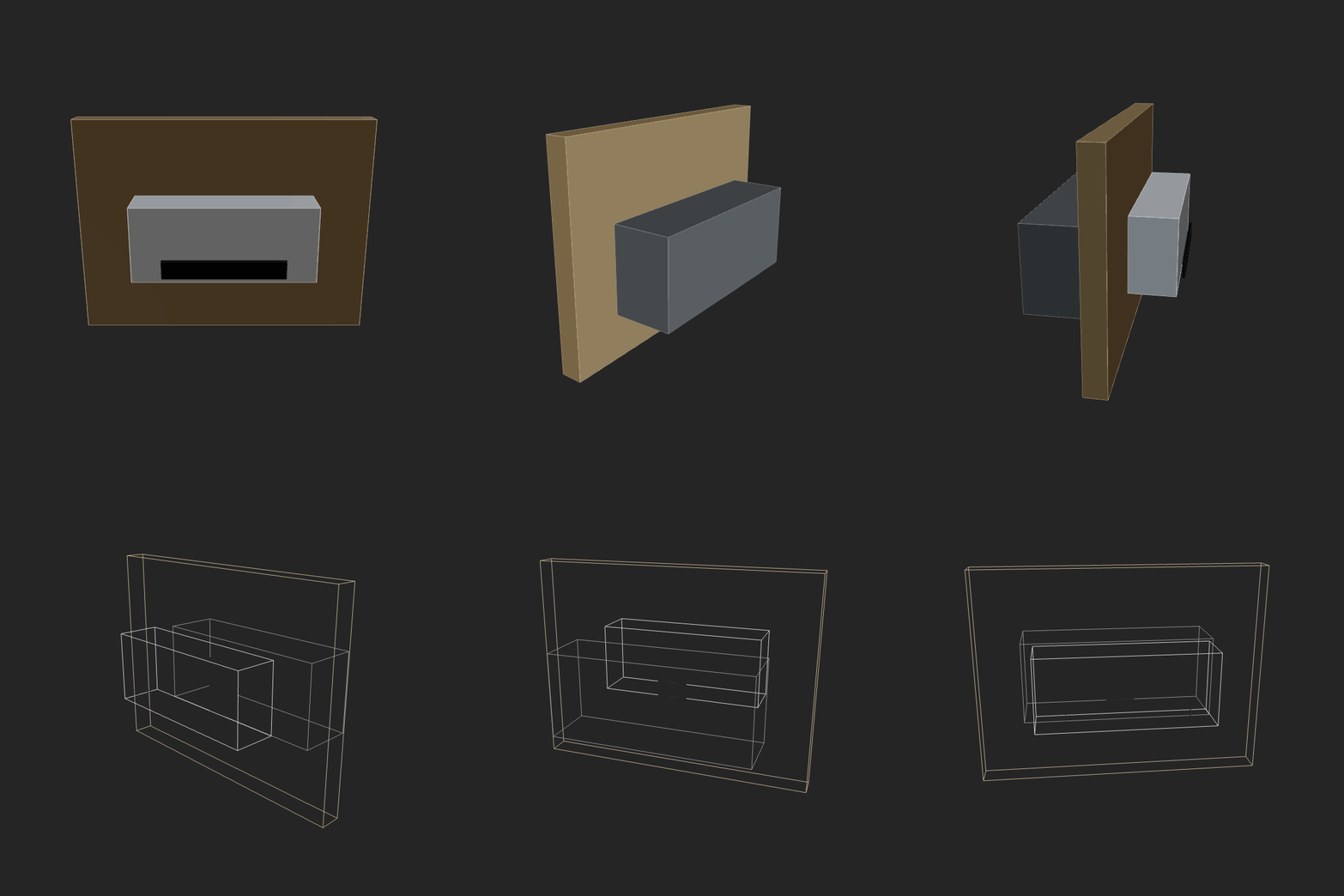 |
amazon-nova-premier-v12026-02-13 00-36-50 • v1 |
Make a home AC unit, showing both pieces on different sides of the wall (inside and outside). The external piece should have a fan positioned on its external face vertically. Implement whatever features/methods you are missing in the script itself for your convenience. Use the simpler primitives when unsure. | GIF generation failed (script runtime error). |
aurora_alpha2026-02-12 15-19-30 • v2 |
Make a home AC unit, showing both pieces on different sides of the wall (inside and outside). Implement whatever features/methods you are missing in the script itself for your convenience. Use the simpler primitives when unsure. | GIF generation failed (script runtime error). |
bytedance-seed-seed-1.62026-02-13 00-14-02 • v3 |
Make a home AC unit, showing both pieces on different sides of the wall (inside and outside). The external piece should have a fan positioned on its external face vertically. Implement whatever features/methods you are missing in the script itself for your convenience. Use the simpler primitives when unsure. | 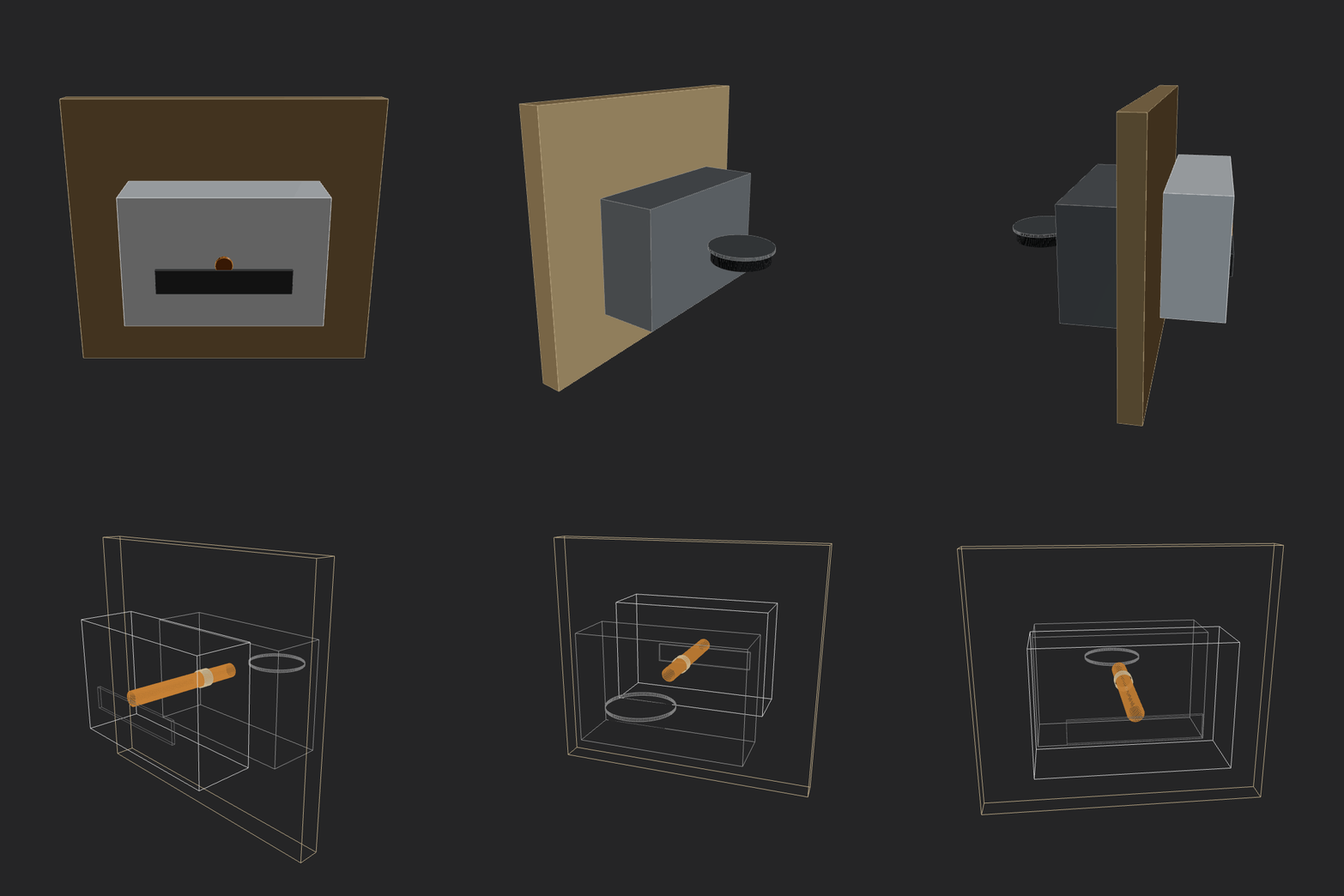 |
deepseek-deepseek-v3.22026-02-13 00-30-04 • v3 |
Make a home AC unit, showing both pieces on different sides of the wall (inside and outside). The external piece should have a fan positioned on its external face vertically. Implement whatever features/methods you are missing in the script itself for your convenience. Use the simpler primitives when unsure. | 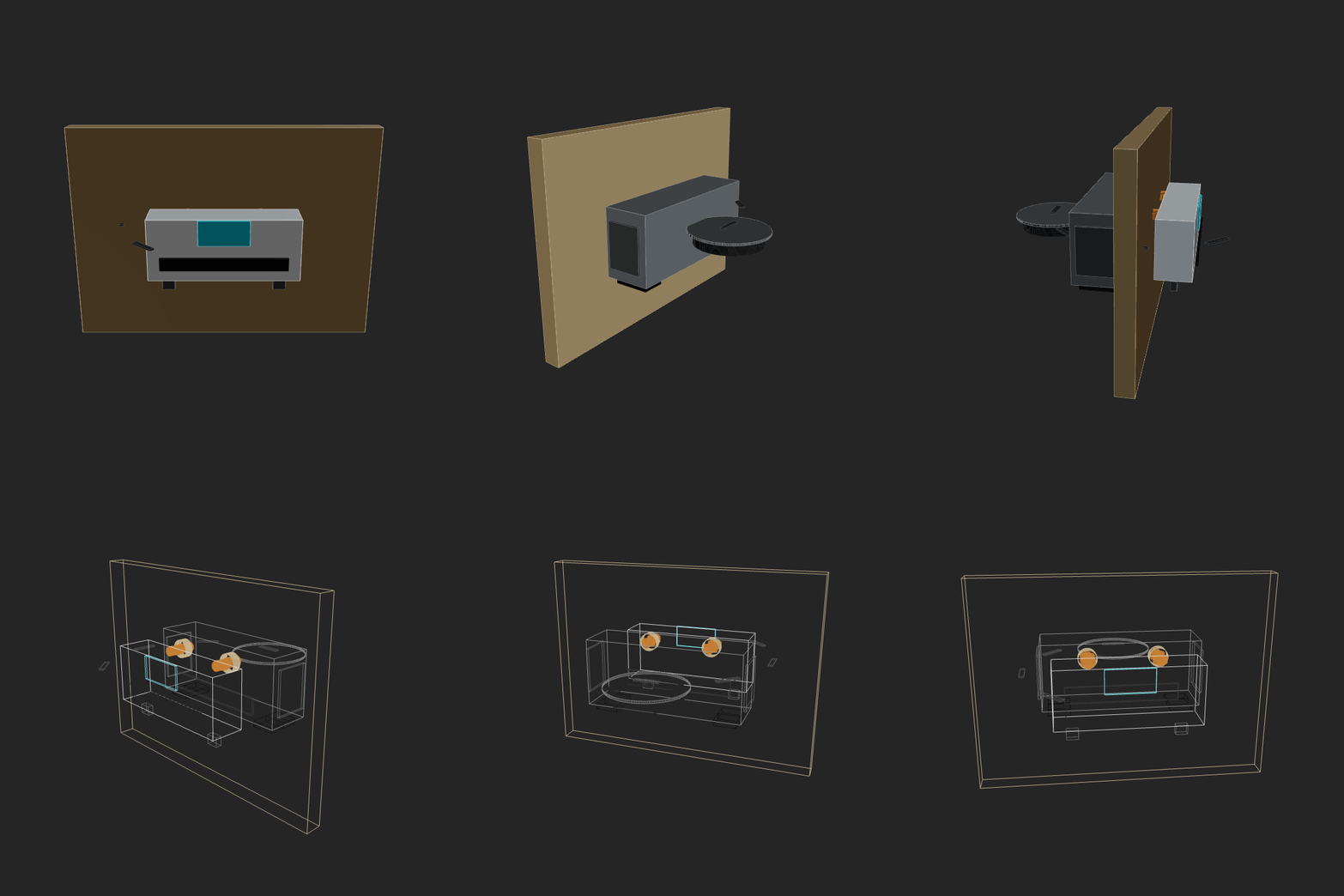 |
gemini3flash2026-02-12 23-53-27 • v5 |
Make a home AC unit, showing both pieces on different sides of the wall (inside and outside). The external piece should have a fan positioned on its external face vertically. Implement whatever features/methods you are missing in the script itself for your convenience. Use the simpler primitives when unsure. | 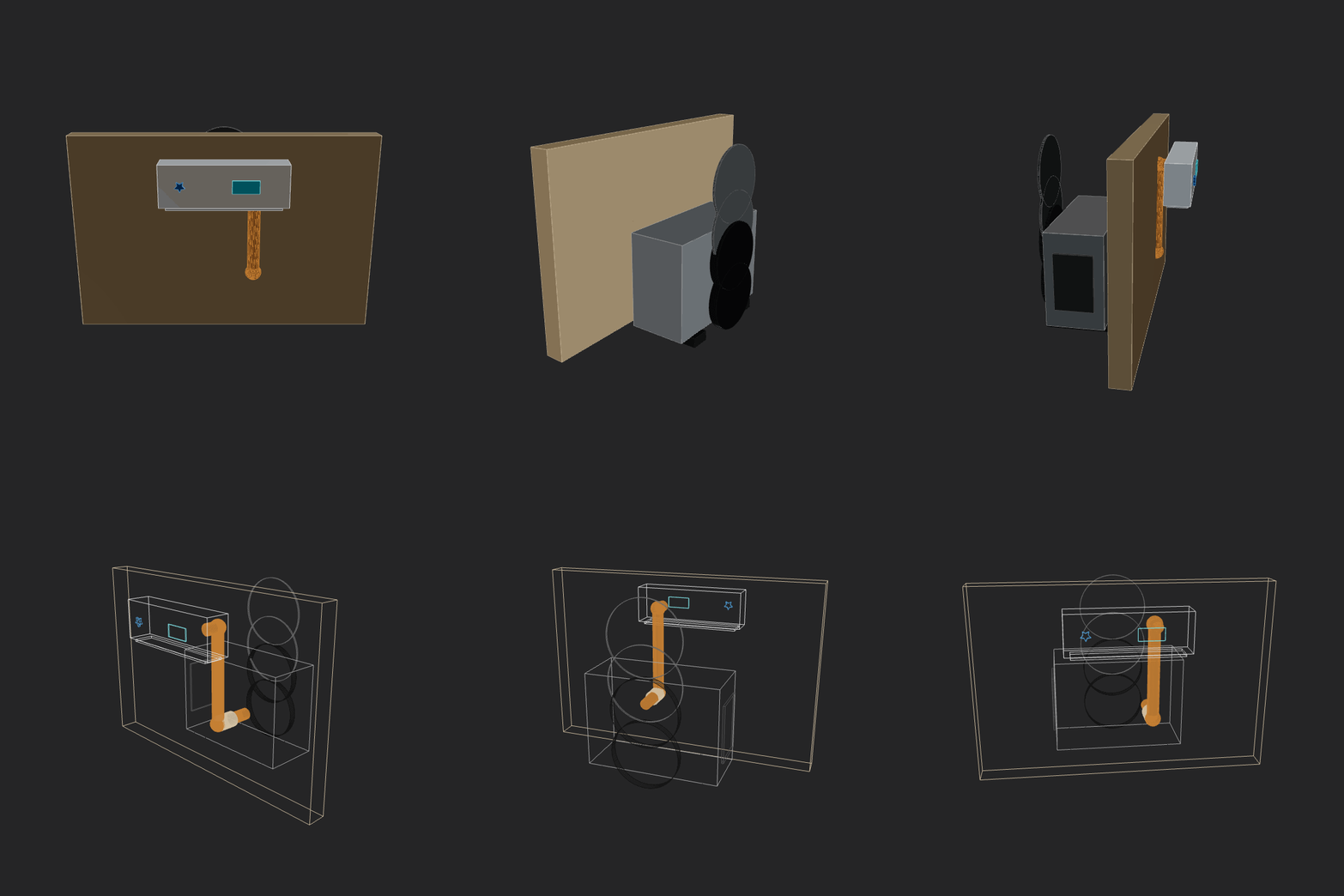 |
glm52026-02-12 14-58-52 • v3 |
Make a home AC unit, showing both pieces on different sides of the wall (inside and outside). Implement whatever features/methods you are missing in the script itself for your convenience. Use the simpler primitives when unsure. | 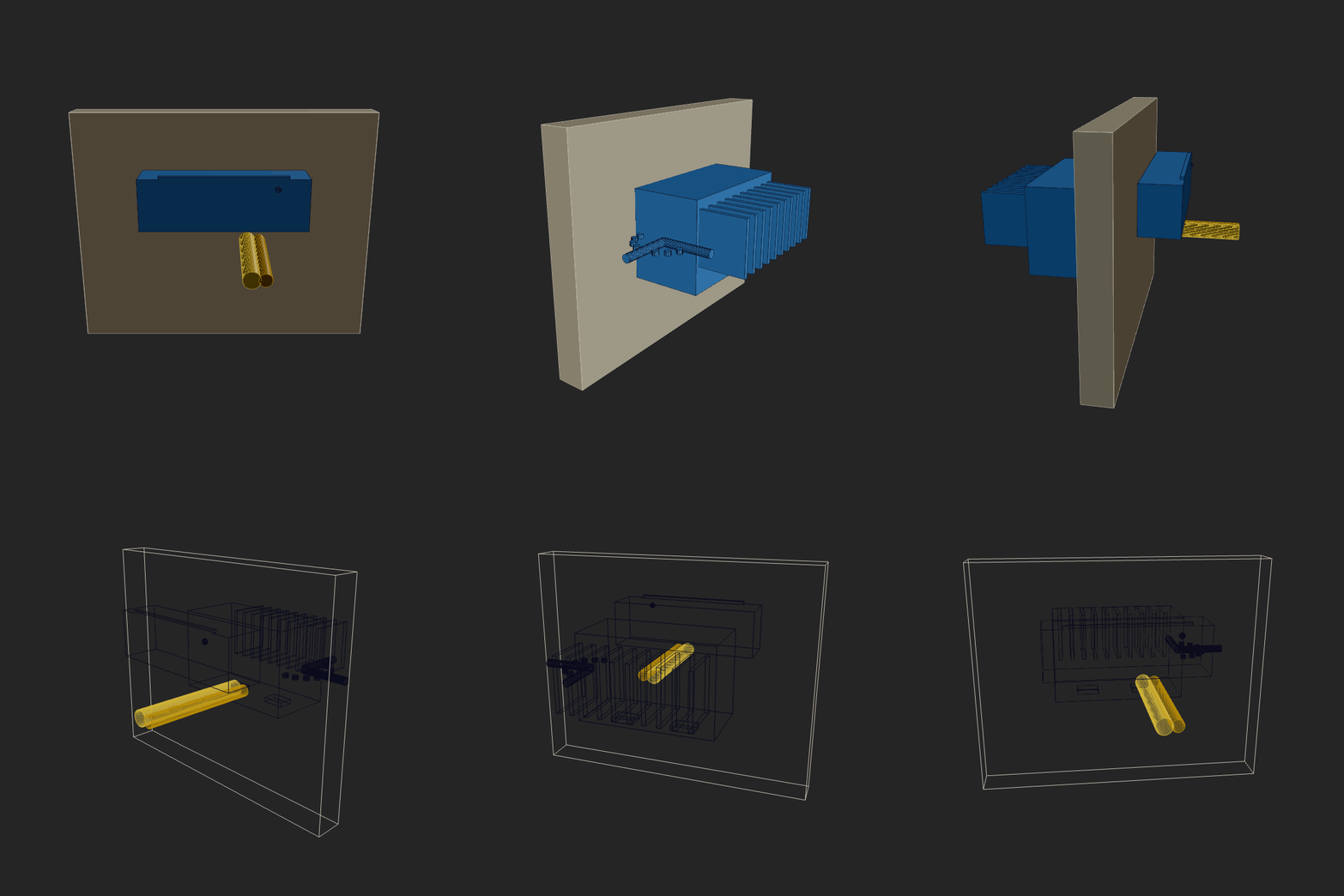 |
glm52026-02-12 23-04-12 • v4 |
Make a home AC unit, showing both pieces on different sides of the wall (inside and outside). The external piece should have a fan positioned on its external face vertically. Implement whatever features/methods you are missing in the script itself for your convenience. Use the simpler primitives when unsure. | 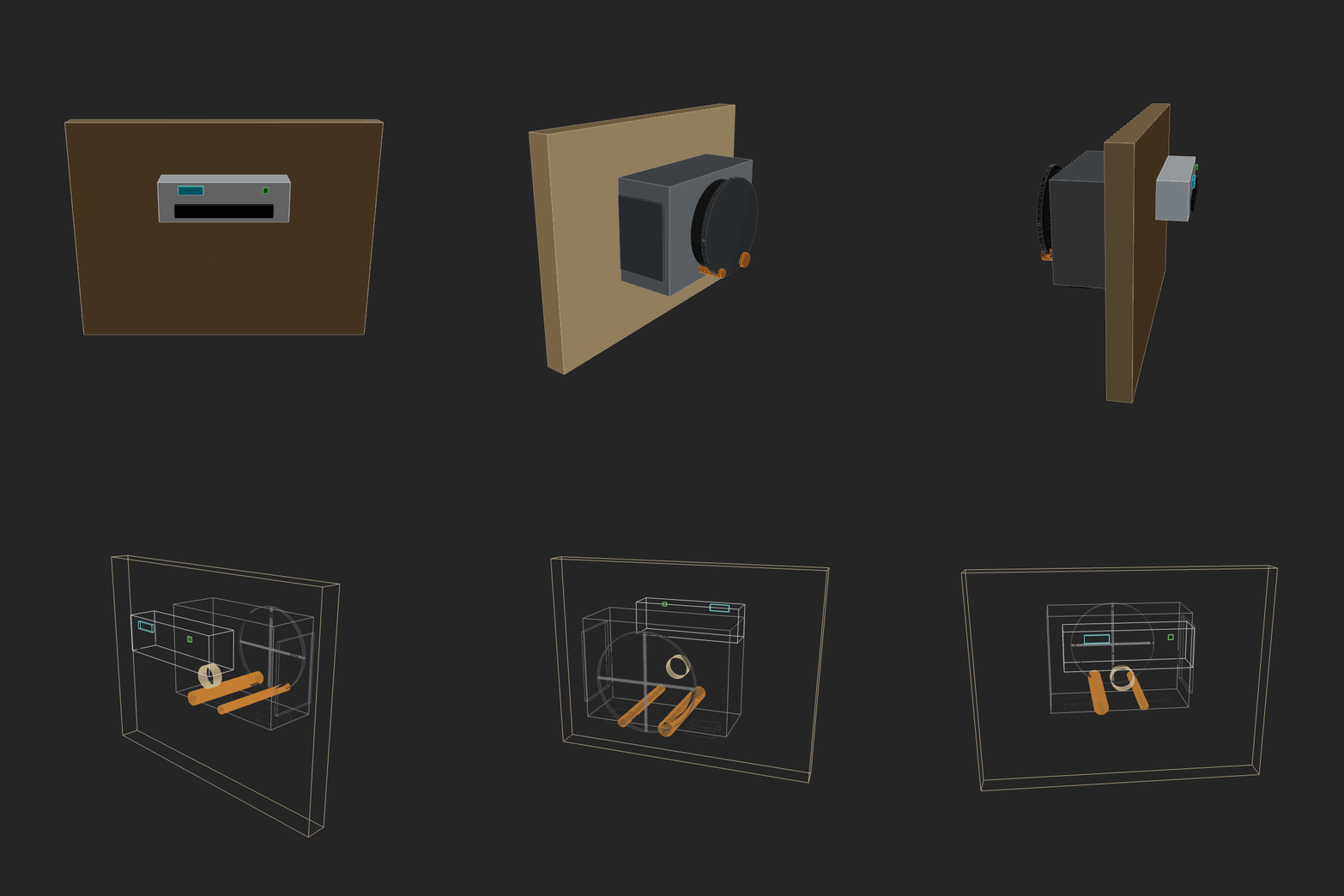 |
google-gemini-3-pro-preview2026-02-13 00-36-12 • v2 |
Make a home AC unit, showing both pieces on different sides of the wall (inside and outside). The external piece should have a fan positioned on its external face vertically. Implement whatever features/methods you are missing in the script itself for your convenience. Use the simpler primitives when unsure. |  |
gpt52codex2026-02-13 00-04-30 • v2 |
Make a home AC unit, showing both pieces on different sides of the wall (inside and outside). The external piece should have a fan positioned on its external face vertically. Implement whatever features/methods you are missing in the script itself for your convenience. Use the simpler primitives when unsure. | 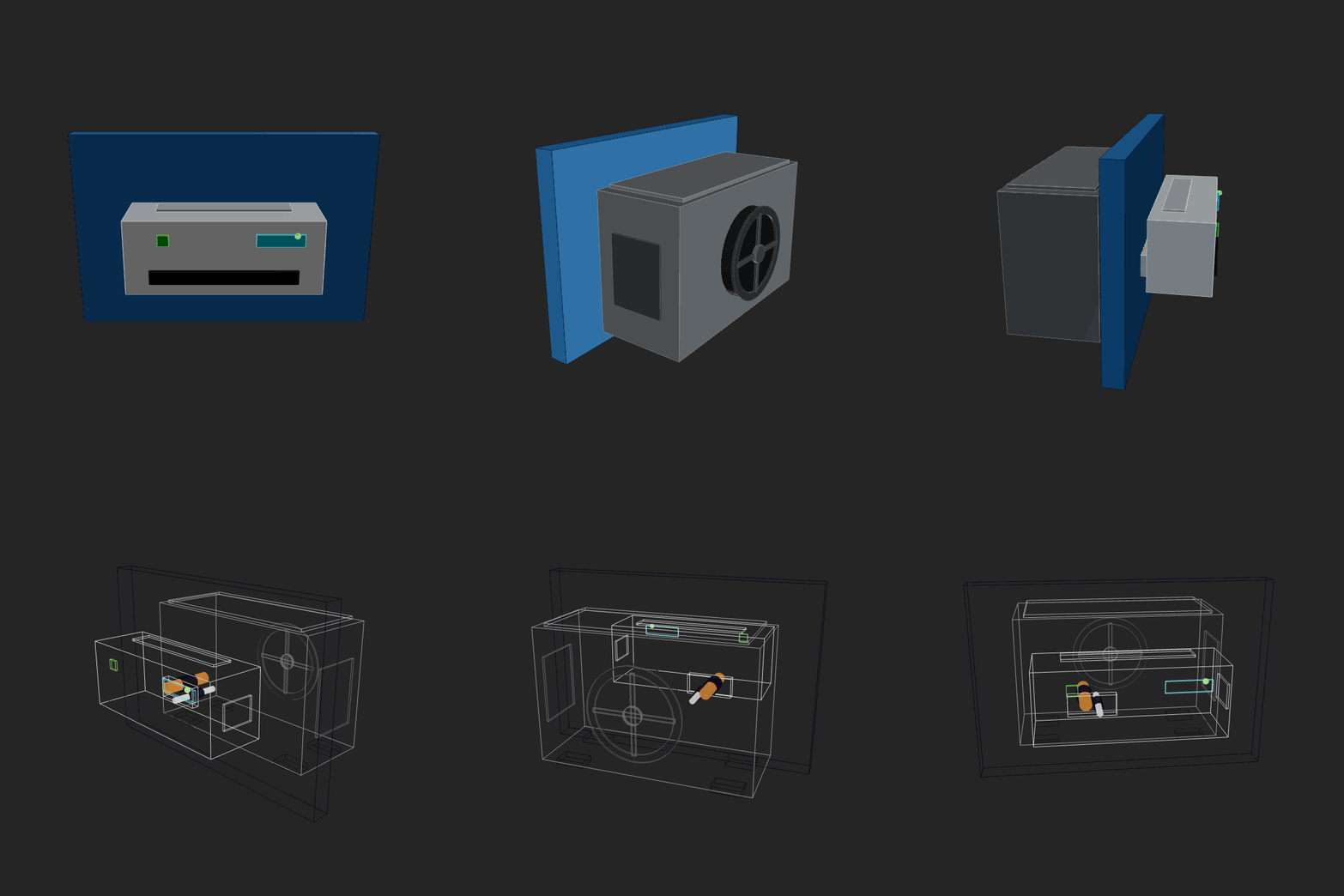 |
gpt52codex2026-02-13 12-40-31 • v2 |
Make a home AC unit, showing both pieces on different sides of the wall (inside and outside). The external piece should have a fan positioned on its external face vertically. Include as many details as you safely can. Implement whatever features/methods you are missing in the script itself for your convenience. Use the simpler primitives when unsure. | 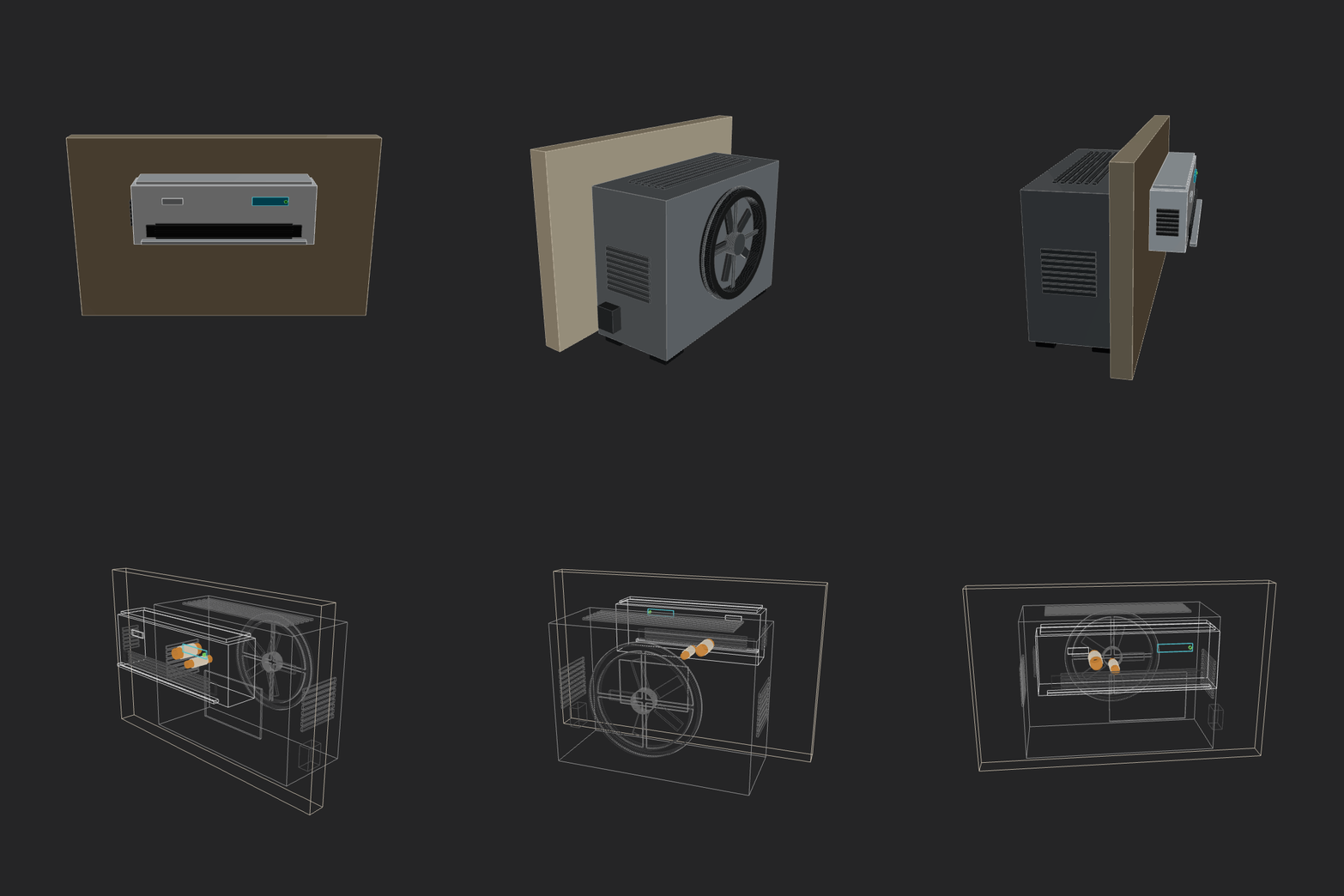 |
haiku_4_52026-02-12 21-49-51 • v1 |
Make a home AC unit, showing both pieces on different sides of the wall (inside and outside). Implement whatever features/methods you are missing in the script itself for your convenience. Use the simpler primitives when unsure. |  |
haiku_4_52026-02-12 21-54-22 • v3 |
Make a home AC unit, showing both pieces on different sides of the wall (inside and outside). Implement whatever features/methods you are missing in the script itself for your convenience. Use the simpler primitives when unsure. | 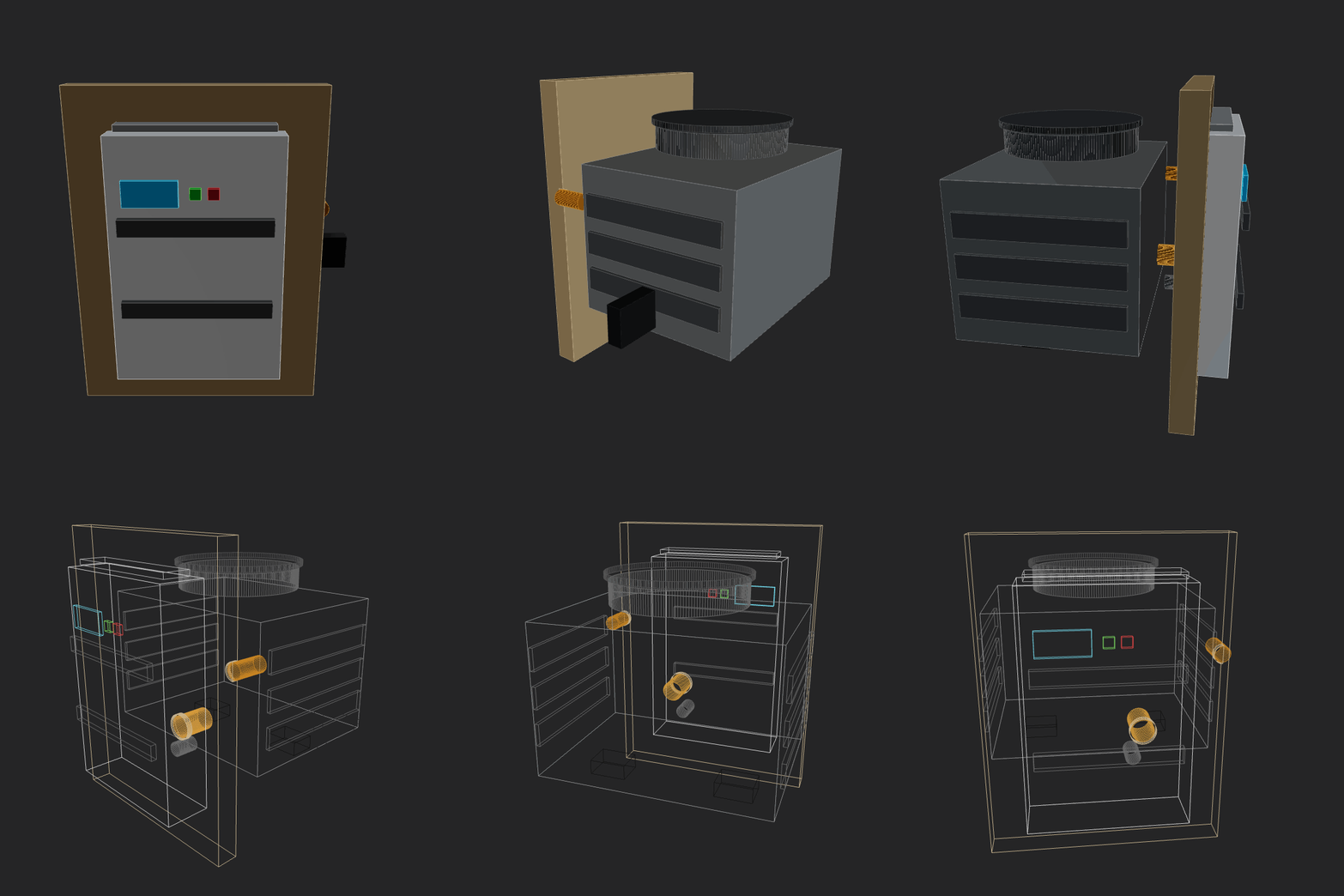 |
kimi252026-02-12 13-50-22 • v4 |
Make a home AC unit, showing both pieces on different sides of the wall (inside and outside). Implement whatever features/methods you are missing in the script itself for your convenience. Use the simpler primitives when unsure. | 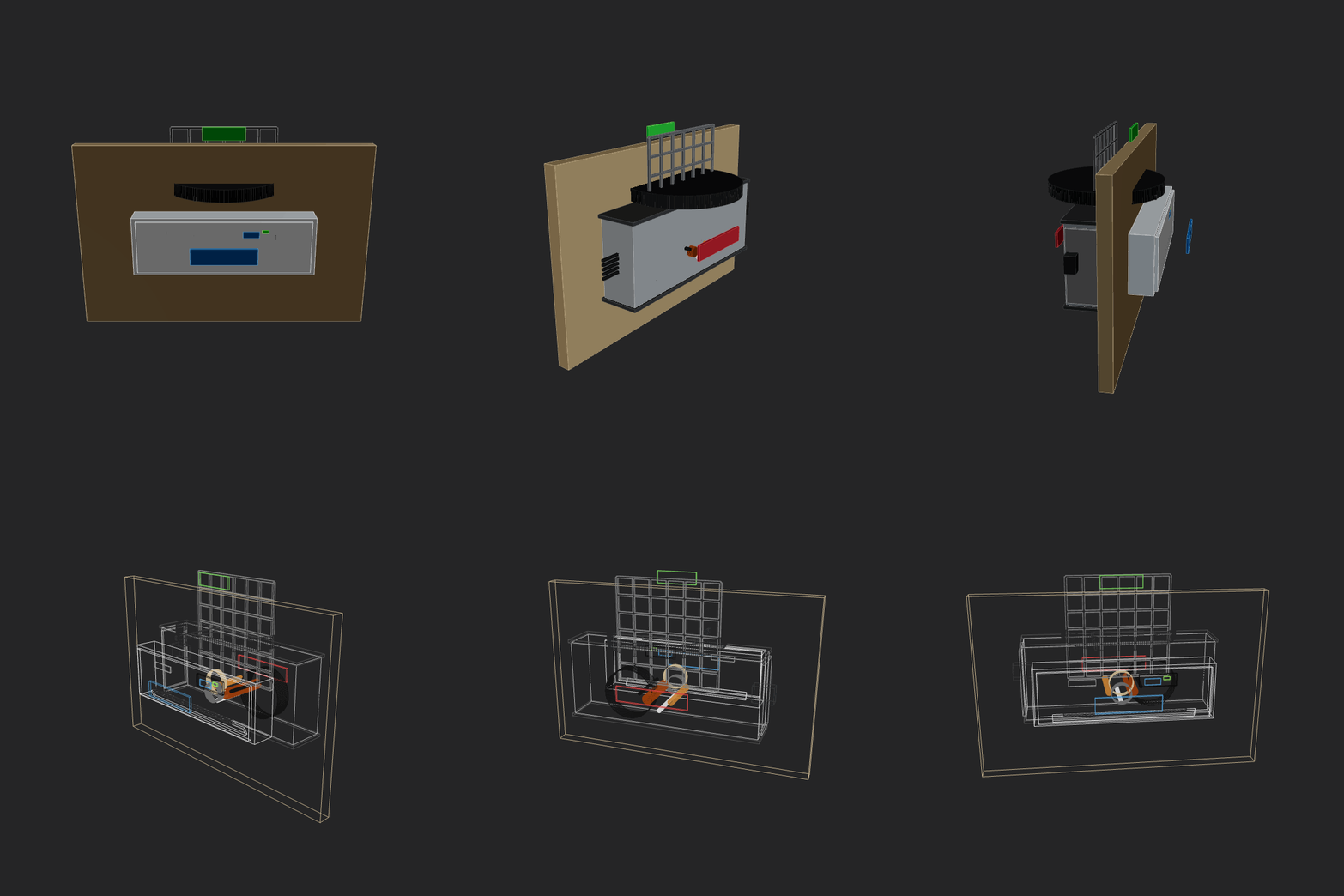 |
kimi252026-02-12 14-58-53 • v3 |
Make a home AC unit, showing both pieces on different sides of the wall (inside and outside). Implement whatever features/methods you are missing in the script itself for your convenience. Use the simpler primitives when unsure. | 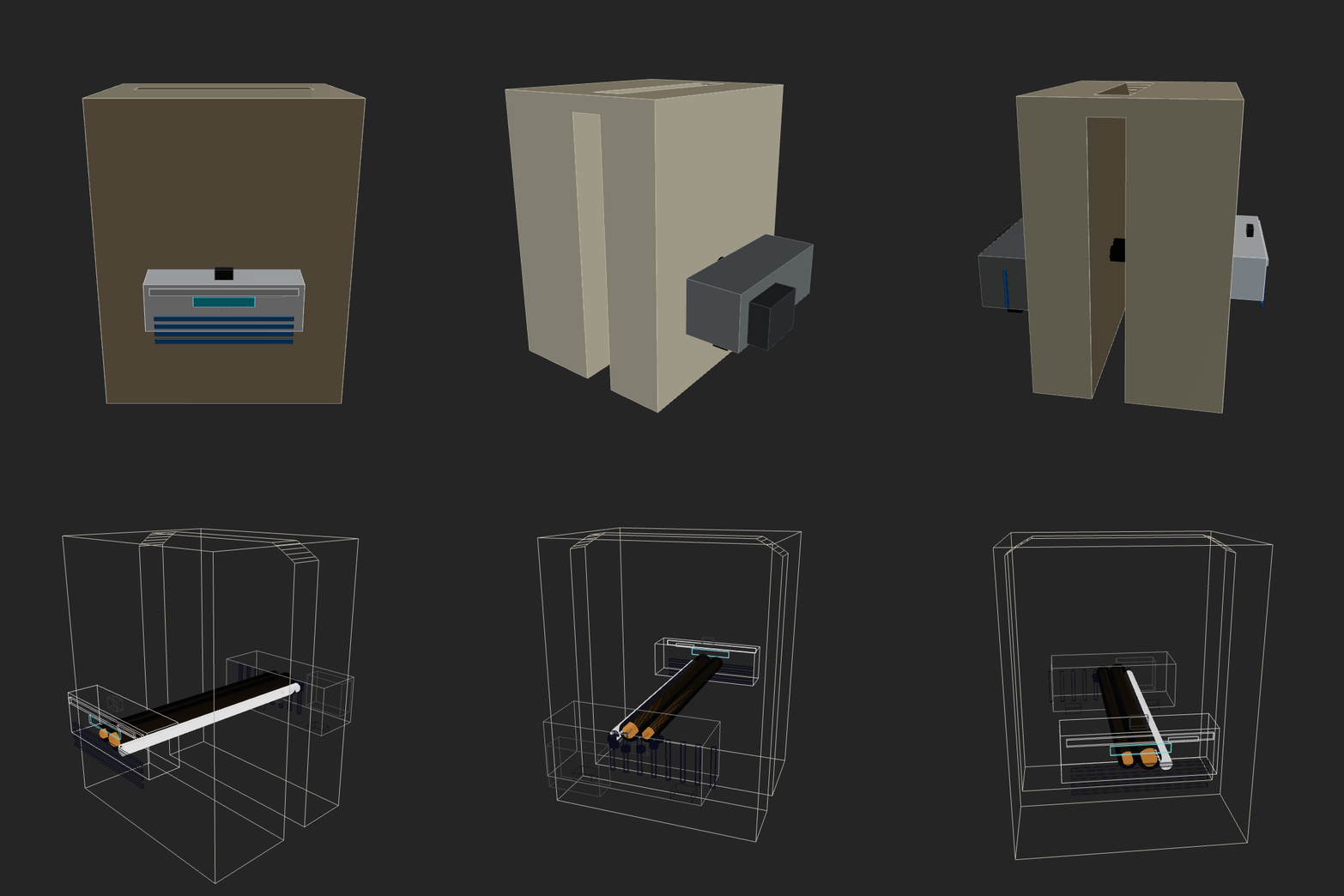 |
manual-gemini-flash2026-02-12 23-44-23 • v3 |
Make a home AC unit, showing both pieces on different sides of the wall (inside and outside). The external piece should have a fan positioned on its external face vertically. Implement whatever features/methods you are missing in the script itself for your convenience. Use the simpler primitives when unsure. | 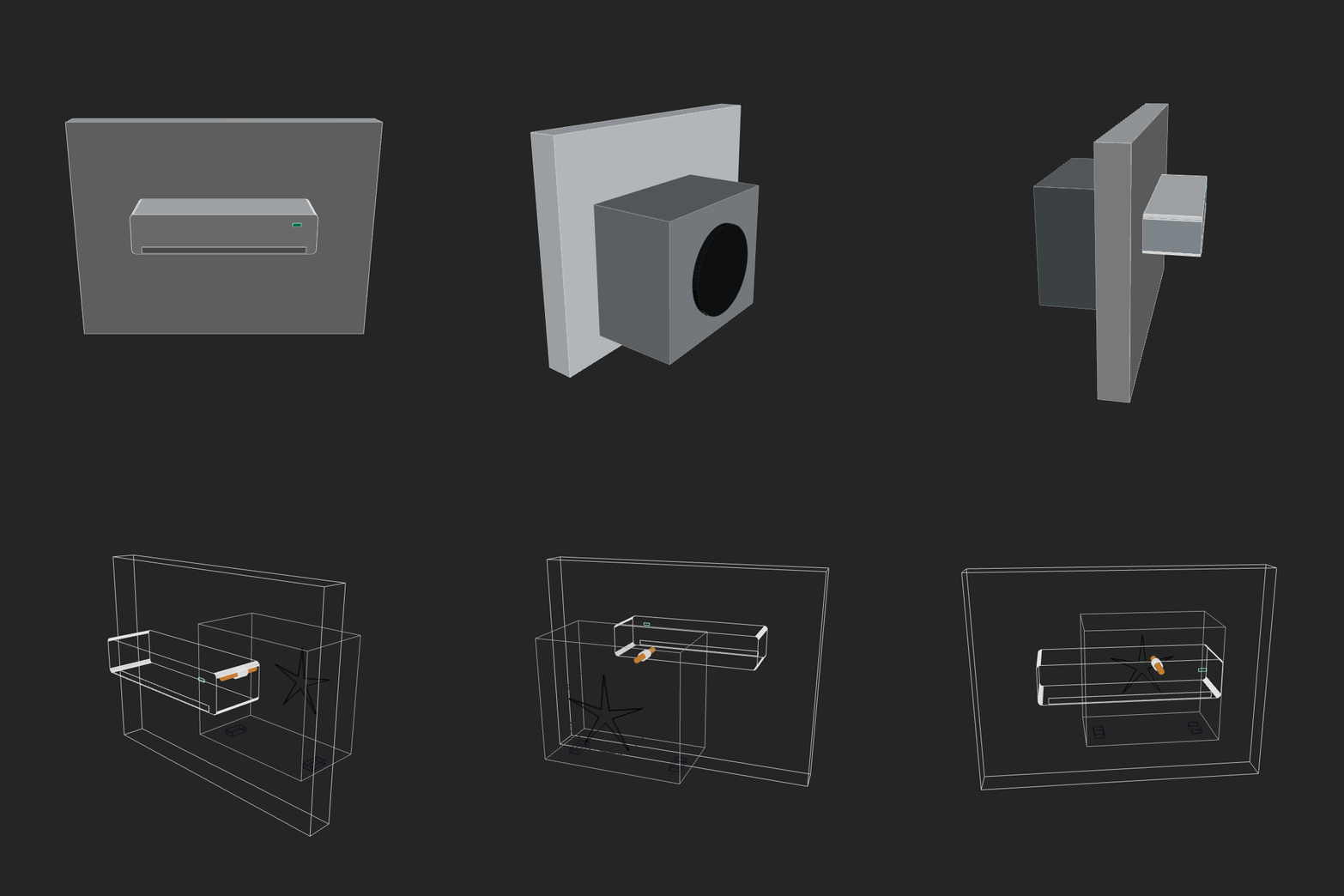 |
minimax252026-02-12 14-32-24 • v5 |
Make a home AC unit, showing both pieces on different sides of the wall (inside and outside). Implement whatever features/methods you are missing in the script itself for your convenience. Use the simpler primitives when unsure. | 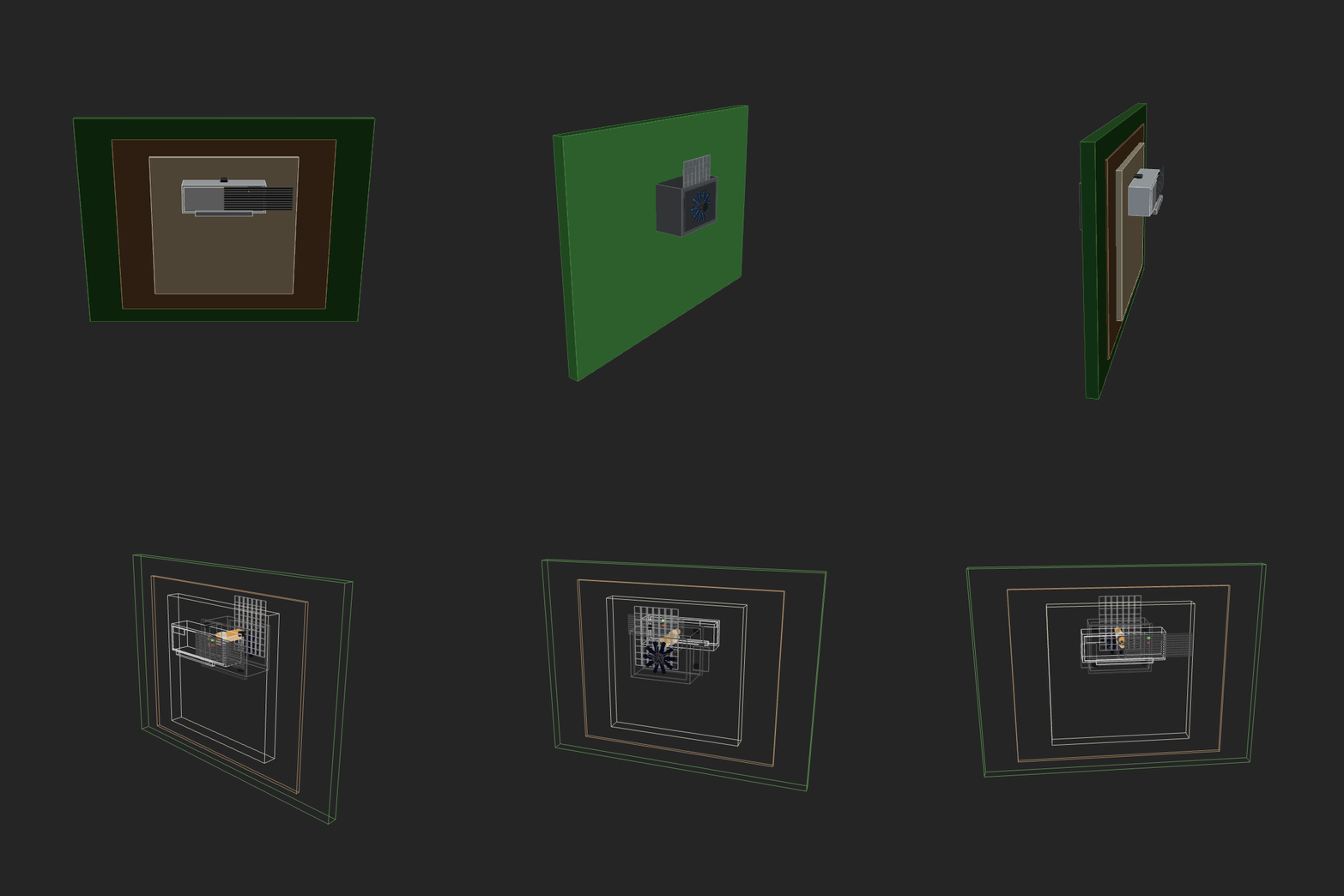 |
minimax252026-02-12 23-05-17 • v3 |
Make a home AC unit, showing both pieces on different sides of the wall (inside and outside). The external piece should have a fan positioned on its external face vertically. Implement whatever features/methods you are missing in the script itself for your convenience. Use the simpler primitives when unsure. | 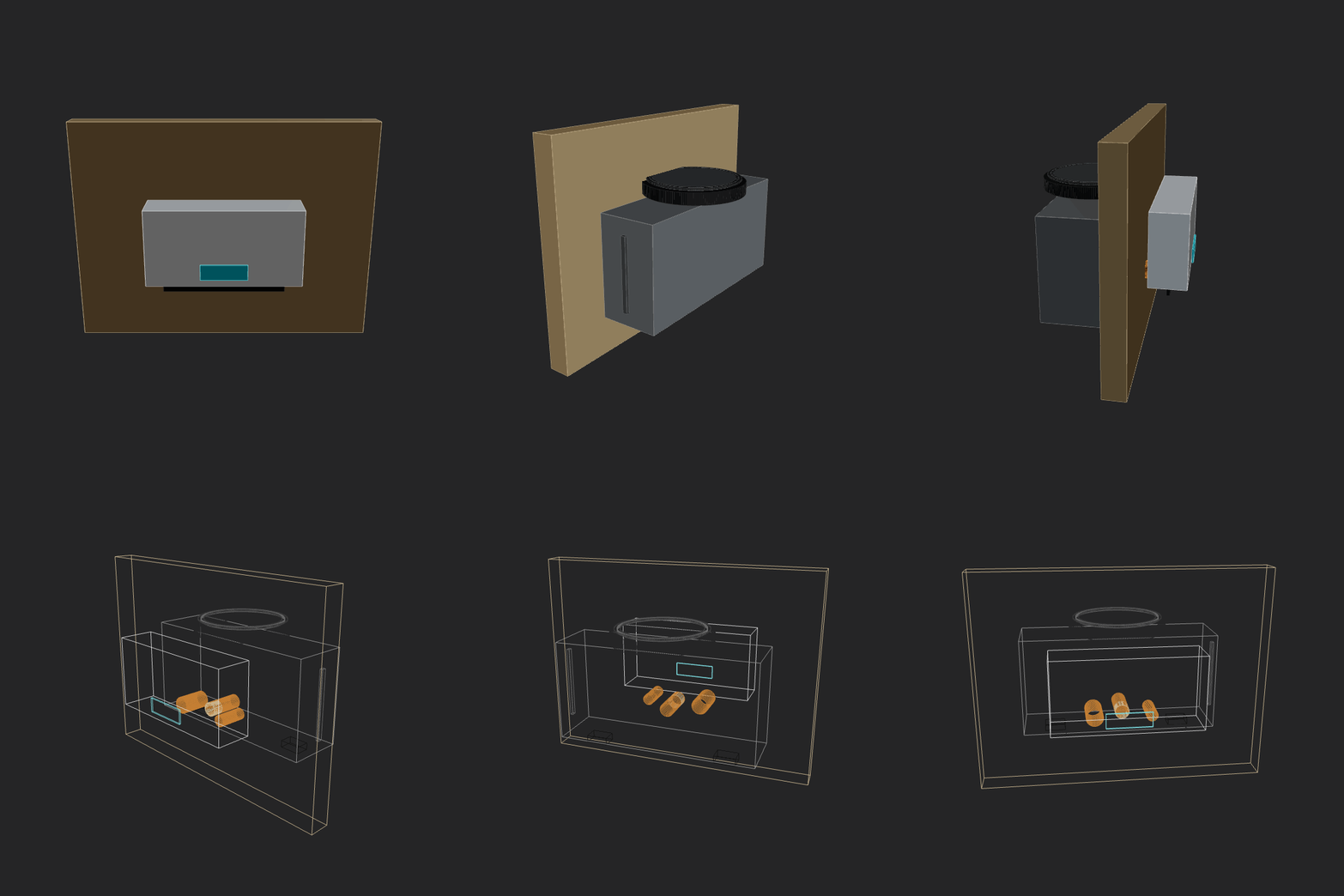 |
minimax252026-02-13 12-37-52 • v4 |
Make a home AC unit, showing both pieces on different sides of the wall (inside and outside). The external piece should have a fan positioned on its external face vertically. Implement whatever features/methods you are missing in the script itself for your convenience. Use the simpler primitives when unsure. | 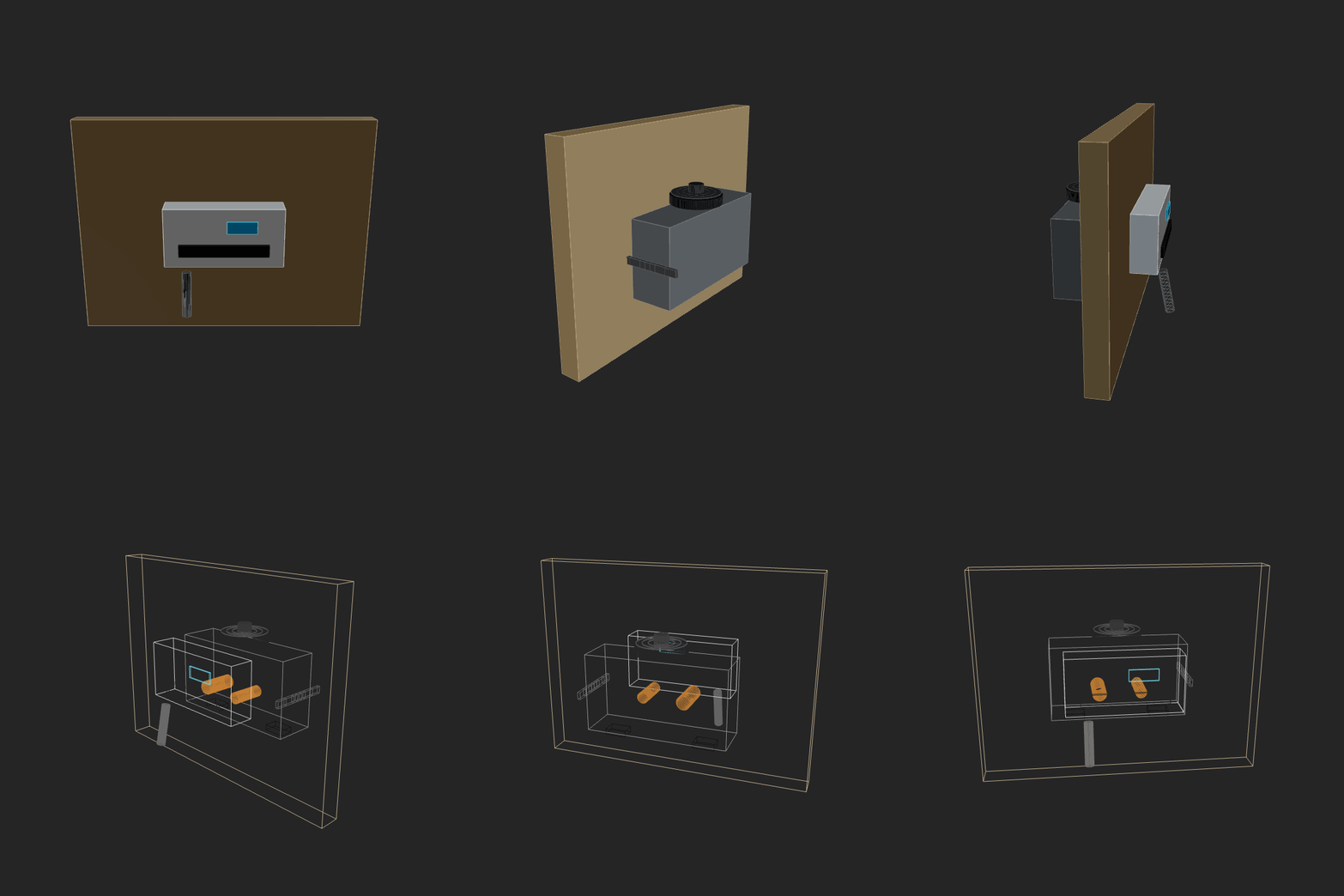 |
openai-gpt-oss-120b2026-02-13 00-38-15 • v1 |
Make a home AC unit, showing both pieces on different sides of the wall (inside and outside). The external piece should have a fan positioned on its external face vertically. Implement whatever features/methods you are missing in the script itself for your convenience. Use the simpler primitives when unsure. |  |
opus_4_62026-02-13 11-47-54 • v5 |
Make a home AC unit, showing both pieces on different sides of the wall (inside and outside). The external piece should have a fan positioned on its external face vertically. Implement whatever features/methods you are missing in the script itself for your convenience. Use the simpler primitives when unsure. | 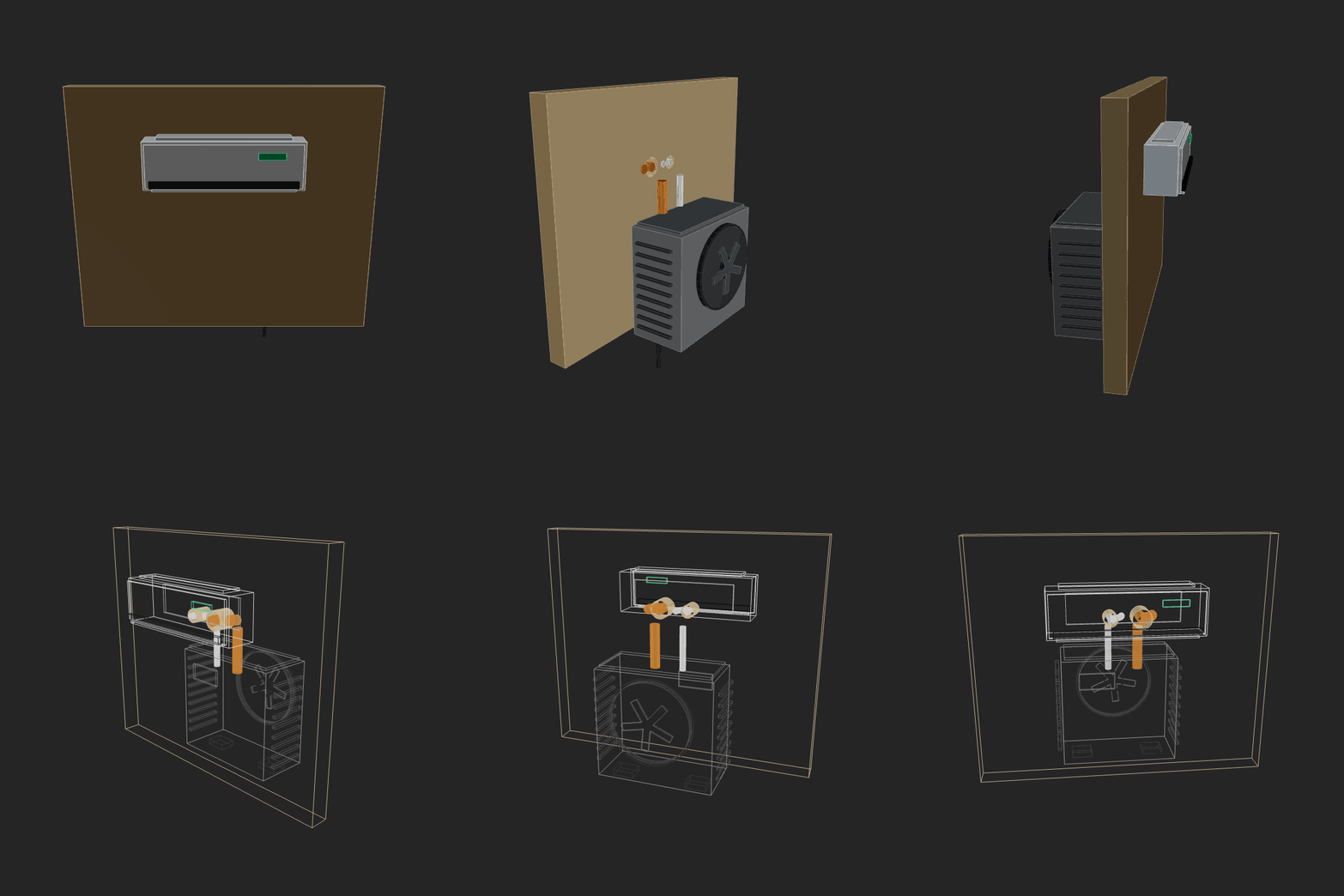 |
prime-intellect-intellect-32026-02-13 00-31-28 • v1 |
Make a home AC unit, showing both pieces on different sides of the wall (inside and outside). The external piece should have a fan positioned on its external face vertically. Implement whatever features/methods you are missing in the script itself for your convenience. Use the simpler primitives when unsure. | 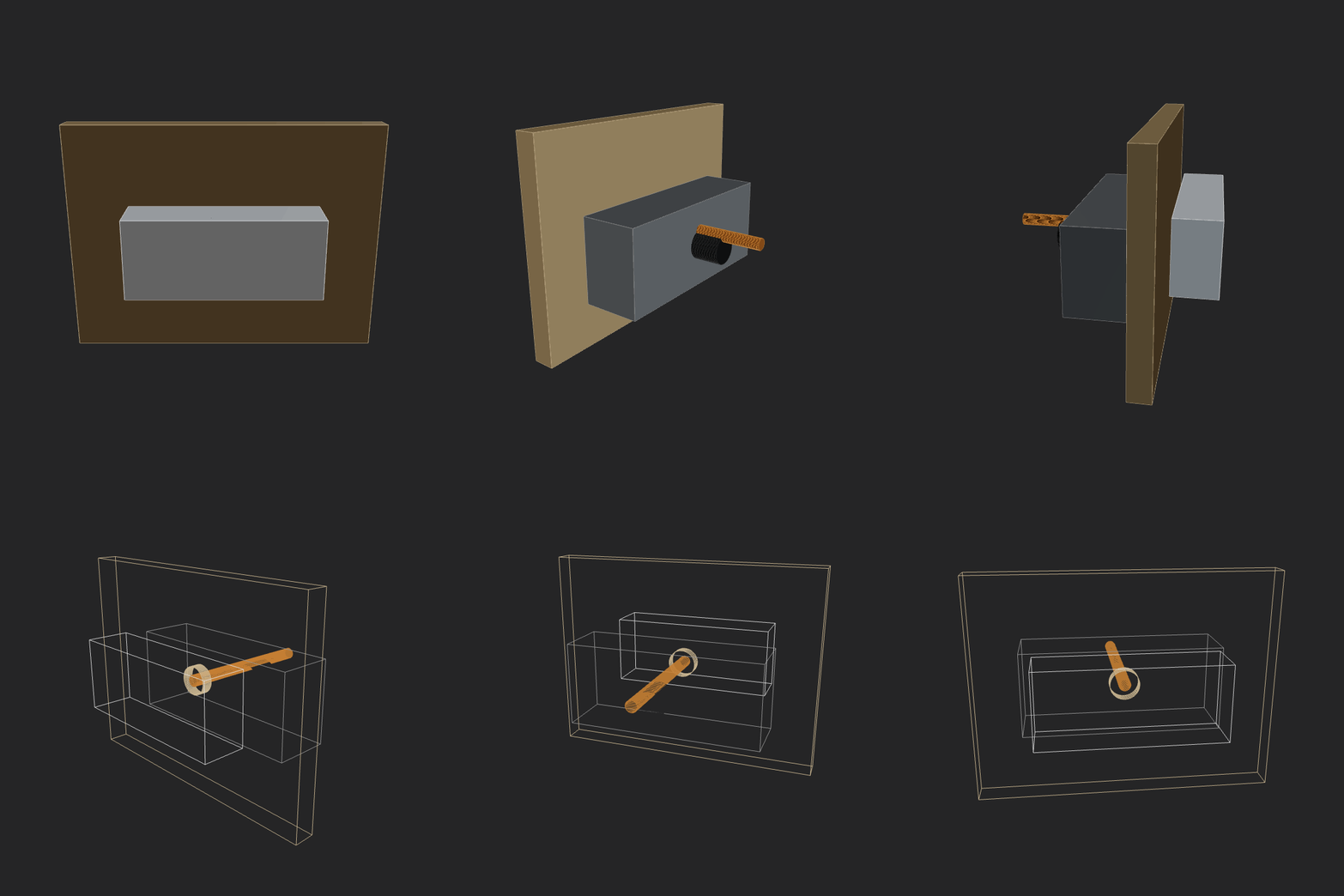 |
qwen3.5-397b-a17b2026-02-16 14-29-22 • v3 |
Make a home AC unit, showing both pieces on different sides of the wall (inside and outside). The external piece should have a fan positioned on its external face vertically. Implement whatever features/methods you are missing in the script itself for your convenience. Use the simpler primitives when unsure. | 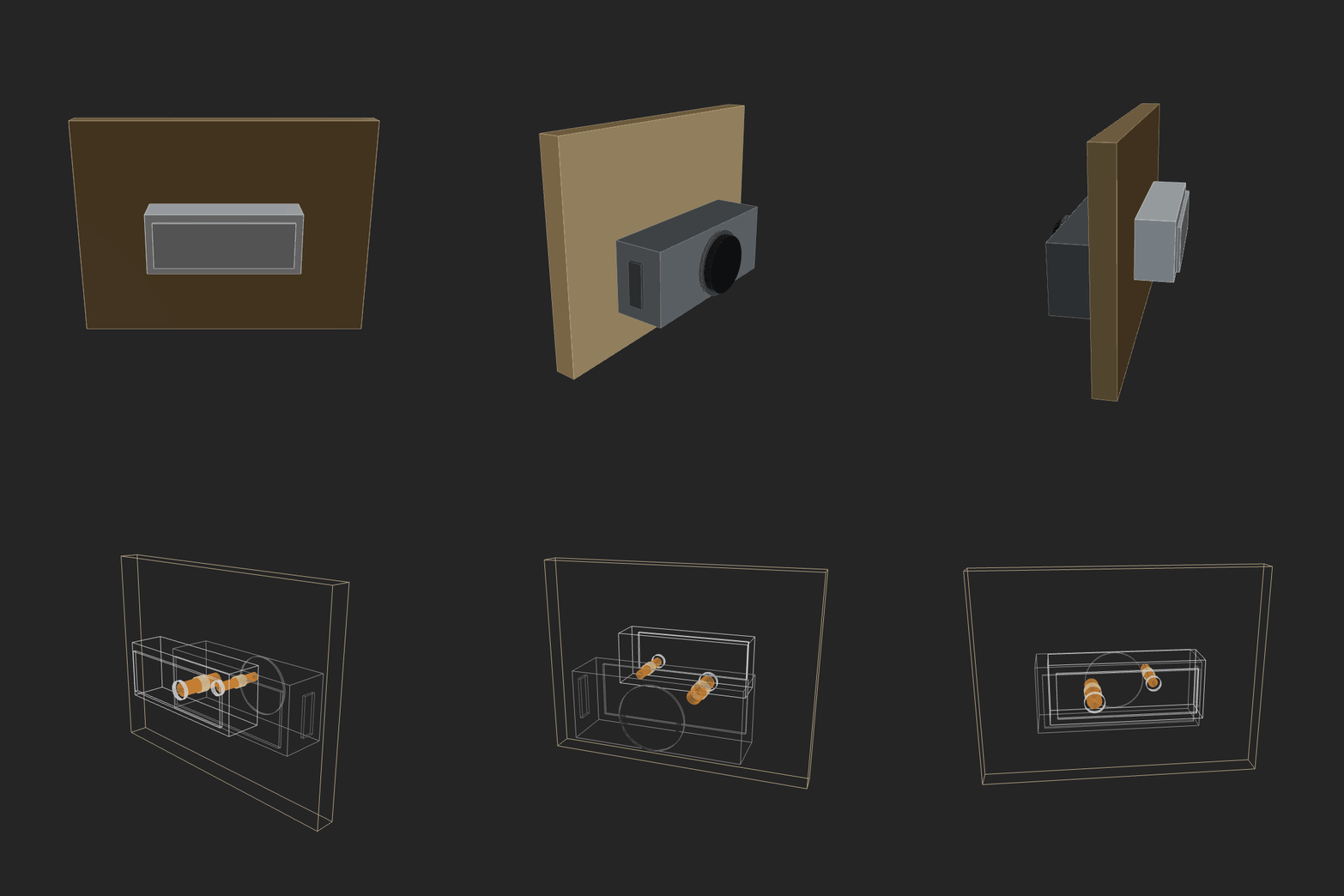 |
qwen3maxthinking2026-02-12 23-16-41 • v2 |
Make a home AC unit, showing both pieces on different sides of the wall (inside and outside). The external piece should have a fan positioned on its external face vertically. Implement whatever features/methods you are missing in the script itself for your convenience. Use the simpler primitives when unsure. | 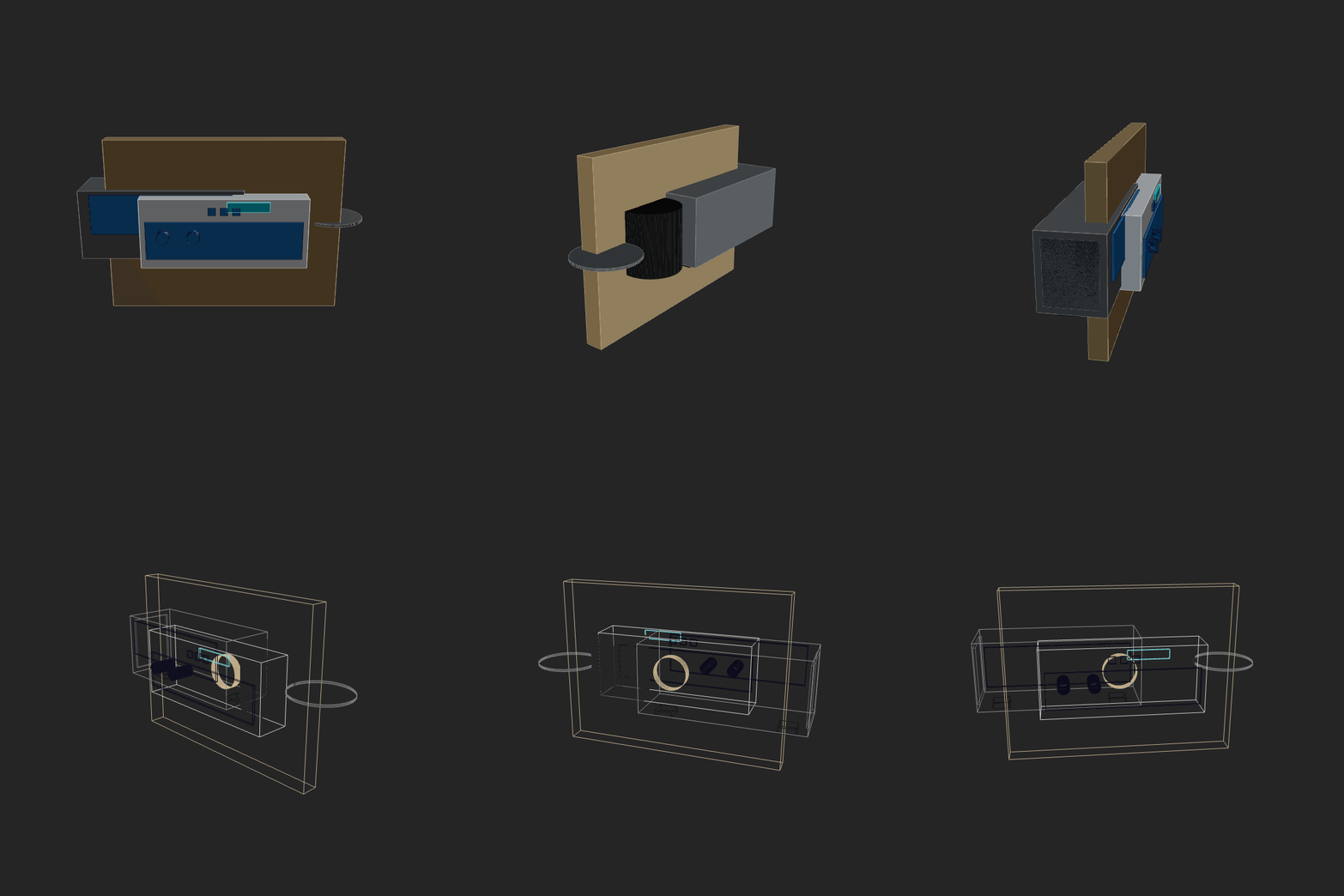 |
robot-hand-gpt52codex2026-02-14 00-51-41 • v1 |
Make a fully functional robot hand. Should be easy to build, maybe even at home with some good tools. Show all the mechanics. Should be able to hold arbitrary shape objects. Don't be a perfectionist, but be an artist and an engineer. As this is a complex task, break it down to simpler ones, solve them, combine, iterate. | 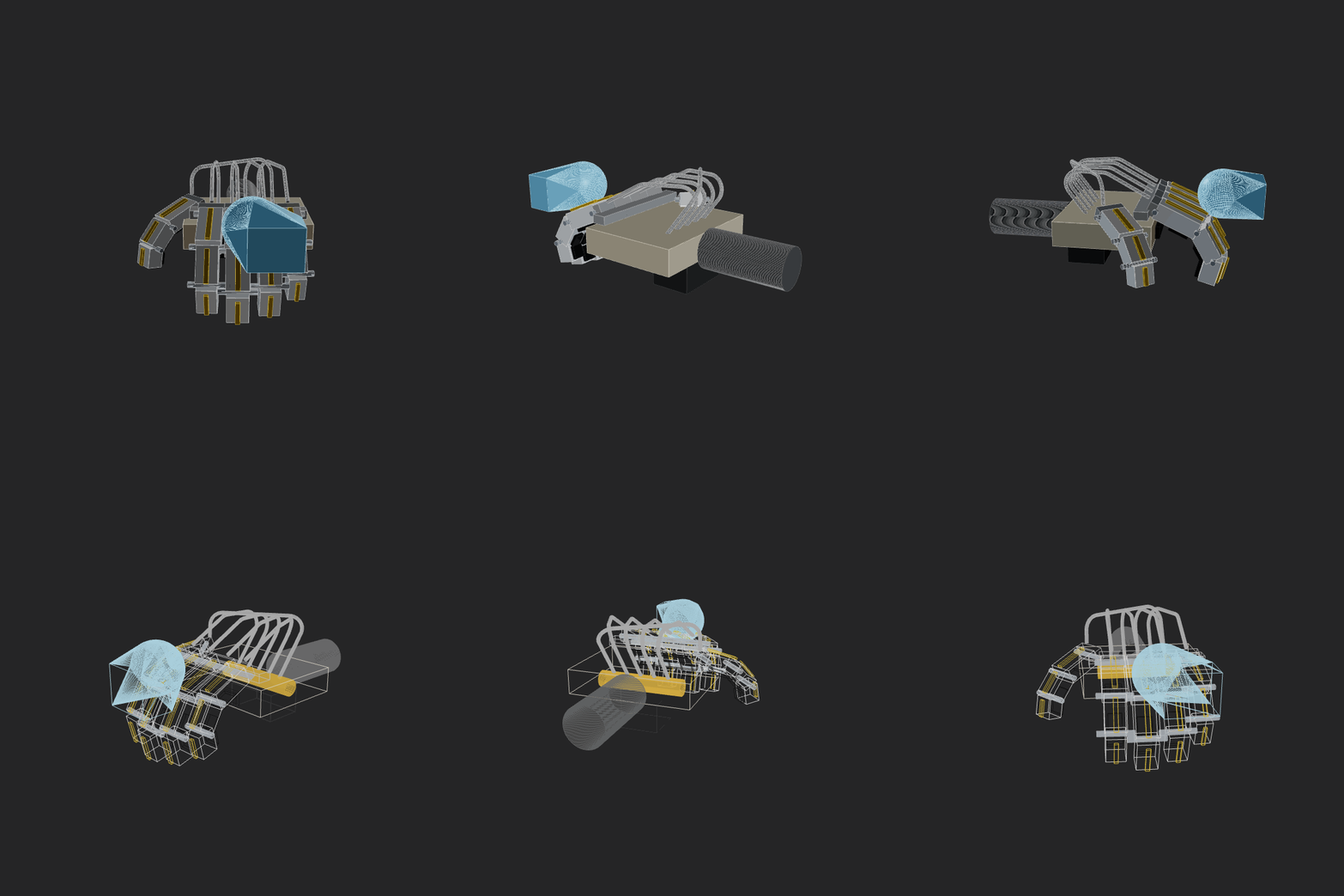 |
sonnet_4_52026-02-12 21-58-26 • v3 |
Make a home AC unit, showing both pieces on different sides of the wall (inside and outside). Implement whatever features/methods you are missing in the script itself for your convenience. Use the simpler primitives when unsure. |  |
x-ai-grok-4.1-fast2026-02-13 00-26-36 • v2 |
Make a home AC unit, showing both pieces on different sides of the wall (inside and outside). The external piece should have a fan positioned on its external face vertically. Implement whatever features/methods you are missing in the script itself for your convenience. Use the simpler primitives when unsure. | 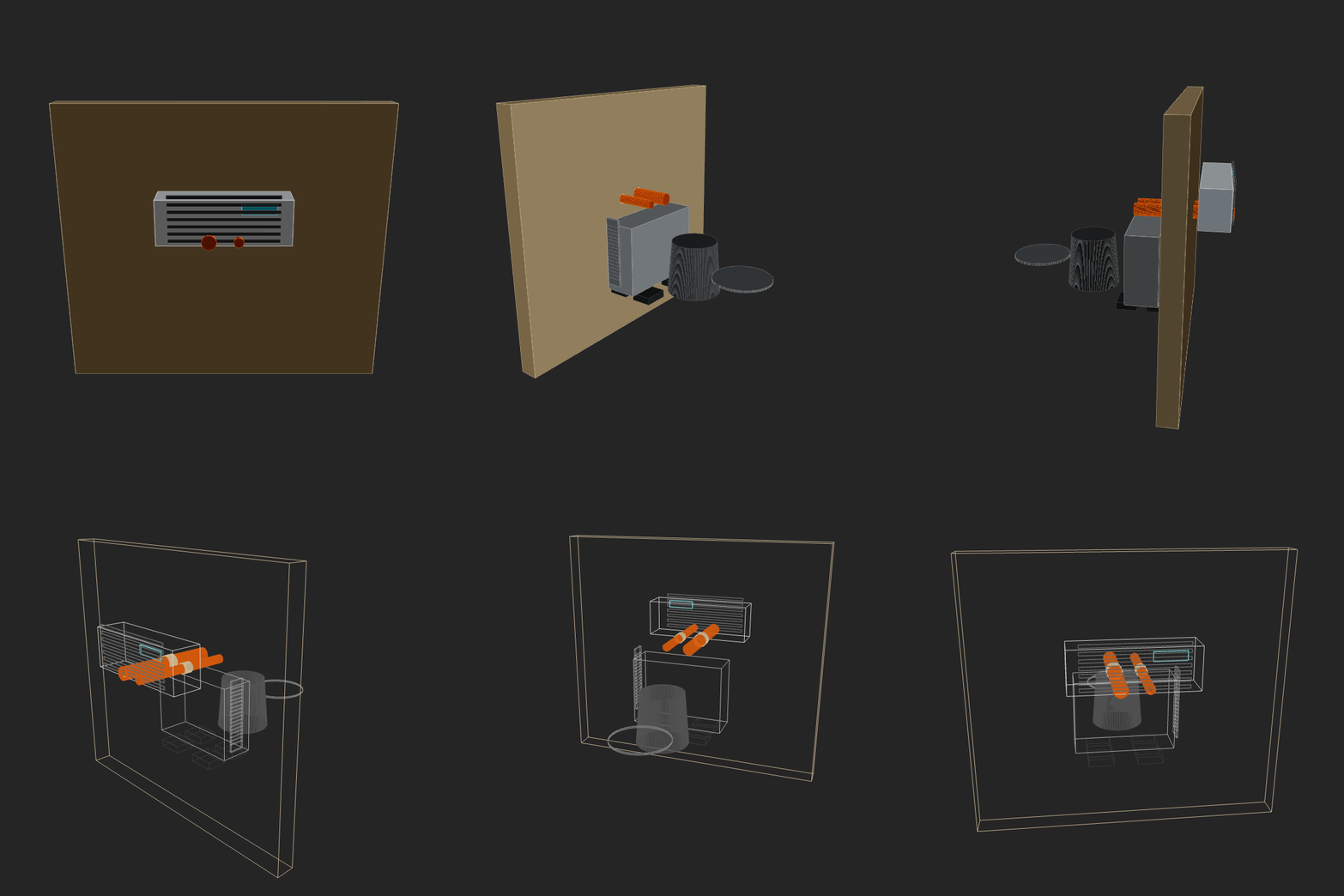 |
- Browser CAD IDE with Monaco editor + real-time 3D viewport
- 2D sketch API: primitives, path builder, booleans, transforms, offsets, constraints
- 3D API: booleans, transforms, hull, level set/SDF workflows, cut planes
- Named shapes, face/edge references, fillet/chamfer helpers
- Reusable part library (
lib) with fasteners, tubes, brackets, threads, patterns, exploded-view helpers - Assembly graph API with revolute/prismatic/fixed joints
- Drawing/report pipeline: dimensions, BOM, multi-view PDF generation
- CLI tools that run the same engine as the browser runtime
- Node.js 20+ (recommended)
- npm
- Chrome/Chromium installed (only required for PNG rendering CLI)
npm install
npm run dev
Open http://localhost:5173.
This starts ForgeCAD with the ./examples folder loaded.
npm run open -- /path/to/your/projectUse -- before the path. ForgeCAD loads .forge.js and .sketch.js files from that folder, with disk-backed save.
npm run dev:blankStarts ForgeCAD without a project folder (single in-memory scratch file).
Drop this into a .forge.js file:
const width = param("Width", 120, { min: 60, max: 220, unit: "mm" });
const depth = param("Depth", 80, { min: 40, max: 160, unit: "mm" });
const height = param("Height", 12, { min: 6, max: 40, unit: "mm" });

const base = roundedRect(width, depth, 10).extrude(height).color("#5f87c6");
const pocket = roundedRect(width - 24, depth - 24, 8)
  .extrude(height - 3)
  .translate(12, 12, 3);

const part = base.subtract(pocket);

dim([0, 0, 0], [width, 0, 0], { label: "Width" });
dim([0, 0, 0], [0, depth, 0], { label: "Depth", offset: 14 });
cutPlane("Center Section", [1, 0, 0], width / 2);

return part;
Notes:
- The Forge API is globally available inside scripts (no imports required).
param(...)values become live sliders in the UI.- Return a
Shape,Sketch,ShapeGroup, array of objects, or assembly scene.
All CLI tools use the same runtime as the browser (src/forge/headless.ts), so behavior is consistent across environments.
| Task | Command |
|---|---|
| Validate a script | npm run test-run -- examples/cup.forge.js |
| Render PNG views | npm run render -- examples/cup.forge.js |
| Render orbit GIF (solid + wireframe) | npm run gif -- examples/cup.forge.js |
| Export sketch SVG | npm run svg -- examples/frame.sketch.js |
| Generate report PDF | npm run report -- examples/cup.forge.js |
| Parameter robustness scan | npm run param-check -- examples/shoe-rack-doors.forge.js --samples 10 |
| Transform invariants | npm run check:transforms |
| Dimension propagation invariants | npm run check:dimensions |
renderoutputs multi-angle PNGs (front,side,top,iso) by default.gifoutputs a single orbit animation with a full solid pass, then full wireframe pass.svgruns fully in Node (no browser/Puppeteer).reportgenerates searchable-text PDF pages (overview, components, BOM, dimensions).param-checksamples parameter ranges and reports runtime errors, degenerates, and new collisions.
examples/api/sketch-basics.forge.js: sketch primitives, offset, path, extrudeexamples/api/boolean-operations.forge.js: union/difference/intersection behaviorexamples/api/assembly-mechanism.forge.js: joints, sweeps, collisions, BOMexamples/api/dimensioned-bracket.forge.js: dimension annotationsexamples/api/bill-of-materials.forge.js: script-authored BOM aggregationexamples/api/exploded-view.forge.js: exploded layouts + cut-plane visualization
User script (.forge.js / .sketch.js)
        |
        v
ForgeCAD modeling layer
  - params, constraints, sketch entities
  - topology-aware operations
  - assembly + reporting helpers
        |
        v
Manifold WASM geometry kernel
  - booleans, extrusion, mesh operations
        |
        +--> Browser app (Monaco + Three.js)
        +--> CLI tools (headless runtime)
ForgeCAD is under active development. The API is usable today, but some advanced CAD features are still being built for deeper parity with mature desktop CAD tooling.
Planned/ongoing areas include:
- richer sketch editing primitives (fillets, arc-first workflows, trim/extend)
- shell and advanced feature operations
- sketch-on-face and higher-level surfacing/transition tools
- broader mechanical modeling ergonomics
See Vision for the longer-term direction.
Contributions are welcome. Good first contributions:
- API docs improvements in
docs/permanent/API/ - focused examples in
examples/api/ - runtime and CLI correctness checks
Suggested local validation before opening a PR:
npm run test-run -- examples/cup.forge.js
npm run check:transforms
npm run check:dimensions
If your change is parametric-heavy, also run:
npm run param-check -- path/to/your-example.forge.js --samples 10- API:
docs/permanent/API/API.md - CLI:
docs/permanent/CLI.md - Vision:
docs/permanent/VISION.md - Coding notes:
docs/permanent/CODING.md - Benchmark maintenance SOP:
docs/processes/README_BENCHMARK_SOP.md
Business Source License 1.1 — free for non-production use. Converts to MIT on 2030-02-18.