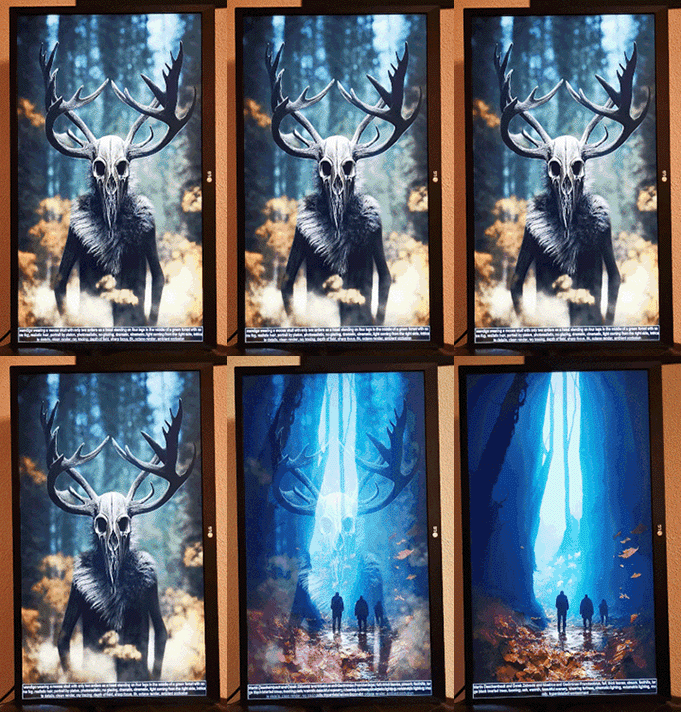
Get free AI art images directly delivered into your living room
Python script that automatically fetches the latest images of the showcase area of Midjourney. The images are obtained in full resolution.
!!!!!!!! NO MIDJOURNEY ACCOUNT OR SUBSCRIPTION PLAN REQUIRED !!!!!!!!
Raspberry Pi 3B+ or better
Dynaframe v3 Pro image (see https://www.youtube.com/watch?v=CIwkHq_v-ZE or https://www.patreon.com/Geektoolkit for further details, also working for other art frame software)
Python 3+
Python package selenium
Chrome driver for Raspberry Pi
Run mj_sync.py to start the sync procedure.
/path/to/your/python mj_sync.py
Parameters are:
- path, the directory to sync the gallery files to. Should point to a location that is listed as DynaFrame playlist. Defaults to "/home/pi/Pictures/Midjourney"
- seconds, time in seconds between gallery updates. Defaults to recommended 1h.
- headless, used for debugging. Defaults to True
- gallery, MJ gallery to fetch from: "top" or "recent". Defaults to "recent"
- show_prompts, Merge the text prompt into the image
- orientation, define the image aspect ratio to show: "portrait_only", "landscape_only", "all". Defaults to "portrait_only"
- sync, delete local images that are not available online if enabled, just add new images otherwise. User has to track memory usage.
- qr, generate and show the qr code of the image source for easy download
The sync is implemented to first check for, wipe and recreate the "path" directory. New images are added to the "path" dir from the given MJ gallery. The script is sent to sleep mode for "seconds" seconds. After the sleep timer expires a new scan checks the MJ gallery and only unseen images are downloaded and added the the "path" folder.
First copy mj_sync.py to "/bin" directory.
cp -i /path/to/mj_sync.py /bin
Create a cronjob with
sudo crontab -e
Finally add the job to start the script 60 seconds after boot:
@reboot sleep 60 && /path/to/your/python /bin/mj_sync.py --gallery="hot" &
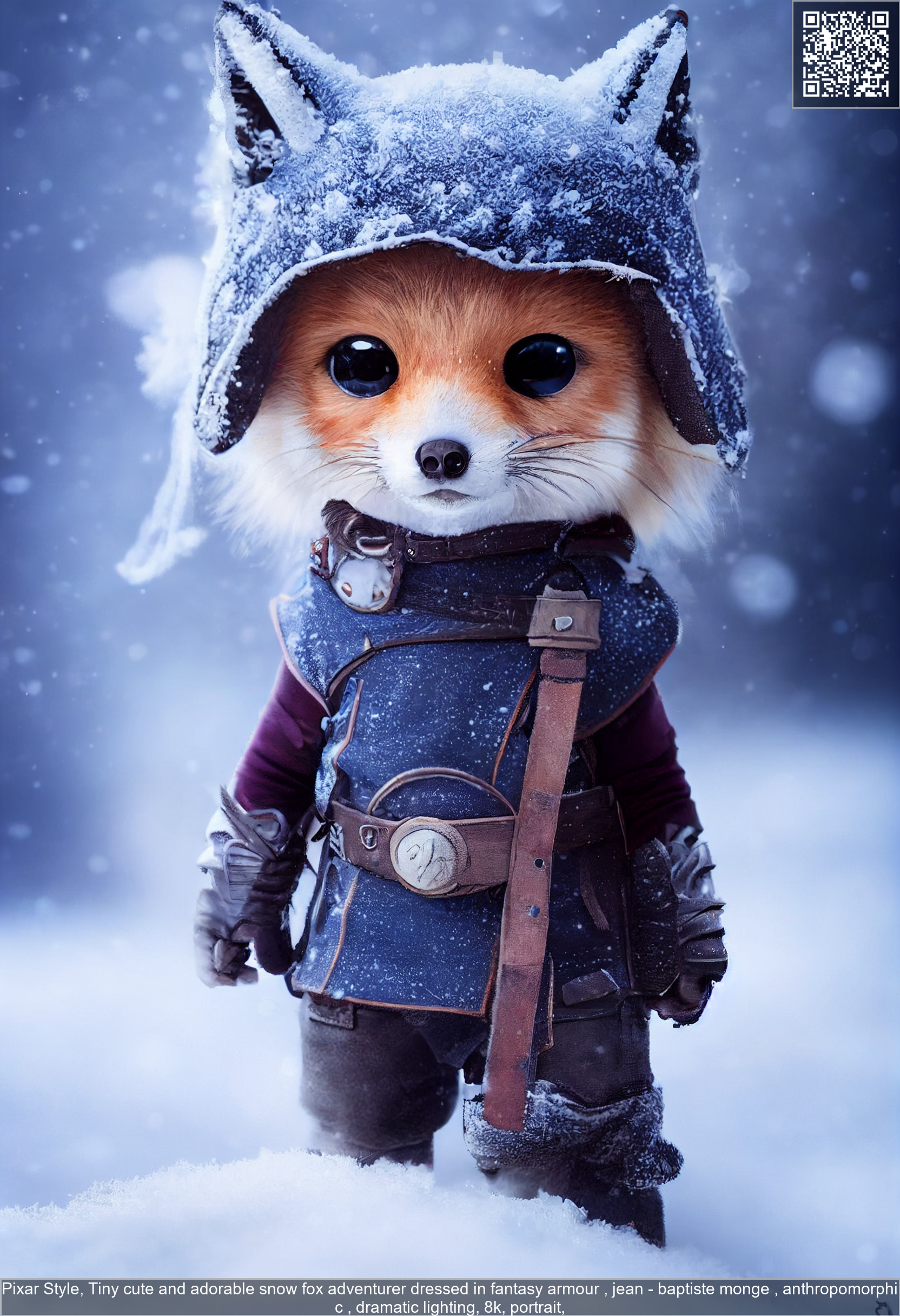
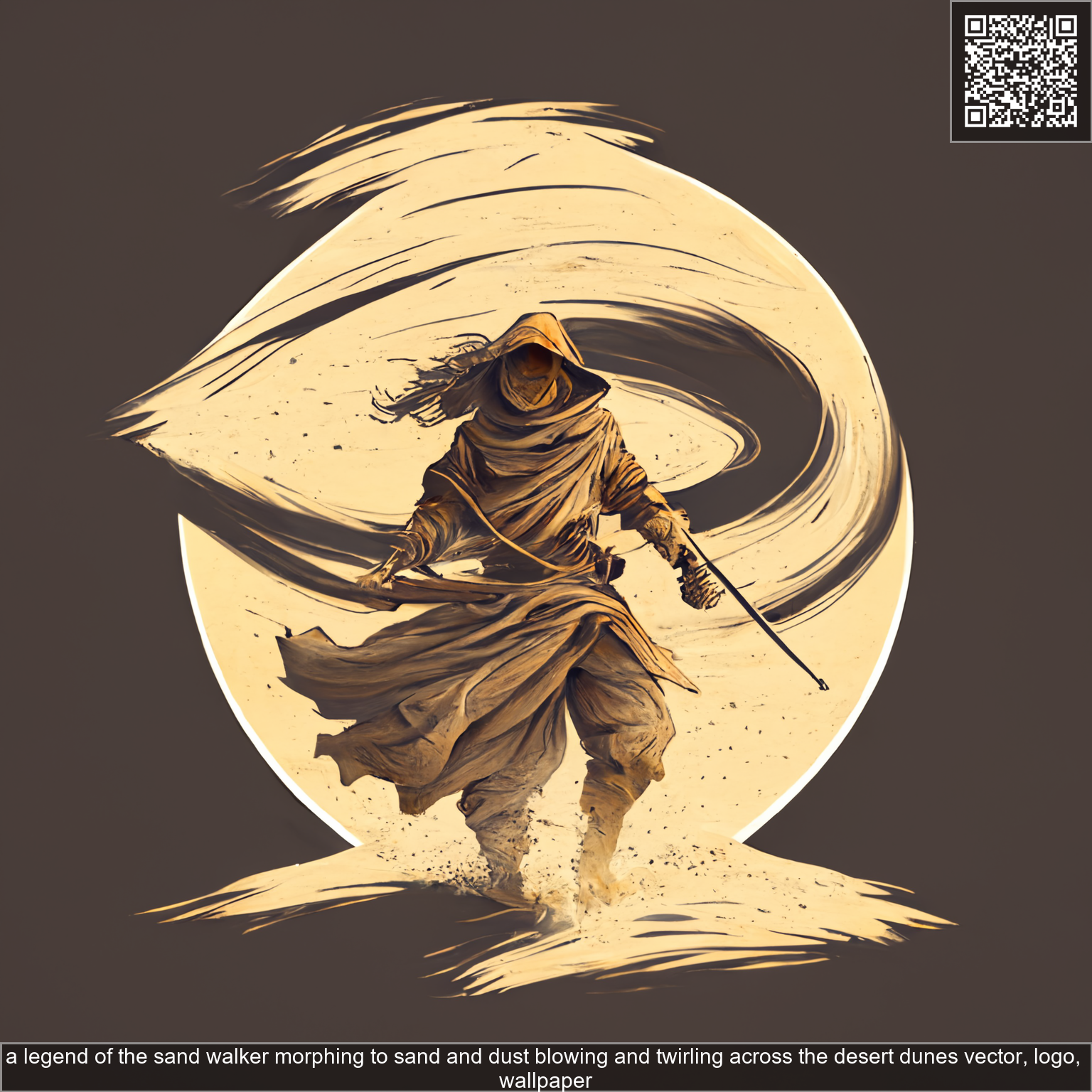
Images with corresponding text prompts and QR code