


FinderClip 是一个轻量级的 macOS 菜单栏应用,让你可以在 Finder 中使用熟悉的 ⌘X 和 ⌘V 快捷键来剪切和移动文件,就像在 Windows 中一样自然。
| 功能 | 说明 |
|---|---|
| ✂️ 真正的剪切 | 在 Finder 中使用 ⌘X 剪切文件 |
| 📋 智能粘贴 | 使用 ⌘V 移动文件到目标位置 |
| 🎯 场景识别 | 自动区分文件选择和文本编辑状态 |
| 🔔 可视化反馈 | 剪切/粘贴操作提供清晰的通知提示 |
| ⏱️ 超时保护 | 剪切超时时间可自定义(1-30分钟) |
| ⌨️ 快捷取消 | 按 Esc 取消剪切操作 |
| 🚀 开机自启 | 支持开机自动启动 |
| ⚙️ 设置界面 | 精美的偏好设置面板 |
| 🔄 自动更新 | 内置 Sparkle 自动更新 |
1. ⌘X  - 在 Finder 中选择文件后按 ⌘X 剪切
2. ⌘V  - 导航到目标文件夹后按 ⌘V 移动
3. Esc - 按 Esc 键取消剪切状态
- macOS 12.0 或更高版本
- Xcode Command Line Tools
方式一:使用 Xcode(推荐)
git clone https://github.com/Wcowin/Mac-Finder-Clipboard.git
cd Mac-Finder-Clipboard
open FinderClip.xcodeproj
# 在 Xcode 中按 ⌘R 运行
方式二:命令行构建
git clone https://github.com/Wcowin/Mac-Finder-Clipboard.git
cd Mac-Finder-Clipboard

# 构建并运行
./scripts/build.sh --run

# 或仅构建
./scripts/build.sh- 运行应用后,菜单栏会出现剪刀图标 ✂️
- 如果显示 "⚠ 点击授予权限...",点击它打开系统设置
- 在辅助功能列表中找到并勾选 FinderClip
- 返回应用,菜单栏显示 "✓ 已就绪" 即可使用
- CGEvent API - 拦截全局键盘事件
- Accessibility API - 检测焦点元素状态
- UserNotifications - 现代化的通知系统
- ServiceManagement - 开机自启支持
用户按下 ⌘X
    ↓
检测是否在 Finder
    ↓
检测是否在文本编辑状态
    ↓
模拟 ⌘C 复制文件
    ↓
标记剪切模式
    ↓
用户按下 ⌘V
    ↓
转换为 ⌘⌥V(系统剪切粘贴)
    ↓
文件移动完成
Mac-Finder-Clipboard/
├── main.swift                    # 应用入口
├── AppDelegate.swift             # 应用代理和菜单栏
├── FinderCutPasteManager.swift   # 核心功能实现
├── SettingsManager.swift         # 设置管理
├── SettingsWindowController.swift # 设置界面
├── Assets.xcassets/              # 应用图标资源
├── FinderClip.xcodeproj/         # Xcode 项目
├── Info.plist                    # 应用配置
├── FinderClip.entitlements       # 权限配置
├── appcast.xml                   # Sparkle 更新源
├── build.sh                      # 构建脚本入口
├── scripts/
│   └── build.sh                  # 完整构建/发布脚本
├── tools/sparkle/                # Sparkle 签名工具
├── LICENSE                       # MIT 许可证
└── README.md                     # 说明文档
./scripts/build.sh              # 构建 Debug 版本
./scripts/build.sh --run        # 构建并运行
./scripts/build.sh --release    # 构建 Release 版本
./scripts/build.sh --release 1.0.2  # 发布 v1.0.2
./scripts/build.sh --clean      # 清理构建
./scripts/build.sh --status     # 查看项目状态
./scripts/build.sh --help # 显示帮助欢迎参与项目开发!
- Fork 本仓库
- 创建你的特性分支 (
git checkout -b feature/AmazingFeature) - 提交你的更改 (
git commit -m 'Add some AmazingFeature') - 推送到分支 (
git push origin feature/AmazingFeature) - 打开一个 Pull Request
也欢迎提交 Issue 报告 Bug 或建议新功能!
本项目采用 MIT License 开源。
Wcowin - GitHub
- 简化设置界面,更加简洁美观
- 优化菜单栏布局
- 授权后立即生效,无需重启应用
- 移除冗余功能
- 首个公开发布版本
如果这个项目对你有帮助,请给它一个 Star ⭐
Made with ❤️ by Wcowin
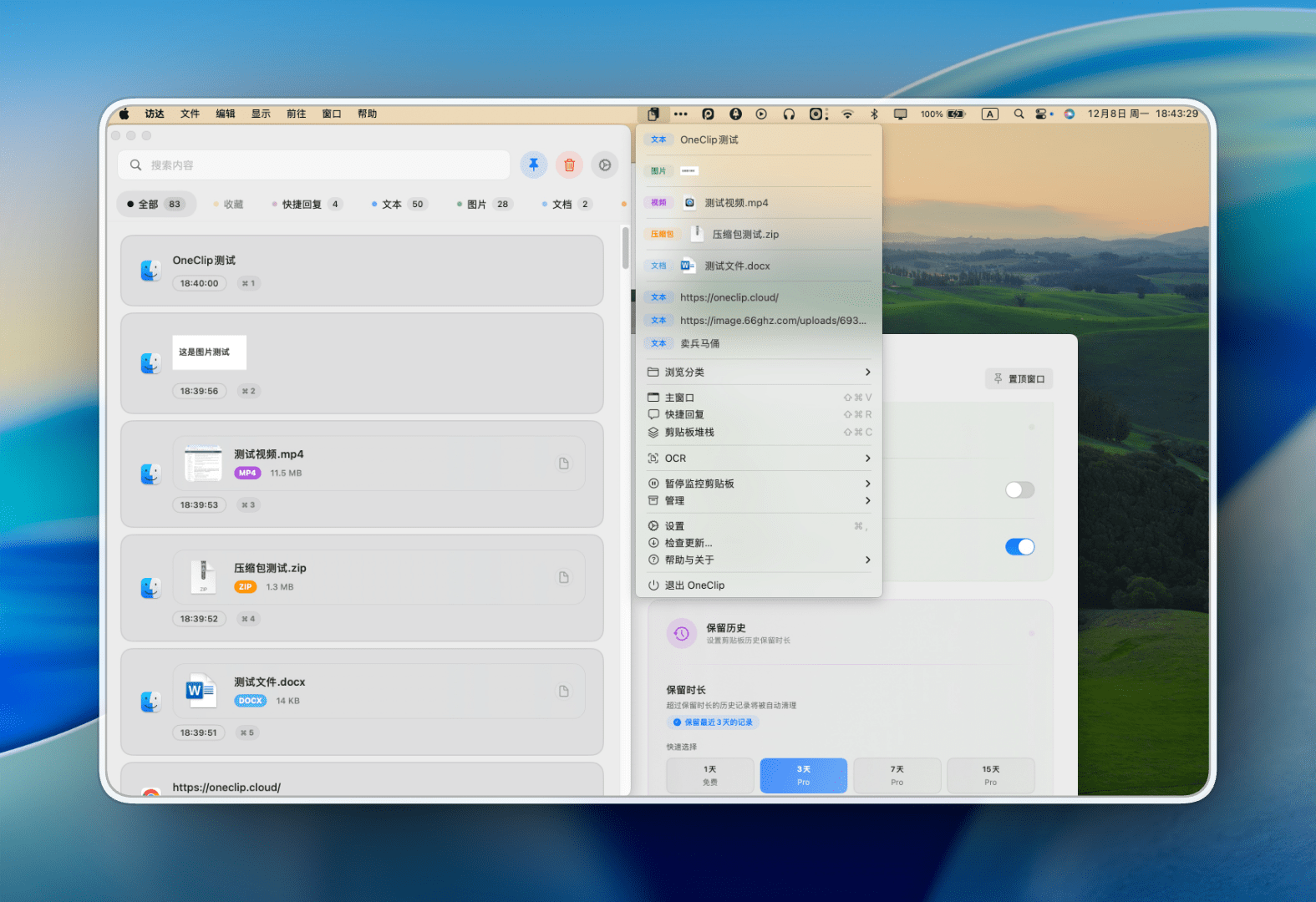
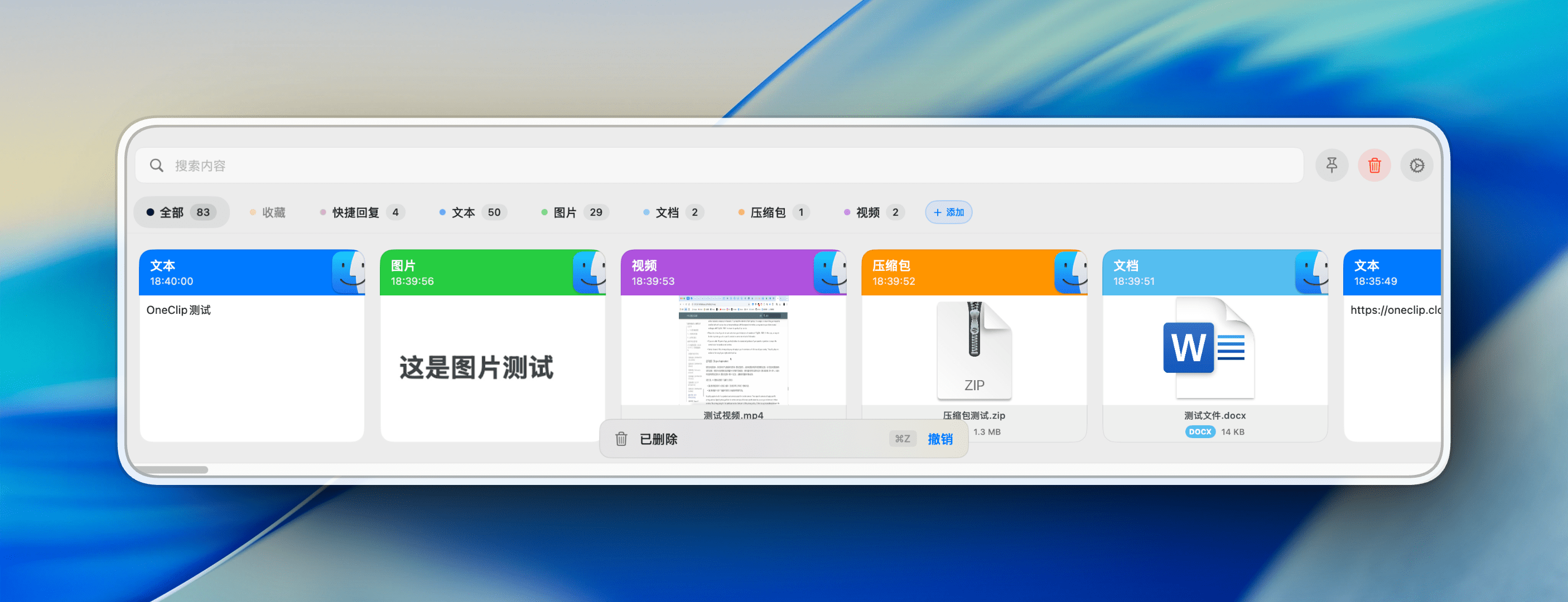
PS:打个广告,如果你需要Mac的粘贴板管理工具,可以试试 OneClip。 OneClip已经内置了FinderClip的功能,更加全面,欢迎体验!