A web scraper to grab video transcripts from Georgia Tech's OMSCS videos on Canvas (Kultura) and Youtube.
Requires Python 3, Pip, and yt-dlp
-
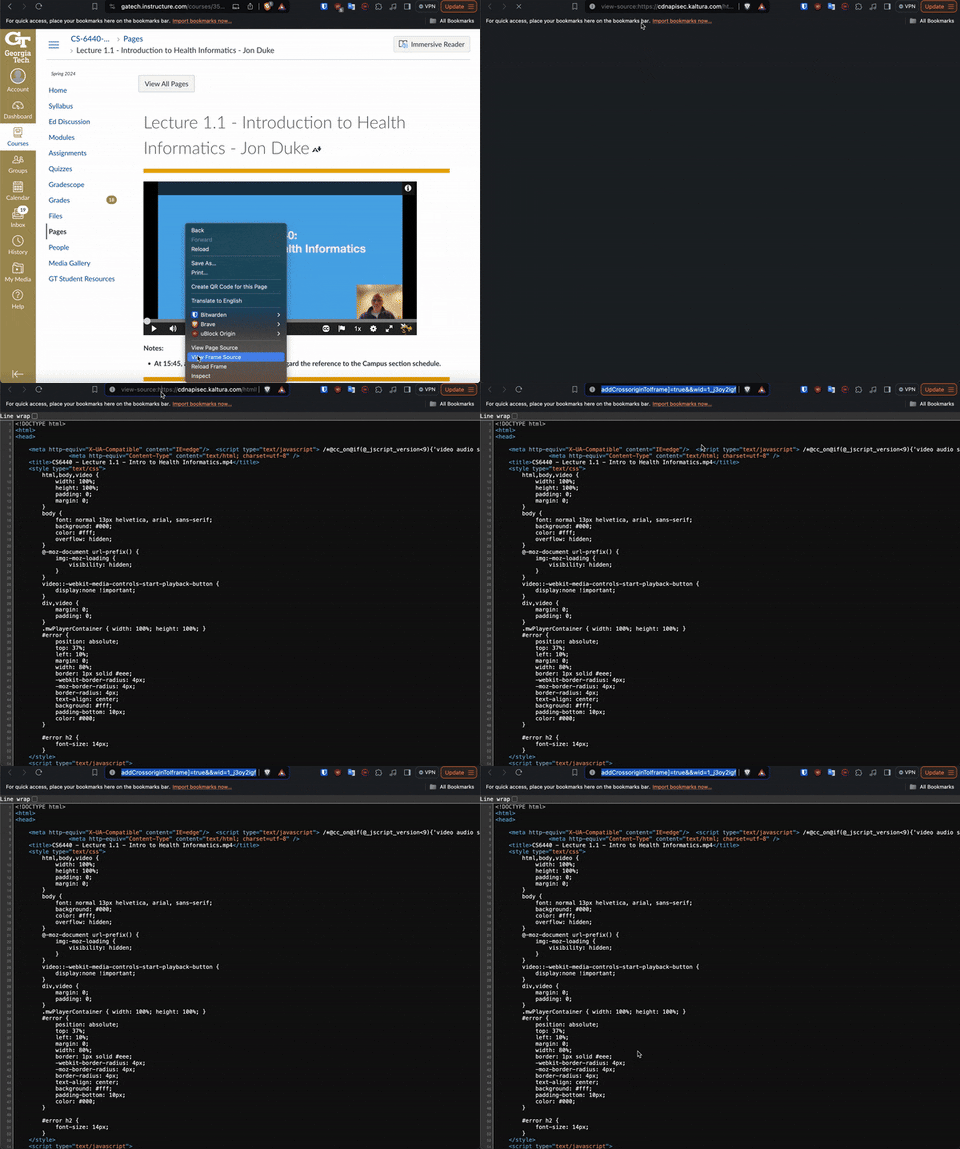
Start playing the Kultura video and double click to 'View Frame' (this option will not show up if the video is not playing). Copy the link from the 'View Frame' tab
-
Run the
canvas_scraper.pyfile with the copied link from step 1. This will download a srt file. -
Run the
srt_to_text.pyto convert the srt file to a text file. This will create a new text file.
Some of the videos for OMSCS are available on Youtube.
Requires Node install: https://nodejs.org/en/download/
- Run
npm installto install all dependencies - Get the video ID from the video. In the case of a Youtube video, the ID can be found after the /watch?v= part of the URL. (ex. https://www.youtube.com/watch?v=Apmks_6b584 the video ID for this would be Apmks_6b584)
- Edit the
youtube_scraper.jsfile. In this file, there is avidsarray that has a list of video IDs that can be modified. NOTE: If you only want to scrape one video, delete all other IDs in the array. - Run
node youtube_scraper.jsto run the script. The result of the script will be a file created called Output.txt
Playlist with Edtech Videos: https://www.youtube.com/playlist?list=PLAwxTw4SYaPnFwXQaRex_E3xjRvMcIMd1
Playlist with ML4T Videos: https://www.youtube.com/watch?v=s5xKxliBMTo&list=PLAwxTw4SYaPnIRwl6rad_mYwEk4Gmj7Mx