


Zoom is a video communications platform that enables users to schedule, host, and join virtual meetings, webinars, and conferences.
The ballerinax/zoom.scheduler package offers APIs to connect and interact with Zoom Scheduler endpoints, specifically based on Zoom API v2.
To use the ballerinax/zoom.scheduler connector, you must have access to the Zoom API through Zoom Marketplace and a project under it. If you do not have a Zoom account, you can sign up for one here.
-
Open the Zoom Marketplace.
-
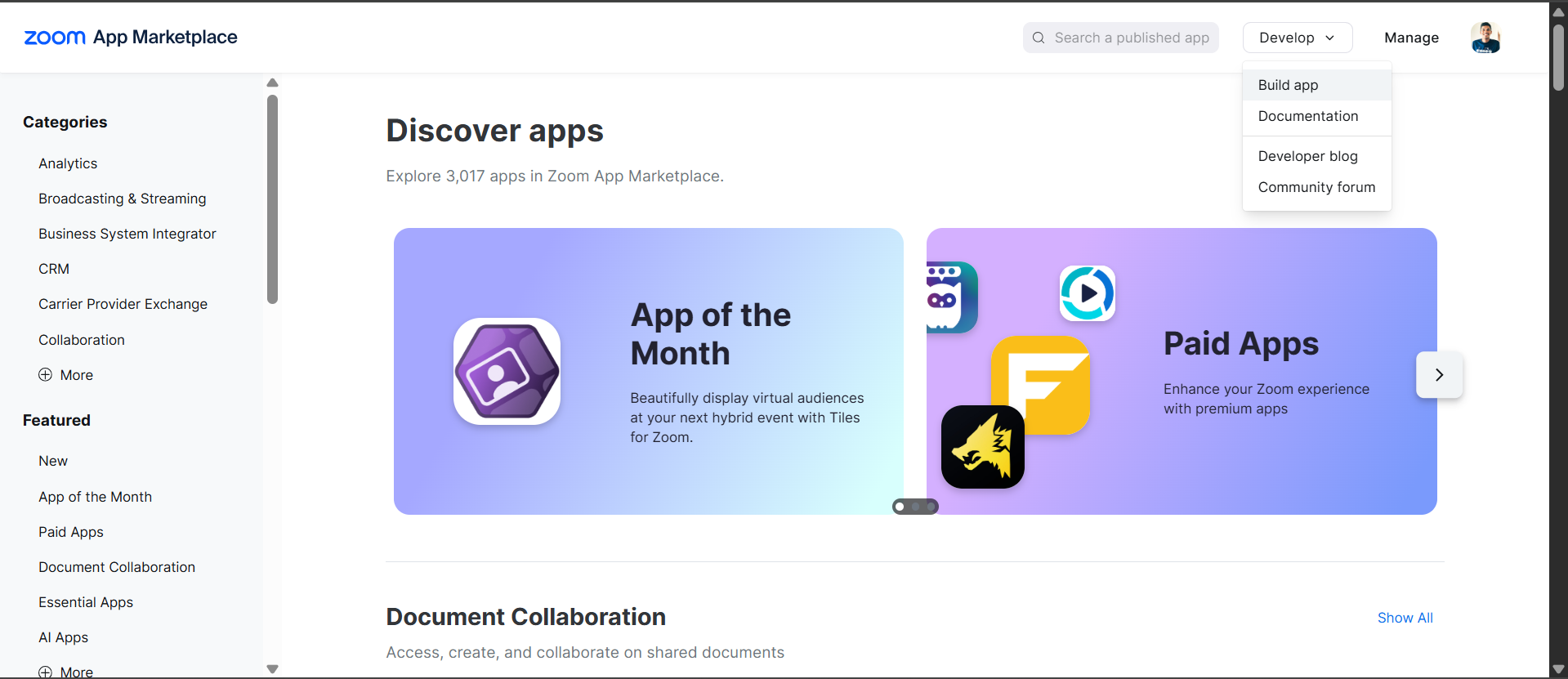
Click "Develop" → "Build App"
-
Choose "General App" app type (for user authorization with refresh tokens)

-
Fill in basic information
-
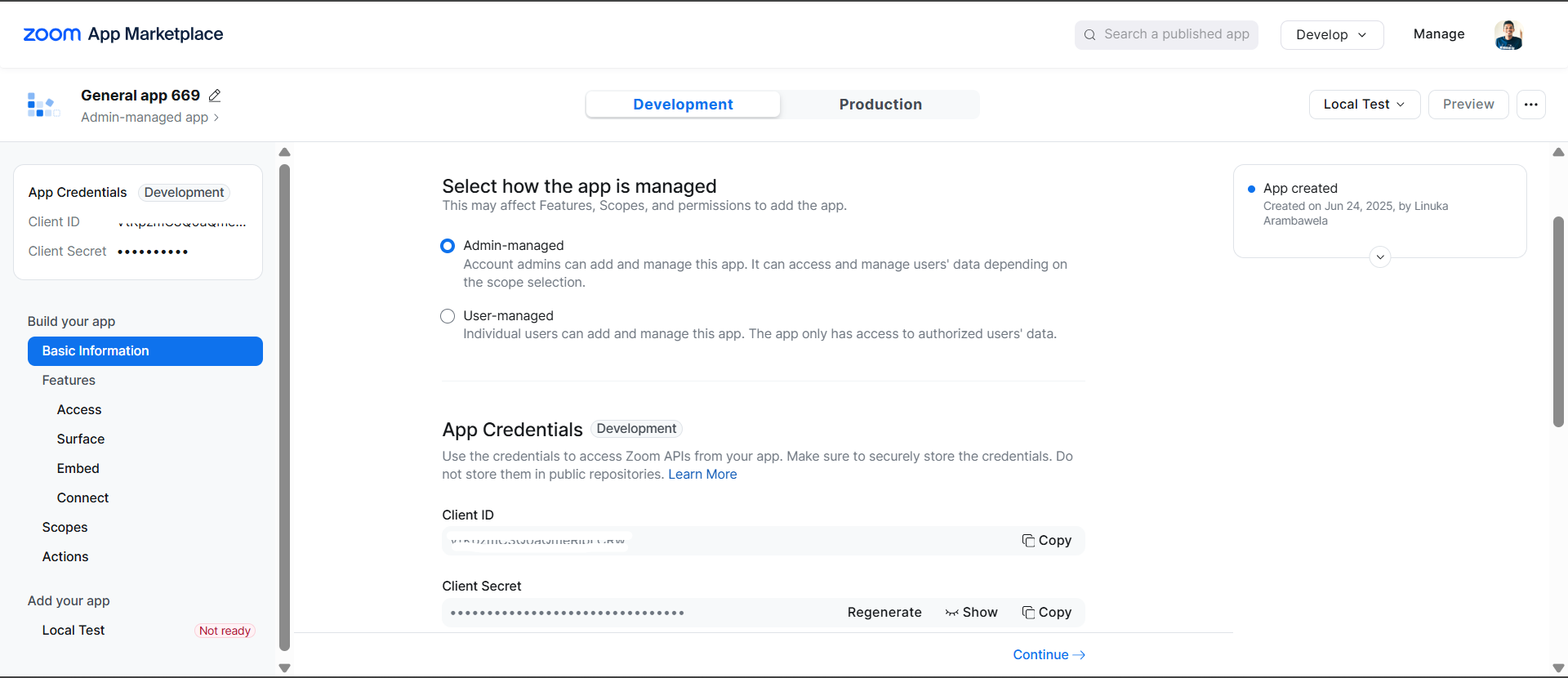
Note down your credentials:
- Client ID
- Client Secret
-
Set redirect URI: Add your application's redirect URI (e.g.,
http://localhost:8080/callback)
-
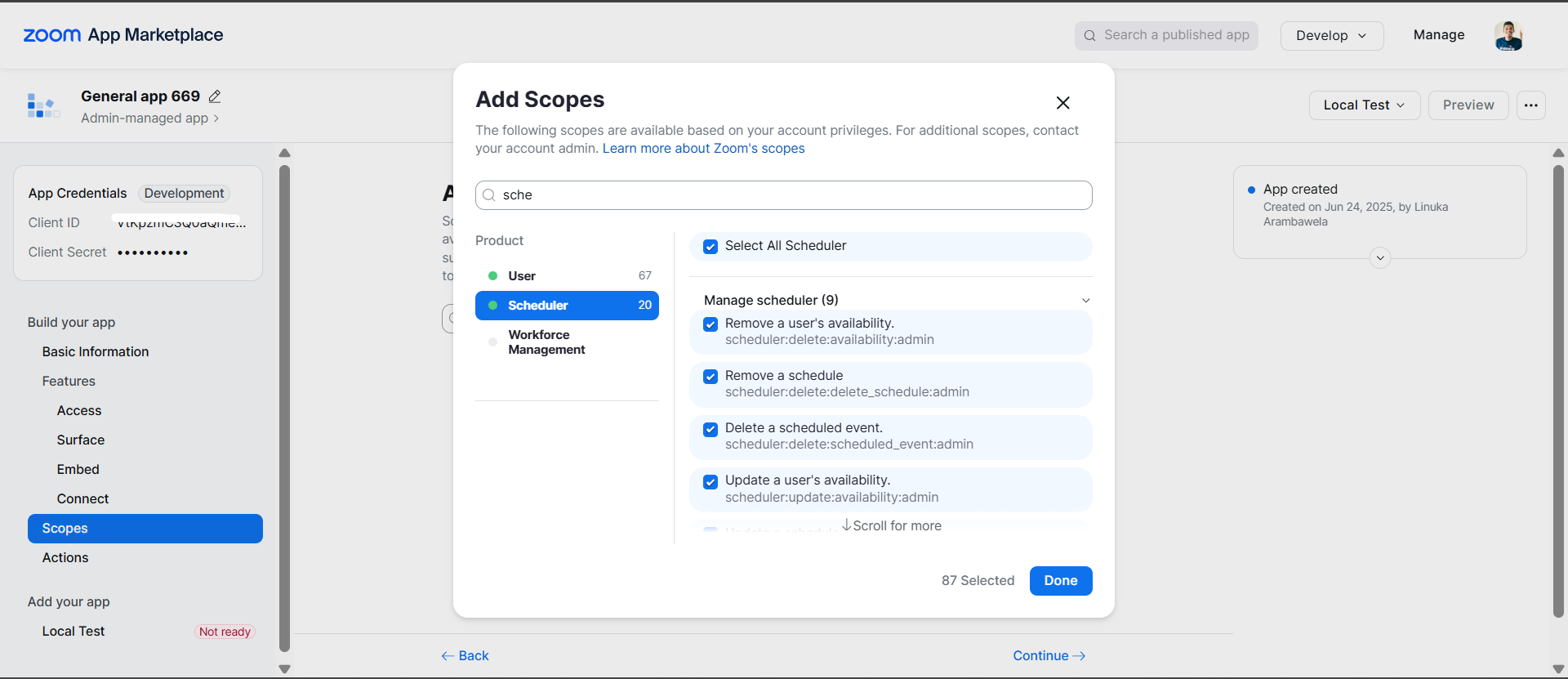
Add scopes: Make sure your Zoom app has the necessary scopes for the Scheduler API:
- Add
scheduler:read,scheduler:writeanduser:readin the scope
- Add
-
Complete all required information
-
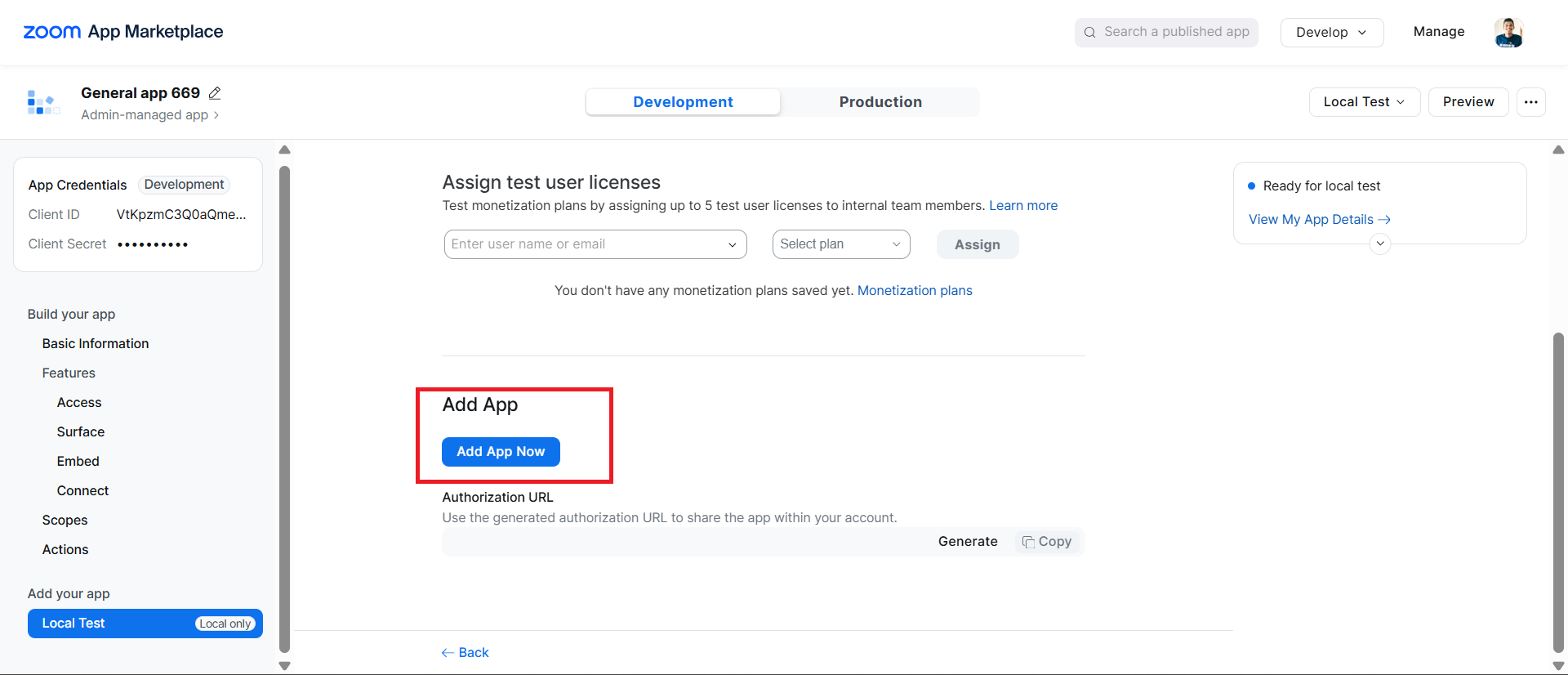
Activate the app
- Direct users to authorization URL (replace
YOUR_CLIENT_IDandYOUR_REDIRECT_URI):
https://zoom.us/oauth/authorize?response_type=code&client_id=YOUR_CLIENT_ID&redirect_uri=YOUR_REDIRECT_URI&scope=scheduler:read scheduler:write user:read
-
User authorizes the app and gets redirected to your callback URL with an authorization code
-
Exchange authorization code for tokens:
curl -X POST https://zoom.us/oauth/token \
  -H "Authorization: Basic $(echo -n 'CLIENT_ID:CLIENT_SECRET' | base64)" \
  -d "grant_type=authorization_code&code=AUTHORIZATION_CODE&redirect_uri=YOUR_REDIRECT_URI"
This returns both access_token and refresh_token.
Replace:
CLIENT_IDwith your app's Client IDCLIENT_SECRETwith your app's Client SecretAUTHORIZATION_CODEwith the code received from the callbackYOUR_REDIRECT_URIwith your configured redirect URI
curl -X GET "https://api.zoom.us/v2/users/me" \
  -H "Authorization: Bearer YOUR_ACCESS_TOKEN"
This will give you the user ID needed for API calls.
To use the ballerinax/zoom.scheduler connector in your Ballerina application, update the .bal file as follows:
Import the zoom.scheduler module.
import ballerinax/zoom.scheduler as zoom;- Create a
Config.tomlfile and, configure the obtained credentials in the above steps as follows:
clientId = "<Client ID>"
clientSecret = "<Client Secret>"
refreshToken = "<Refresh Token>"
userId = "<Zoom User ID>"- Create a
zoom.scheduler:ConnectionConfigwith the obtained access token and initialize the connector with it.
configurable string clientId = ?;
configurable string clientSecret = ?;
configurable string refreshToken = ?;
configurable string userId = ?;

final zoom:Client zoomClient = check new ({
    auth: {
        clientId,
        clientSecret,
        refreshUrl: "https://zoom.us/oauth/token",
        refreshToken
    }
});Now, utilize the available connector operations.
public function main() returns error? {
    zoom:InlineResponse2011 schedule = check zoomClient->/schedules.post(
        payload = {
            summary: "Team Meeting",
            description: "Weekly team sync",
            duration: 60
        }
    );
    io:println("Schedule created with ID: ", schedule.scheduleId);
}bal runThe Zoom Scheduler connector provides practical examples illustrating usage in various scenarios. Explore these examples, covering the following use cases:
-
Meeting Scheduler - Create scheduled meetings, generate single-use scheduling links, and manage team meeting schedules with automated booking capabilities.
-
Availability Manager - Configure availability schedules, analyze scheduler analytics, and manage working hours for different time zones and business requirements.
The Issues and Projects tabs are disabled for this repository as this is part of the Ballerina library. To report bugs, request new features, start new discussions, view project boards, etc., visit the Ballerina library parent repository.
This repository only contains the source code for the package.
-
Download and install Java SE Development Kit (JDK) version 21. You can download it from either of the following sources:
Note: After installation, remember to set the
JAVA_HOMEenvironment variable to the directory where JDK was installed. -
Download and install Ballerina Swan Lake.
-
Download and install Docker.
Note: Ensure that the Docker daemon is running before executing any tests.
-
Export Github Personal access token with read package permissions as follows,
export packageUser=<Username>
export packagePAT=<Personal access token>
Execute the commands below to build from the source.
-
To build the package:
./gradlew clean build
-
To run the tests:
./gradlew clean test -
To build the without the tests:
./gradlew clean build -x test -
To run tests against different environments:
./gradlew clean test -Pgroups=<Comma separated groups/test cases>
-
To debug the package with a remote debugger:
./gradlew clean build -Pdebug=<port>
-
To debug with the Ballerina language:
./gradlew clean build -PbalJavaDebug=<port>
-
Publish the generated artifacts to the local Ballerina Central repository:
./gradlew clean build -PpublishToLocalCentral=true
-
Publish the generated artifacts to the Ballerina Central repository:
./gradlew clean build -PpublishToCentral=true
As an open-source project, Ballerina welcomes contributions from the community.
For more information, go to the contribution guidelines.
All the contributors are encouraged to read the Ballerina Code of Conduct.
- For more information go to the
zoom.schedulerpackage. - For example demonstrations of the usage, go to Ballerina By Examples.
- Chat live with us via our Discord server.
- Post all technical questions on Stack Overflow with the #ballerina tag.