Interactive route map with real-time progress #255
Conversation


Changes:
Total lines: 4576 (+155) |
deployed preview: https://255.connect-d5y.pages.devWelcome to connect! Make sure to:
Mobile
Desktop
|

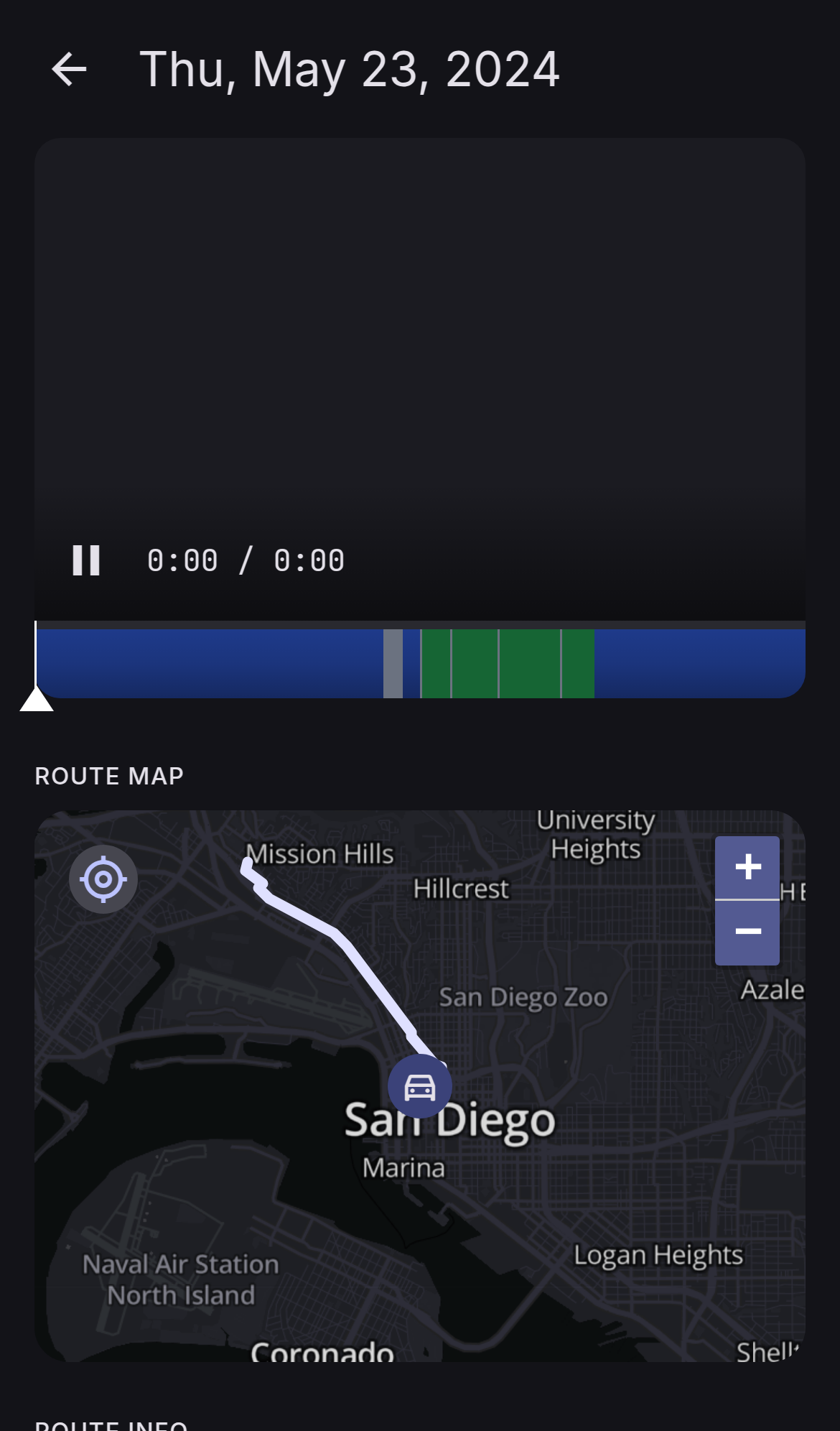
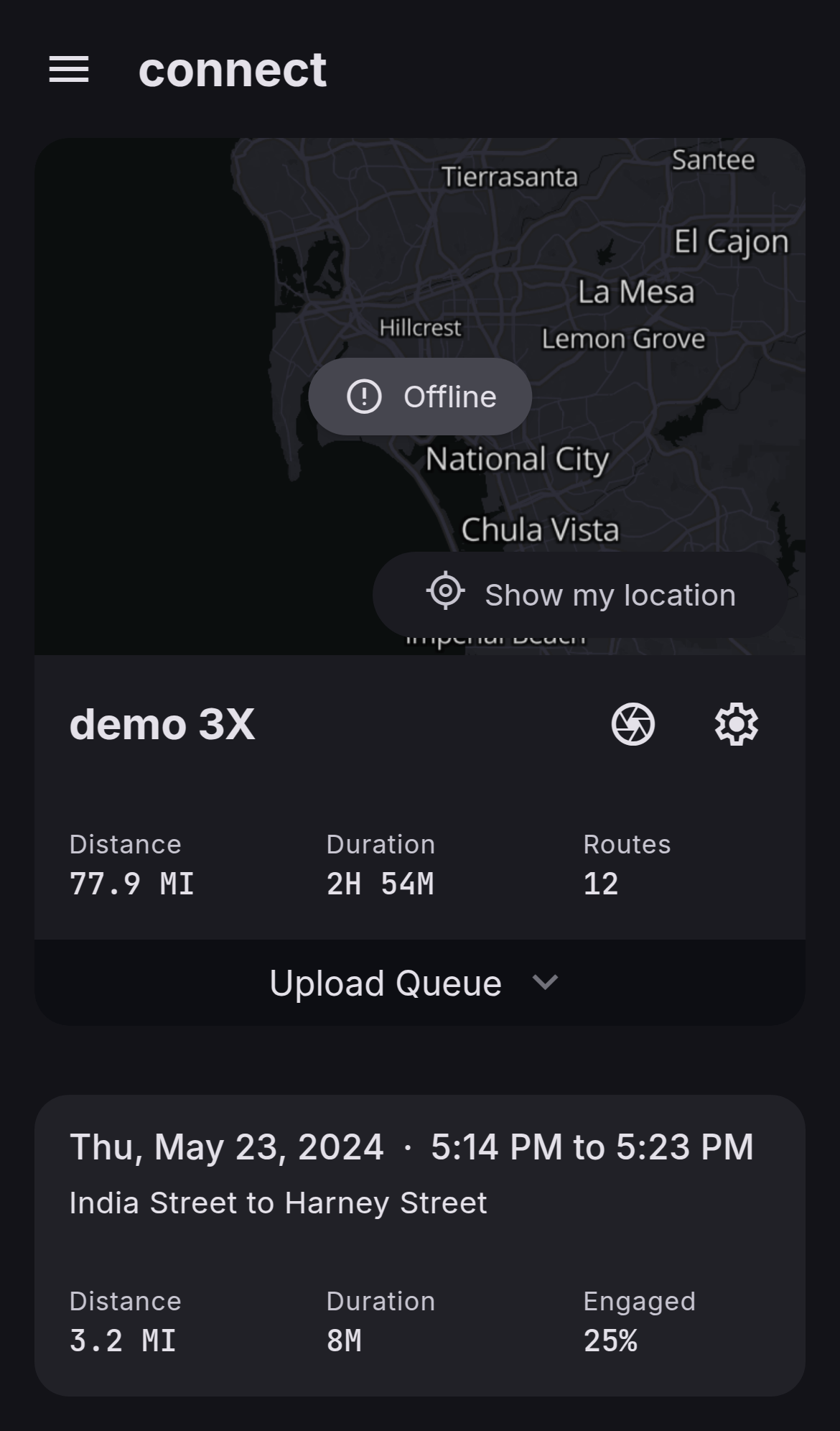

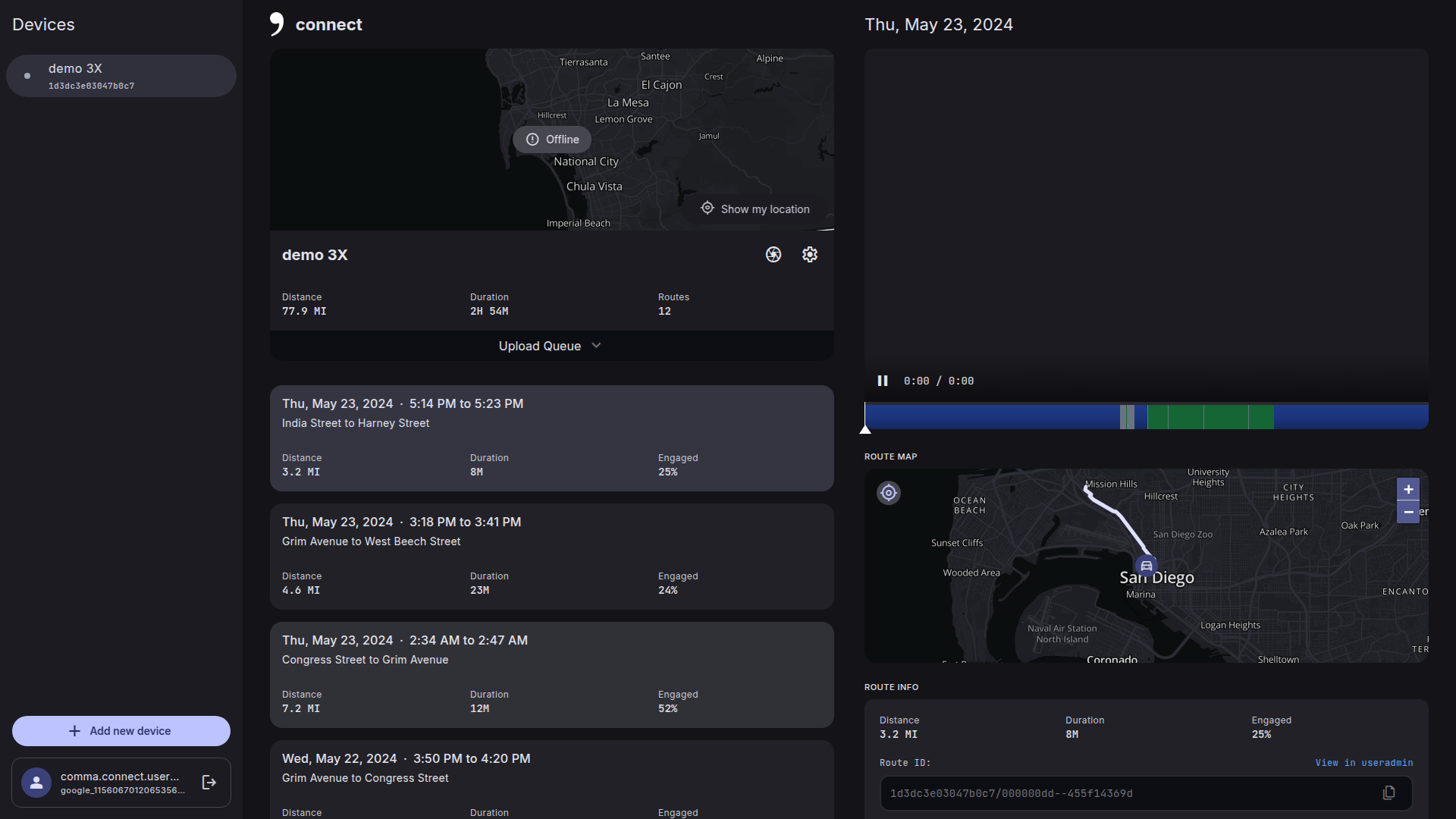
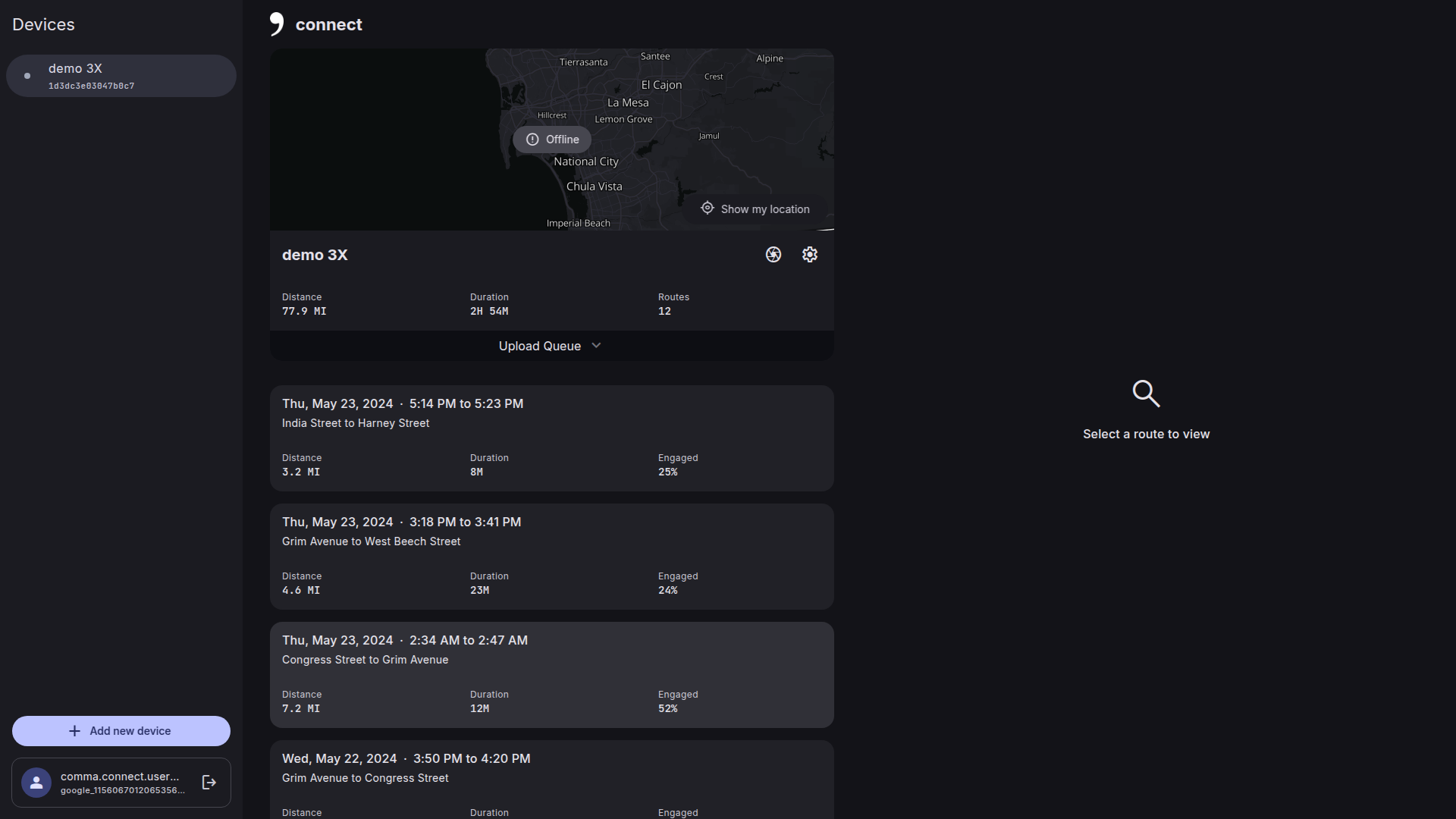
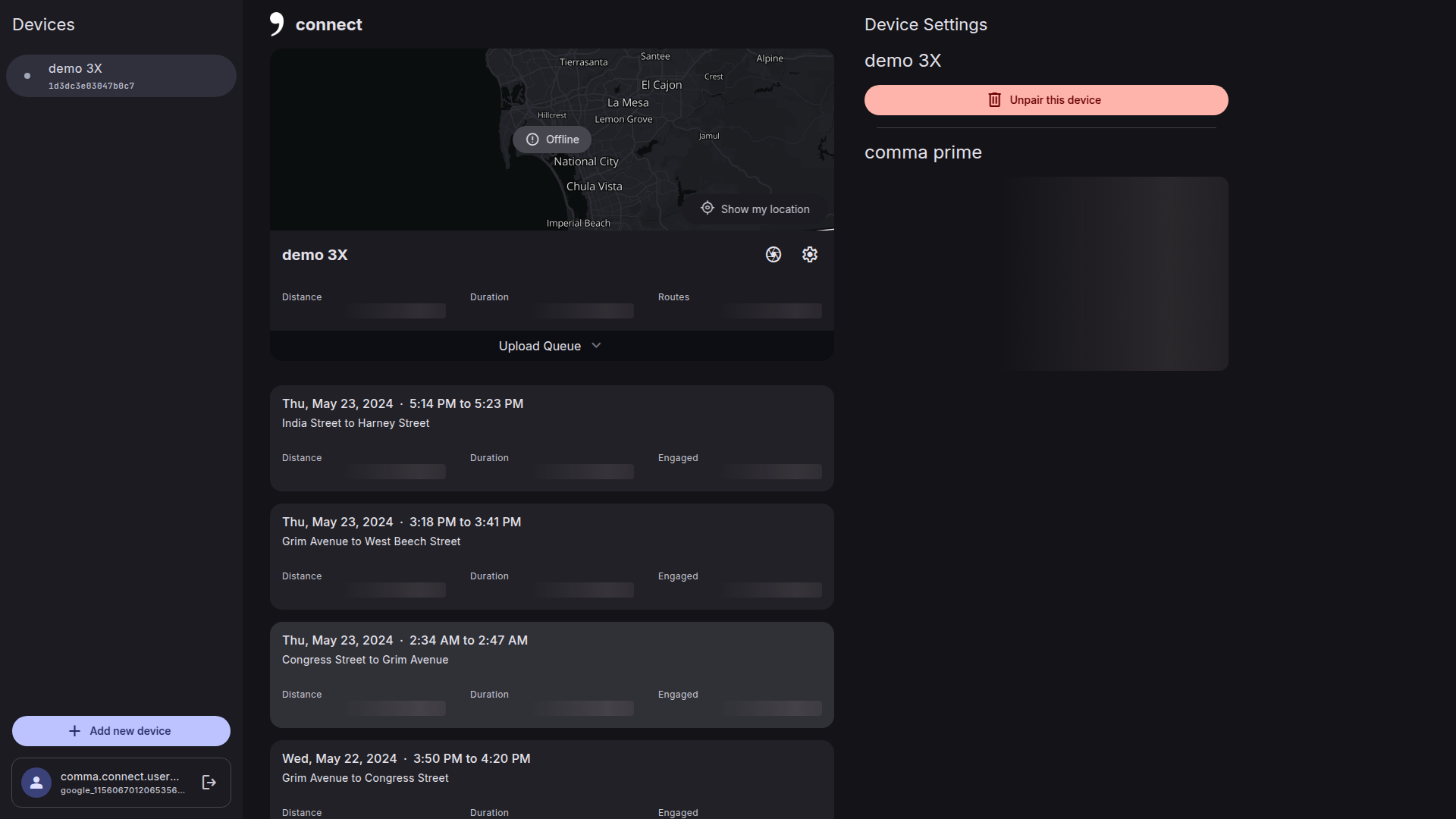

|
The dragging of the car is pretty cool! Can we smoothly interpolate the position like old connect does? Peek.2025-03-29.00-15.mp4 |


 Cynamide
force-pushed
the
interactive-map
branch
from
Cynamide
force-pushed
the
interactive-map
branch
from
0ee9009 to
d864806
Compare


|
Thank you so much @incognitojam |
|
Right now, I am not interpolating the points and fully relying on the marker CSS to do the work for me with way less code. Let me know if interpolating looks necessary ( when the map is fully zoomed in, the marker is small enough to be between points where you can make out the grey and purple lines distinctly updating before marker moves). Also found a little bug where map doesn't reload when a different route is selected. Will work on that. |

|
I like how the map is closer to the video, and how the route is darker for the past history. I may have to steal that for my PR #224. I also have the same issue with interpolation, but it's something that could be implemented if necessary, it just makes it a bit more complex. Only thing I would suggest is making the car icon a bit smaller like mine, and improving the transition when seeking, since it's panning the map without updating the route immediately. |
|
Thats right, even after adding interpolation, there is still a need for smooth css transitions which is why I removed interpolation completely. |
|
The reason I'm keeping a bigger icon is so that you cant see the purple and grey paths updating their positions behind the icon. also locked the max zoom-in for the map so that the icon doesn't become small enough to see this update. Looks like I'm all done now. |
Can't you have the division always right in the center and follow the icon smoothly? |
|
Also kind of curious, I just noticed you referenced pull request 212, which doesn't really seem relevant. Perhaps you meant #222? |
I could, but the problem is the polyline is updated instantly instead of having an animation like the marker. I'd have to calculate the points separately each time. I'll see if leaflet allows for animating polylines too. That should really fix it. |
Oh right my bad. Thanks for pointing it out! |

… center position calls
…s no longer recalled
4 participants


Resolves #213 and #222
I know someone else is already working on it but thought I should try it anyways. Let me know if the map is intuitive to use.
Also, I bumped up the location of map just below the video so its easier to use with the video playing. The map is by default static for easy scrolling. Users can click on any path on the map to jump to that location. Also drag the marker for finer control. Both these cases will make the map interactive. A small icon on the top left which will make the map static/dynamic.