BibleMate AI is a groundbreaking, autonomous AI agent designed to revolutionize your Bible study. It can create study plans, coordinate multiple Bible tools, and take multi-step actions to complete complex Bible-related tasks, such as conducting an in-depth study of a particular Bible passage.
Website: https://biblemate.ai
Developer: Eliran Wong
Traditional Chinese version: https://github.com/eliranwong/biblematetc
Simplified Chinese version: https://github.com/eliranwong/biblematesc
English: https://youtu.be/L3EY1iDx8lQ
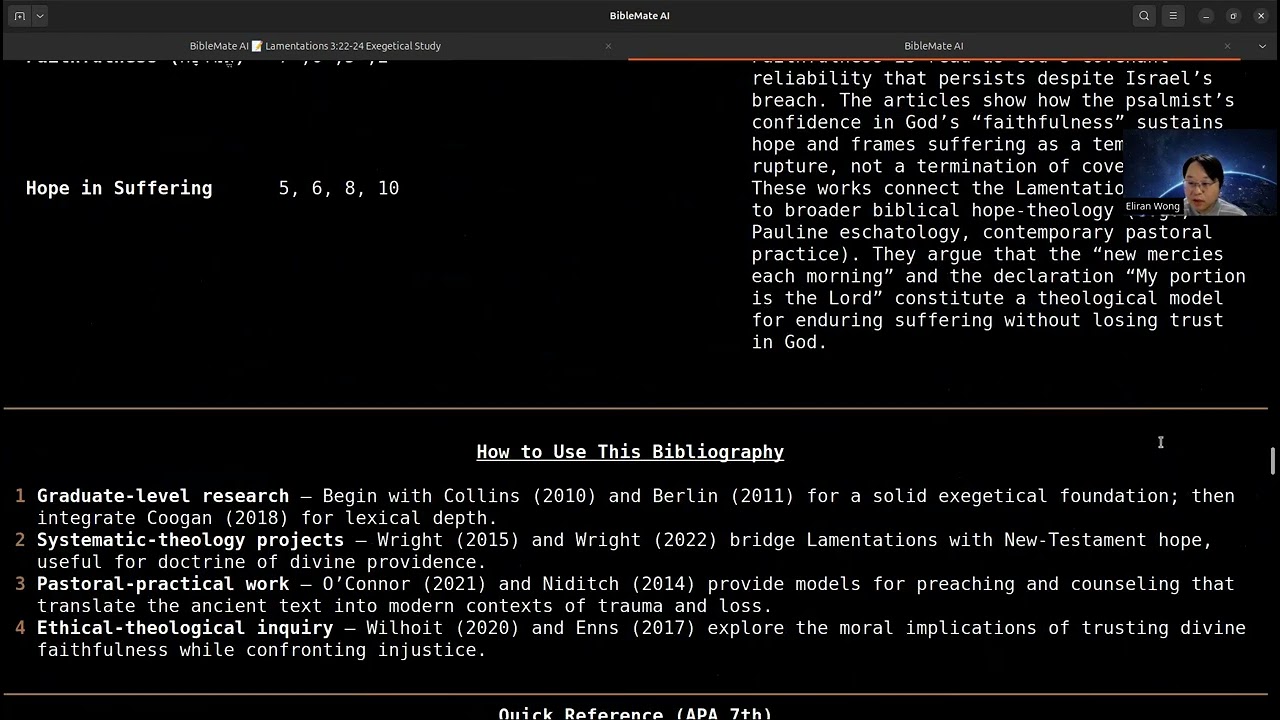
Mandarin: https://youtu.be/BL8HXBFqmvE
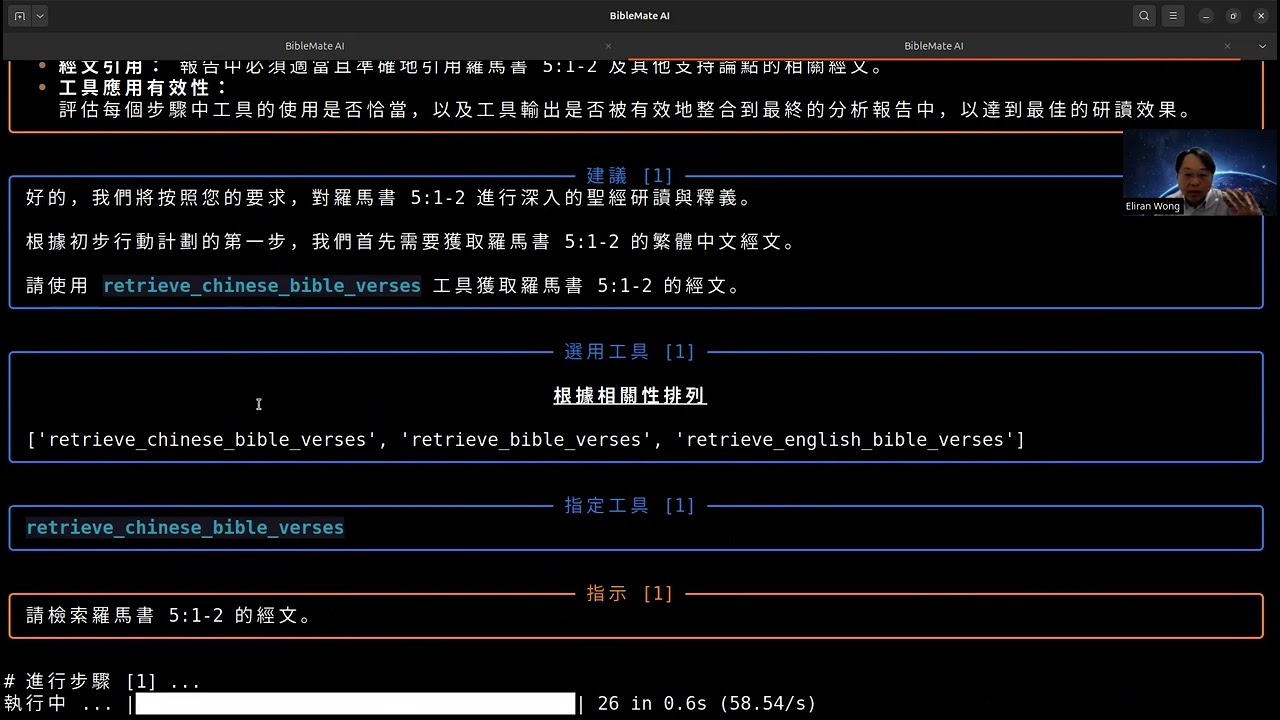
Cantonese: https://youtu.be/MmRR3uMQPd8
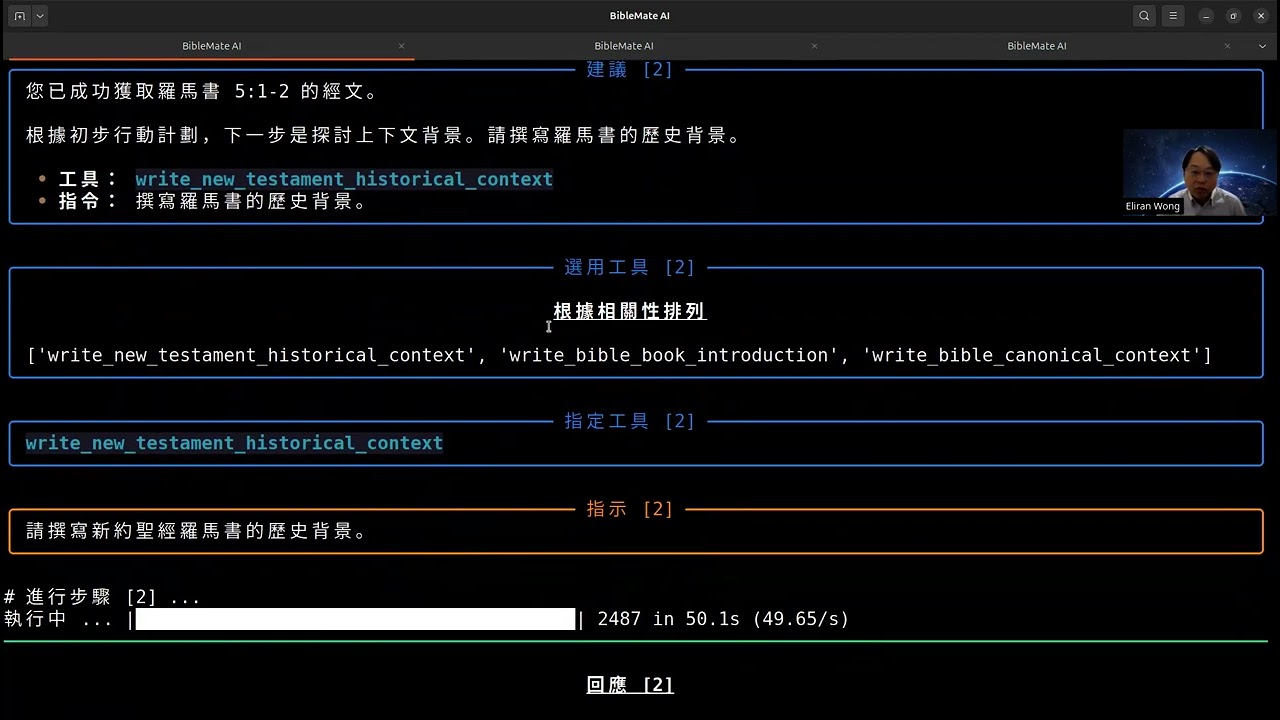
- Autonomous AI Agent: BibleMate AI can work independently to fulfill your bible study requests.
- Multi-step Task Execution: It can break down complex tasks into smaller, manageable steps and execute them sequentially.
- Rich Toolset: Comes with over 100 built-in bible tools, powered by our comprehensive bible suite, the UniqueBible App.
- Customizable and Extensible: Advanced users can customize existing tools or add new ones to suit their specific needs.
- Flexible AI Backend: Supports a variety of AI backends via AgentMake AI.
- Windows
- macOS
- Linux
- ChromeOS
- Android (via Piexel Terminal / Termux)
- 3.10
- 3.11
- 3.12
- BibleMate AI receives a request from a user.
- BibleMate AI analyzes the request and determines that it requires multiple steps to complete.
- BibleMate AI generates a
Master Planthat outlines the steps needed to complete the request. - BibleMate AI sends the
Master Planto a supervisor agent, who reviews the prompt and provides suggestions for improvement. - BibleMate AI sends the suggestions to a bible tool selection agent, who selects the most appropriate bible tools for each step of the
Master Plan. - BibleMate AI sends the selected bible tools and the
Master Planto an instruction generation agent, who converts the suggestions into clear and concise instructions for an AI assistant to follow. - BibleMate AI sends the instructions to an AI assistant, who executes the instructions using the selected bible tools.
- BibleMate AI monitors the progress of the AI assistant and provides additional suggestions or instructions as needed.
- Once all steps are completed, BibleMate AI provides a concise summary of the results to the user.
- The user receives the final response, which fully resolves their original request.
graph TD
    A[User] -- Request --> B(BibleMate AI);
    B -- Generates Master Plan --> B;
    B -- Master Plan --> C(Supervisor Agent);
    C -- Suggestions --> B;
    B -- Suggestions --> D(Bible Tool Selection Agent);
    D -- Selected Tools --> B;
    B -- Master Plan & Selected Tools --> E(Instruction Generation Agent);
    E -- Instructions --> B;
    B -- Instructions --> F(AI Assistant);
    F -- Executes Instructions --> G((Bible Tools));
    B -- Monitors --> F;
    F -- Progress --> B;
    B -- Summary --> A;
Read fresh installation instructions at https://github.com/eliranwong/biblemate/blob/main/docs/installation/macOS.md
pip install --upgrade biblemate
To run BibleMate AI:
biblemate
or
bm
Enter your request in the BibleMate AI prompt.
- Press
Ctrl+Sto submit your request. - Press
Ctrl+Yto display help information. - Press
Ctrl+Qto exit the BibleMate AI prompt.
You can select between three AI modes to suit your preferences:
- Chat mode – Provides direct text responses without using tools, ideal for simple queries.
- Agent mode – A fully autonomous agent designed to plan, orchestrate tools, and take multiple actions to address user requests.
- Partner mode – A semi-automated mode that involves you in the process with review and edit prompts, giving you more control over the AI's actions.
Partner mode is set as the default on fresh installation.
To switch between modes, use the .mode command in the BibleMate AI prompt. This will open a selection dialog where you can choose your preferred mode.

To help users stay aware of the current AI mode, the input border color changes when switching between modes.

- 🔌 Optional Setup
- ⚙️ Configure AI Backend
- 🏃 Action Menu
- ⌨️ Keyboard Shortcuts
- 🏷️ Special Entry Prefixes
- 📚 Built-in Tools & Plans
- 📝 Custom Master Plan
- 🔧 Single Tool Selection
- ✝️ UniqueBible Resources
- 🔎 Semantic Searches
- ✒️ Text Editor
- 🛠️ Customization
Direct Access to Bible Resources
This project is licensed under the Creative Commons Attribution-NonCommercial 4.0 International License - see the LICENSE file for details.
BibleMate AI is built upon the foundations of our other projects: