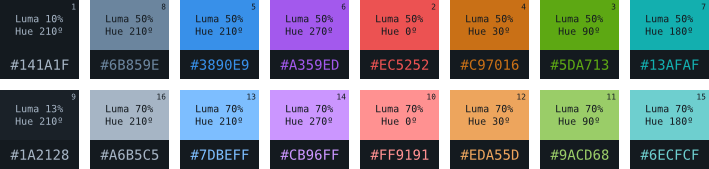
Sublime-atomic is a dark & light color scheme designed to use on Sublime Text. It consists of sixteen colors selected procedurally (algorithms) and it's part of a bigger project: Atomic, which includes themes and color schemes for more code editors (Vim, Neovim and NetBeans), terminals (URxvt, XTerm, xfce4-terminal and konsole) and some terminal programs (tmux, zsh, irssi, cmus).
Atomic comes with five modes of color and two contrasts for each one:
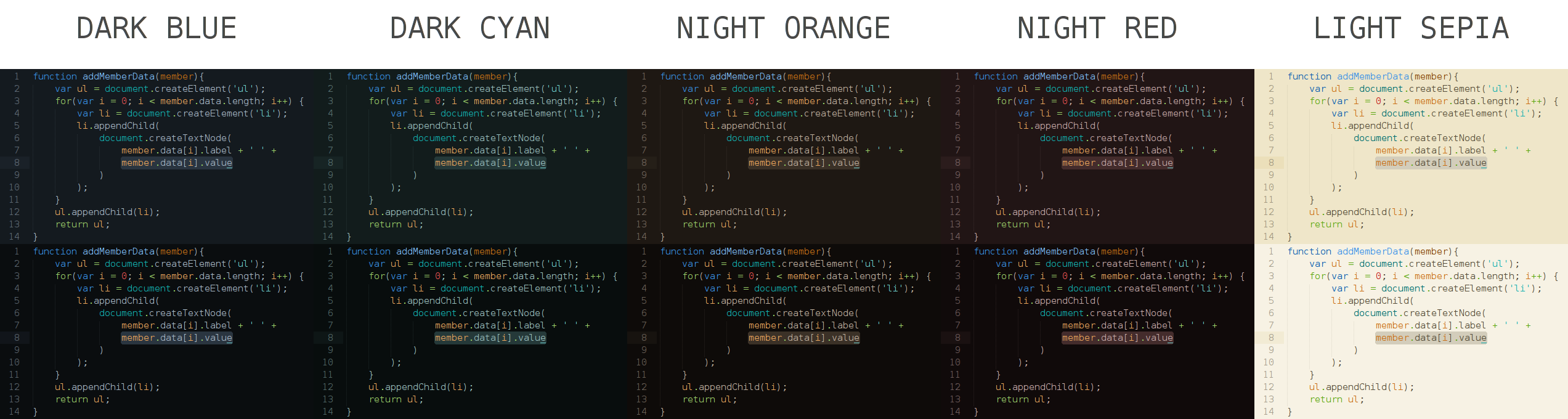
Dark blue:
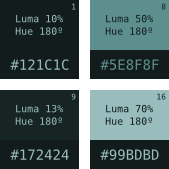
Dark cyan:
Night orange:
Night red:
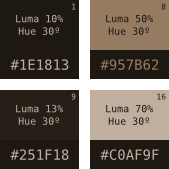
Light sepia:
- Make sure you already have Package Control installed.
- Choose
Install Packagefrom the Command Palette (Ctrl+Shift+Pon Windows/Linux,⇧⌘Pon OS X). - Select Atomic in the menu:
Preferences>Color Scheme>Atomic Color Scheme>Atomic - *.
With auto_upgrade enabled, Package Control will keep all installed packages up-to-date!