



Bash script for installing Alpine Linux in Termux.
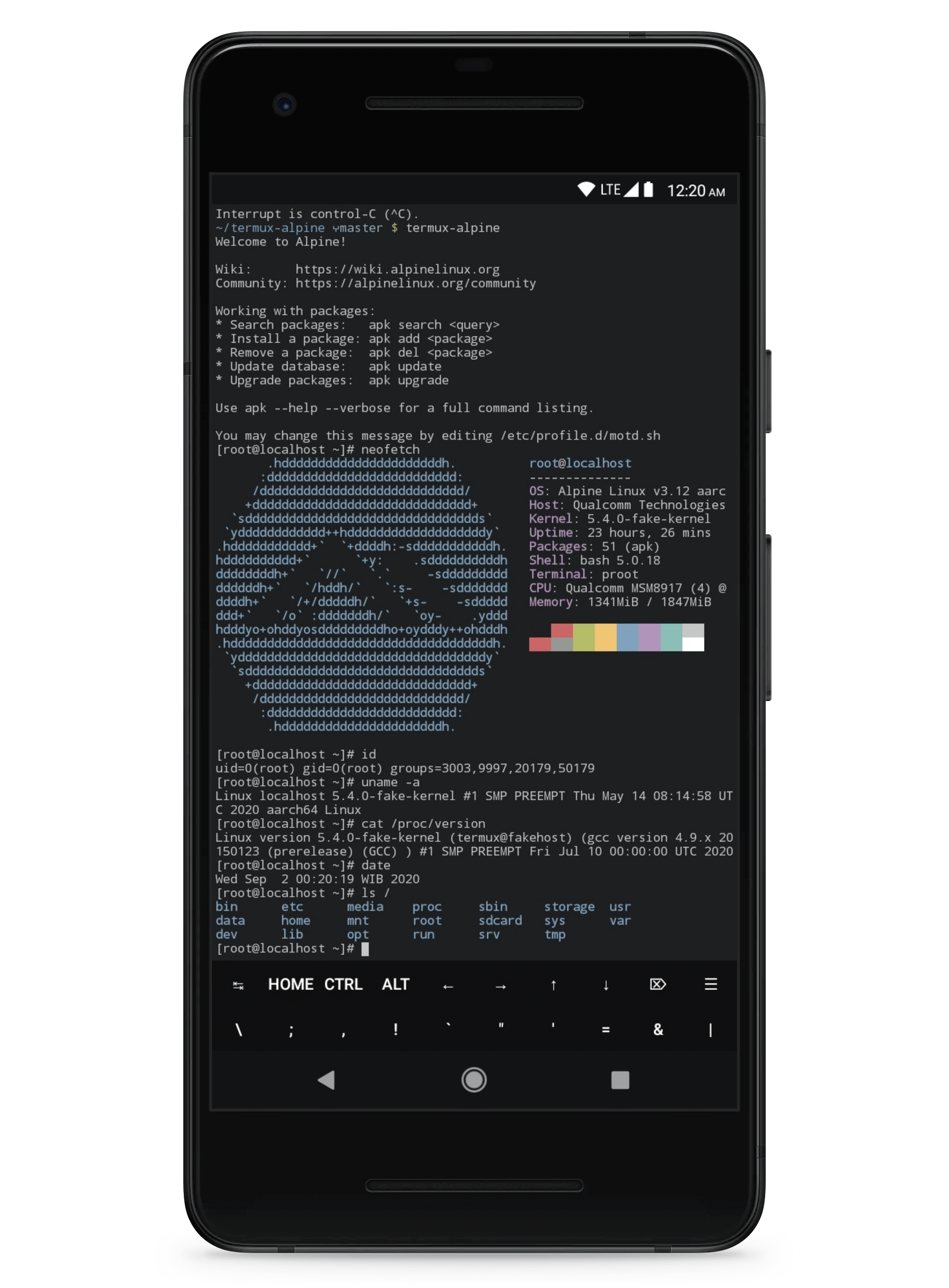
Check out the other screenshots on my Instagram.
Details
Open Termux app, copy and paste the following command in Termux.
Note: Required to install git and ncurses-utils, skip if already installed!
pkg install -y git
pkg install -y ncurses-utils
cd $HOME && \
git clone -b main https://github.com/illvart/termux-alpine.git && \
cd termux-alpine && \
chmod +x setup-termux-alpineOr download from GitHub Releases page and extract.
Installation options.
./setup-termux-alpine --setup-userPlease follow the output of the command above!
Just typing a command like below in Termux and enter.
termux-alpineYou can also running any commands inside Alpine Linux:
termux-alpine echo "Hello World"To reinstall just typing a command like installation above, type y for yes, and enter.
Or pass the command with options example:
./setup-termux-alpine -S -FPlease note! Before uninstalling, recommended to backup the current installation.
cd ${HOME}/termux-alpine && \
    ./setup-termux-alpine --uninstall
Or manually (isn't safe):
rm -rf ${PREFIX}/bin/termux-alpine \
    ${HOME}/.alpine
Upgrade the installation script.
rm -rf ${HOME}/termux-alpine && \
    cd $HOME && \
    git clone -b main https://github.com/illvart/termux-alpine.git && \
cd termux-alpineUsage: ./setup-termux-alpine [options]
Options:
--install-nodejs install nodejs-current, npm, and yarn
--install-python3 install python3 py3-pip, and py3-wheel
-S, --setup-user setup a non-root user
-F, --fake-kernel use a fake kernel
-u, --uninstall full wipe the rootfs installation
-v, --version show this program version
-h, --help show this help informationIf you're using --setup-user, to login a non-root user after installation use login your_username and enter the password.
This project is open source and free to use under the license. However, if you are using this project and happy with it or just want to encourage me to continue creating stuff please donate!
Credit to Hax4us and termux for source.
If you would like to help out with some code, check the details.
This project is licensed under the GPL-3.0 License. See the LICENSE file for details.