LibreLinkUp
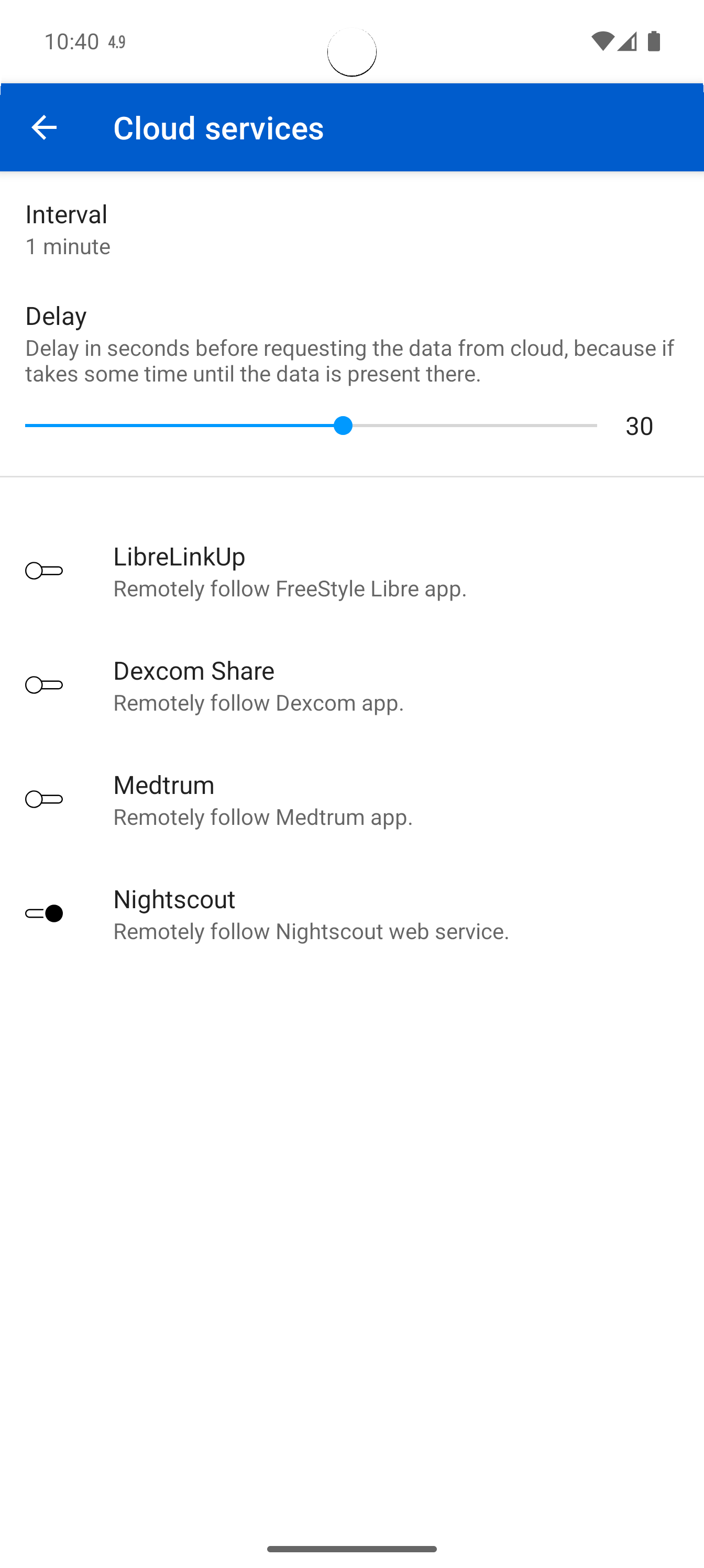
3-dot menu > Sources > Cloud Services > LibreLinkUp
The FreeStyle Libre App shares its data using LibreLinkUp:
To set up LibreLink as follower, you need the account data from LibreLinkUp. If you have not set up your LibreLinkUp account yet, follow this instruction.
Here is a quick summary of the steps to do:
- open your FreeStyle Libre App and select in the menu
ShareorConnected Apps - activate LibreLinkUp connection
- install LibreLinkUp from PlayStore
- setup your account and wait for the invitation
- after accept the invitation you do not need the LibreLinkUp App "anymore" and it is very important to stop or uninstall the LibreLinkUp app!!!
- now you can add your LibreLinkUp account to GlucoDataHandler and activate this source
The Abbott software causes a lot of troubles, GDH is not responsible for!
For example, if there are no values in regular interval, the Libre apps stops uploading it every minute. The only solution is to re-install the Libre app (not GDH!).
Another problem is, if you are using multiple apps to get data from the Abbott servers (like using LibreLinkUp app and GDH app), GDH sometimes receives errors like 429 (too many requests). It seems Abbott limit the requests to their servers. So it is very important to use only GDH to retrieve the data from their servers.
Use Juggluco instead, which is more stable, have less battery usage and provide data for GDH offline!