
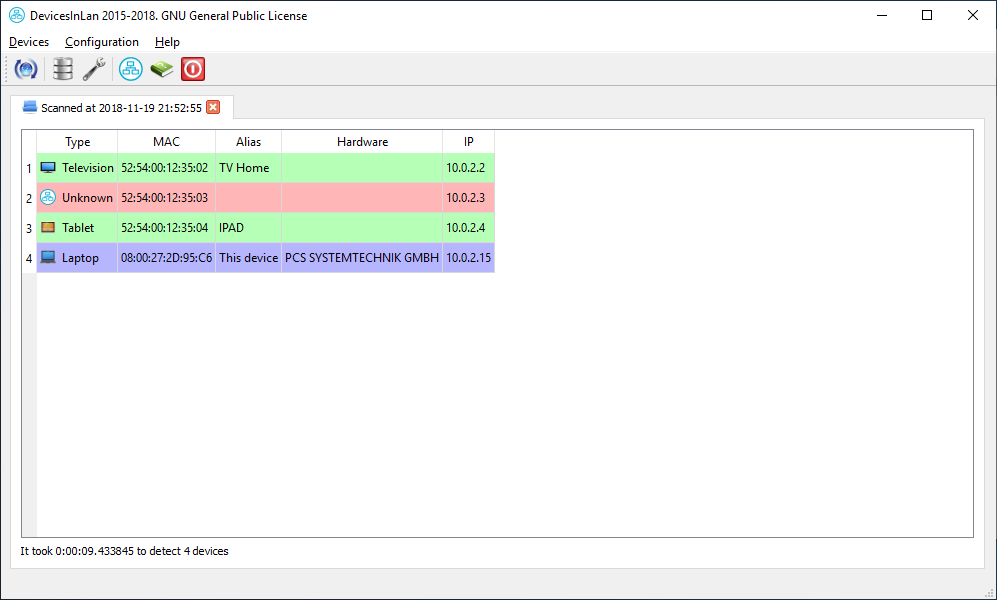
Project web page:
App statistics
If you use Gentoo you can find a ebuild in https://github.com/turulomio/myportage/tree/master/net-analyzer/devicesinlan
If you use other distribution compatible con pip: pip install devicesinlan
You need to install Python from https://www.python.org and add it to the PATH
You must open a console with Administrator privileges and type:
pip install devicesinlan
If you want to create a Desktop shortcut to launch Xulpymoney you must write in a console:
devicesinlan_shortcut.exe
- Fix remote version bug