Replace static route map with interactive map showing realtime position #224
Conversation


…less interacted with

deployed preview: https://224.connect-d5y.pages.devWelcome to connect! Make sure to:
Mobile
Desktop
|
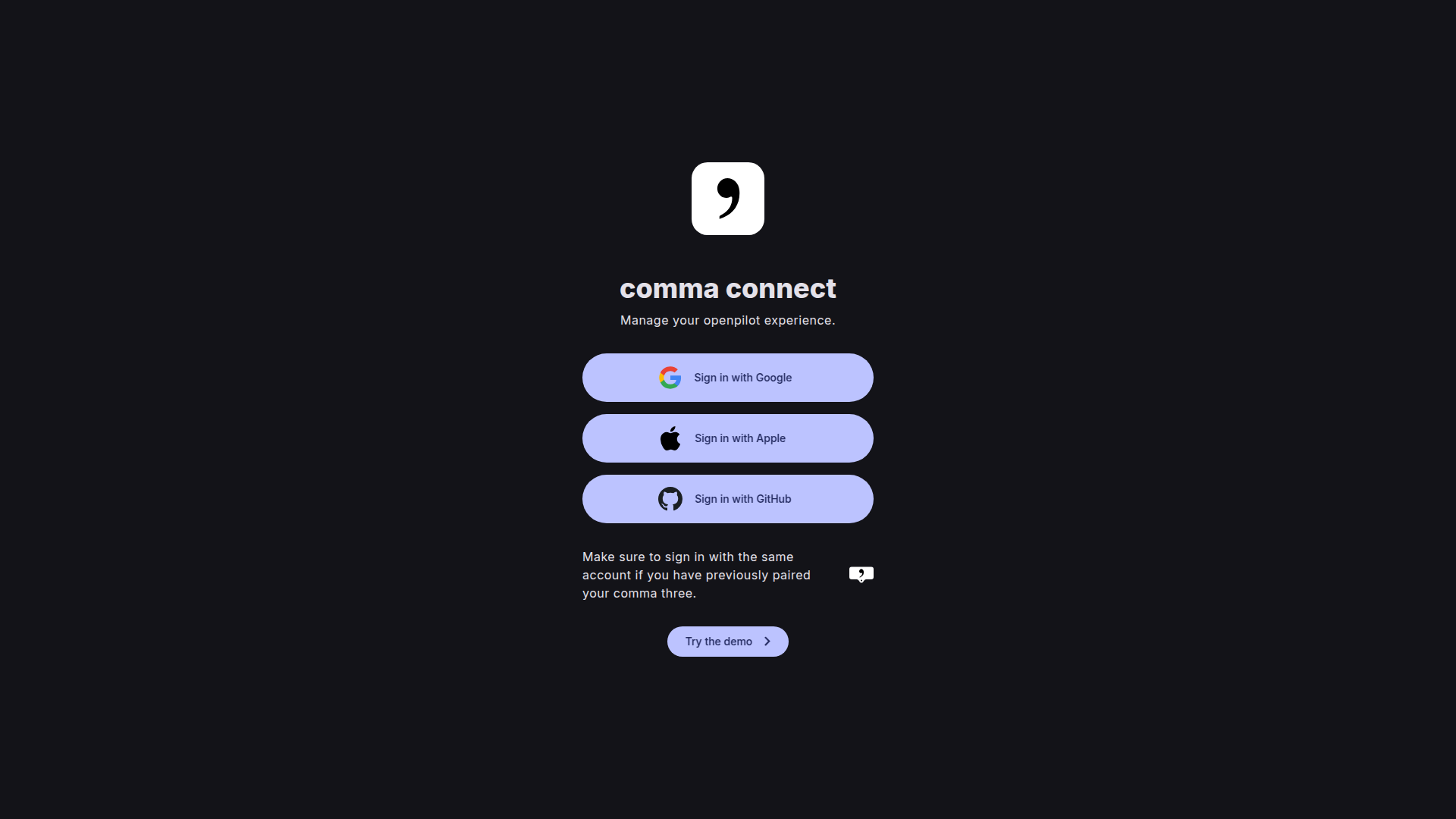
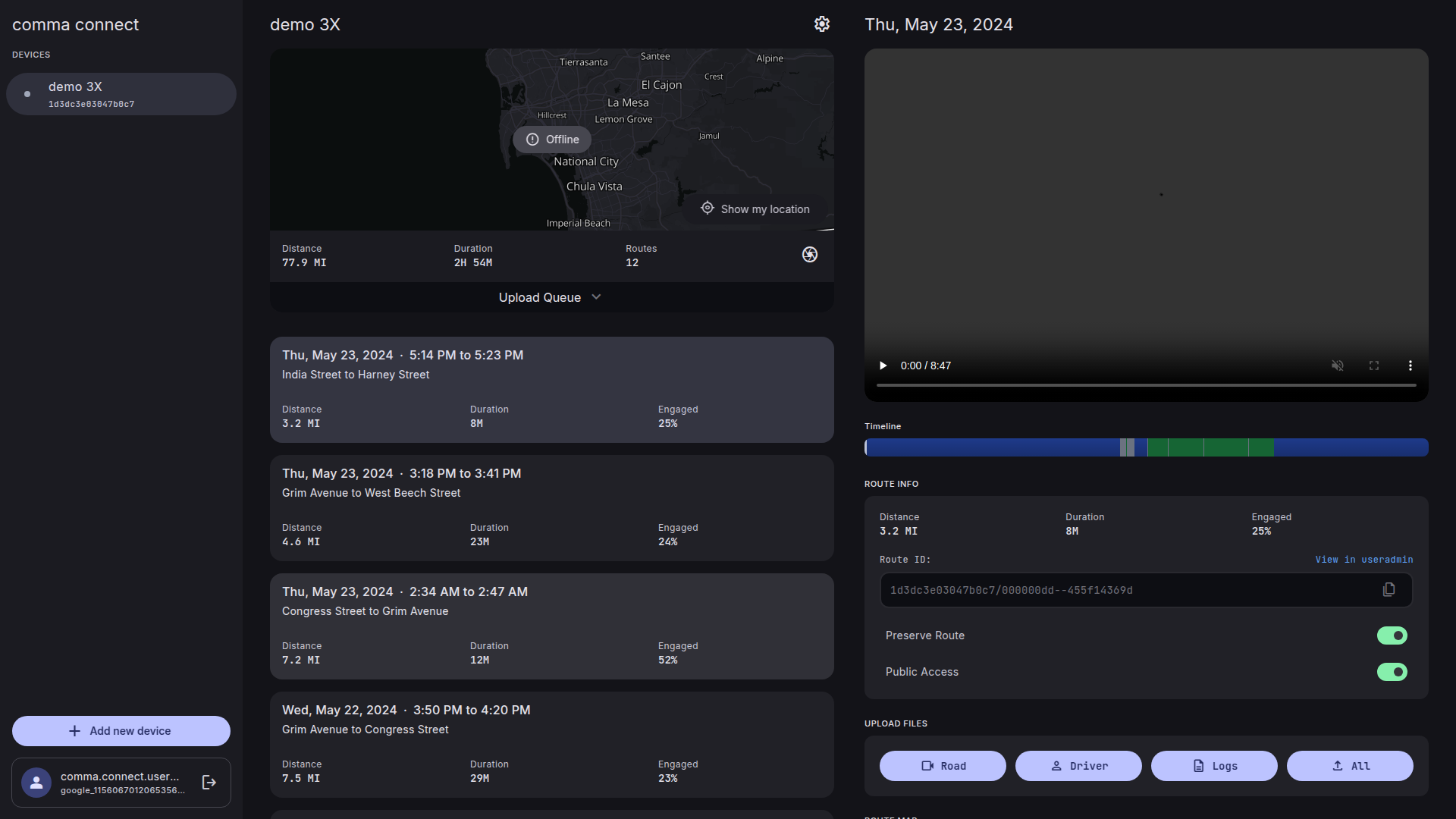
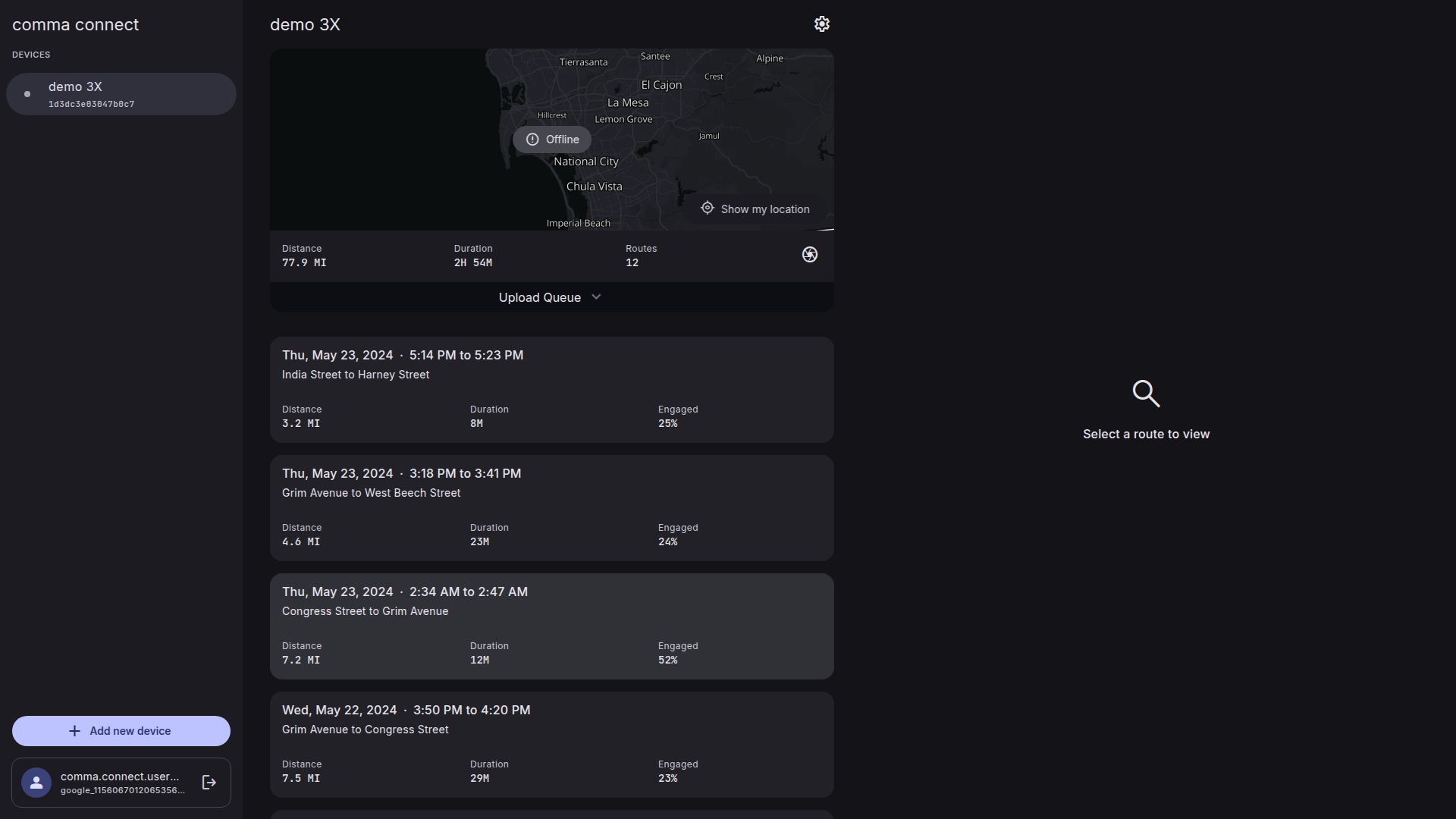
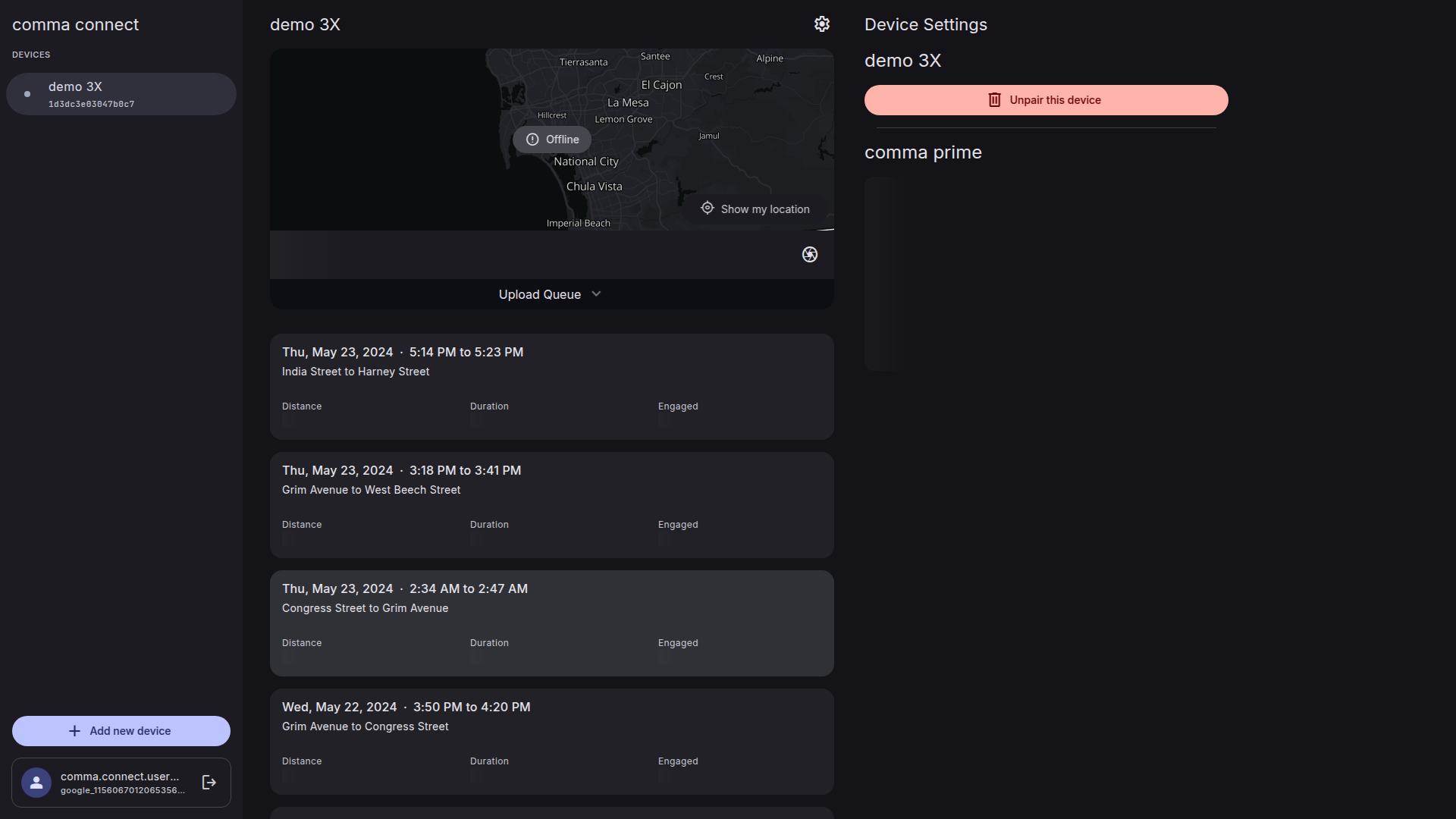

|
Looks like the UI preview tool needs to scroll down so we can see the map |

Changes:
Total lines: 4652 (+290) |


|
This seems like a lot of code. Can we simplify it? |
A lot of the code is related to the controls, since the goal was to have an interactive map that allows panning/zooming like old connect, to make it easier to find a specific part of the route (for example, you went on a long trip and you remember something happened at a specific intersection, you can zoom right into it and then click the point on the route where it happened). But the issue is scrolling the page and zooming the map (or dragging the map on mobile) have the same controls, so if you hover over the map and try to scroll up the page, it would zoom instead, for example. Leaflet doesn't natively support Ctrl + Scroll to zoom, or two fingers to drag, so I had to add all the code for that. I originally used a Leaflet plugin that was much simpler, but that made the bundle size slightly go over the limit so I had to implement it myself. The end result looks and acts much better, in my opinion, but at the cost of code complexity. So perhaps I could figure out a way to separate the gesture control logic or something to reduce the complexity. Ultimately, a lot of code has to be written somewhere to make it work the way I think it should. Or if we completely redid the design, so the map was beside the video like old connect instead of underneath, it might not be necessary to have all of this. |
…to force ctrl + shift or two finger drag
|
I'm liking the mechanics of #255, but it could use a few tweaks still. I may try to implement some of the features from that PR here, but I would be happy merging that one instead. |
3 participants


Resolves #213 and #222.
This replaces the static route image that was being generated by the mapbox API and replaces it with an interactive Leaflet map. It adds pan and zoom support, and also shows a marker for the location of the device during replays with an option to keep it centered while replaying. It also adds support for clicking on a route point to go to that part of the timeline.