You signed in with another tab or window. Reload to refresh your session.You signed out in another tab or window. Reload to refresh your session.You switched accounts on another tab or window. Reload to refresh your session.Dismiss alert
On some desktop hardware the ui currently fails to start. This only happens when the _calculate_auto_scale function runs and thereby opens and closes a temporary window. The issue seems to be related to the OpenGLContext getting removed in the raylib close_window function. By directly destroying the glfw window the OpenGLContext does not get removed and the ui is able to start successfully.
seems like a hack to intentionally leave the gl context open when this method finishes
have you explored other fix attempts?
The raylib close_window function doesn't provide a way to leave the context open, it seems like init_window and close_window are designed for an application with a single window that would completely shutdown after closing the window. I don't see any way to create and maintain an opengl context in the raylib api apart from the init_window/close_window commands or dropping into glfw. The only other way I could think of to open and close a window while maintaining the OpenGL Context would be to stop using init_window and instead manage the glfw layer from start to end. Another option would be to find another way to find the dimensions that this function grabs. Overall though, this seems like the most straightforward solution to the issue
pfeiferj
changed the title
Raylib: Close the scaling detection window without uninitializing opengl
UI: Close the scaling detection window without uninitializing opengl
Nov 27, 2025
This file contains hidden or bidirectional Unicode text that may be interpreted or compiled differently than what appears below. To review, open the file in an editor that reveals hidden Unicode characters.
Learn more about bidirectional Unicode characters
Add this suggestion to a batch that can be applied as a single commit.This suggestion is invalid because no changes were made to the code.Suggestions cannot be applied while the pull request is closed.Suggestions cannot be applied while viewing a subset of changes.Only one suggestion per line can be applied in a batch.Add this suggestion to a batch that can be applied as a single commit.Applying suggestions on deleted lines is not supported.You must change the existing code in this line in order to create a valid suggestion.Outdated suggestions cannot be applied.This suggestion has been applied or marked resolved.Suggestions cannot be applied from pending reviews.Suggestions cannot be applied on multi-line comments.Suggestions cannot be applied while the pull request is queued to merge.Suggestion cannot be applied right now. Please check back later.


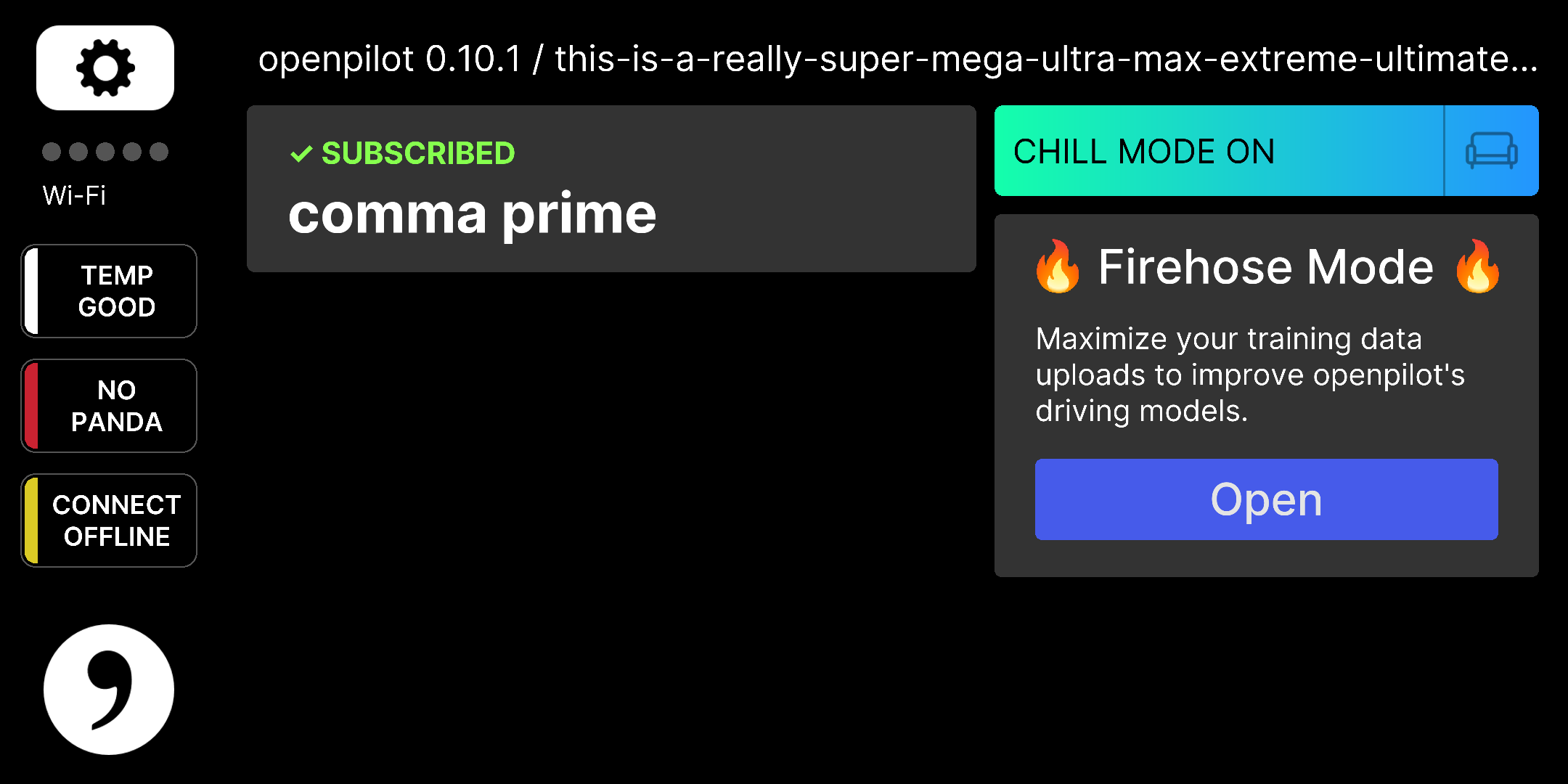

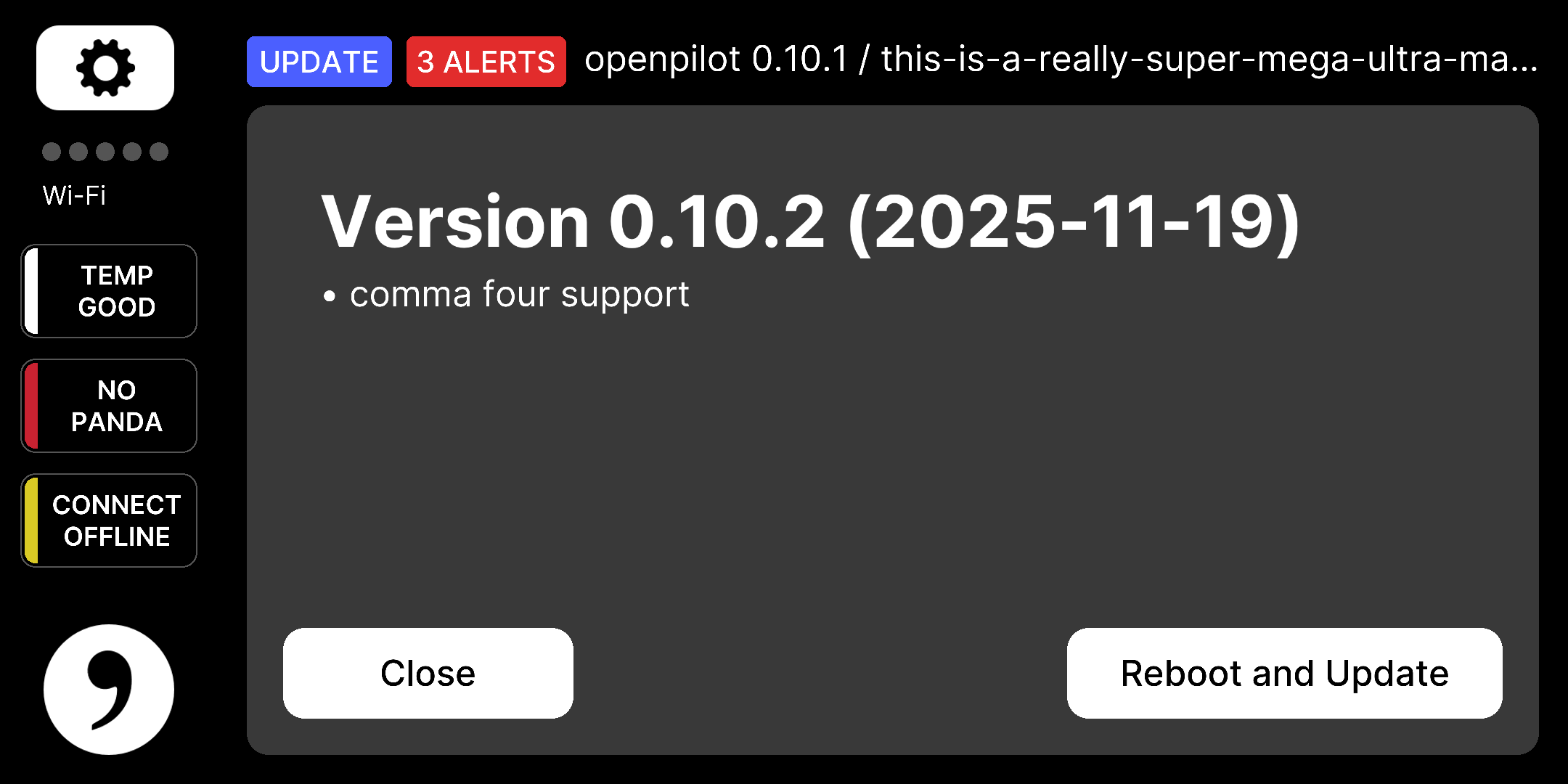
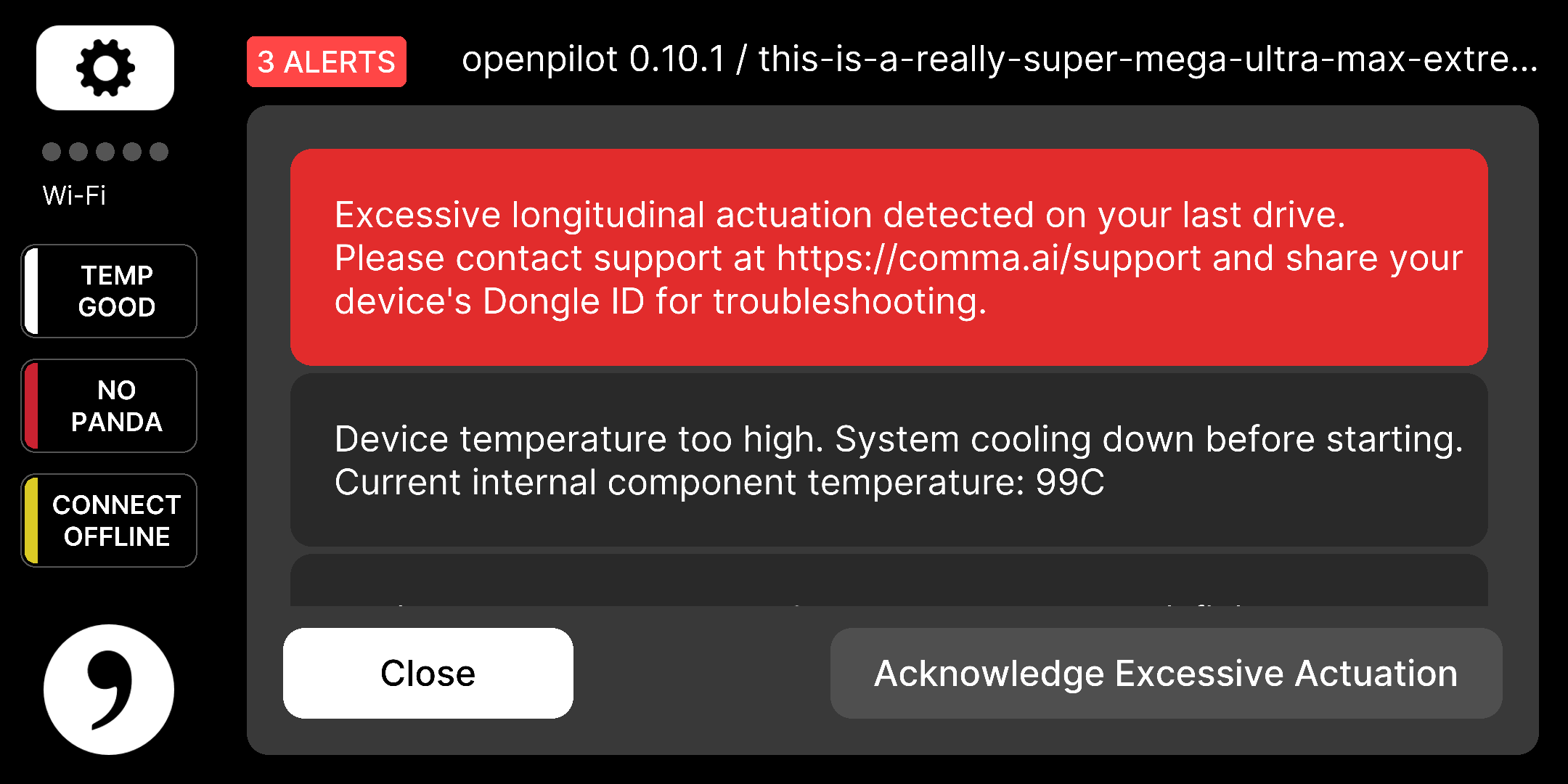







 pfeiferj
changed the title
pfeiferj
changed the title


On some desktop hardware the ui currently fails to start. This only happens when the _calculate_auto_scale function runs and thereby opens and closes a temporary window. The issue seems to be related to the OpenGLContext getting removed in the raylib close_window function. By directly destroying the glfw window the OpenGLContext does not get removed and the ui is able to start successfully.